4.0 CONVERTER OPERATION
4.1 Starting up the Converter
Before starting up the converter please verify the following:
•Powersupplyvoltagemustcorrespondtothatspeciedonthedataplate(locatedonthesideoftheconverter)
•Electricconnectionsmustbewiredasdescribedinthismanual
•Groundconnectionsmustbeproperlyinstalled
When the converter is powered it initiates a verication cycle of the converter. During the verication cycle the converter
displays an incrementing diagnostic number. When the diagnostic is complete, if an error is found, an error number will
be displayed referencing the chart at the back of this manual. A text message will also be displayed on the alarm screen.
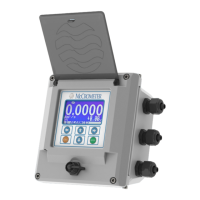
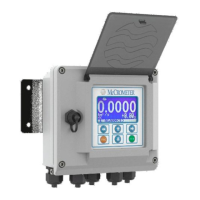
NOTE: To view alarms, press the RIGHT arrow key from the main display screen.
4.2 Menu Navigation
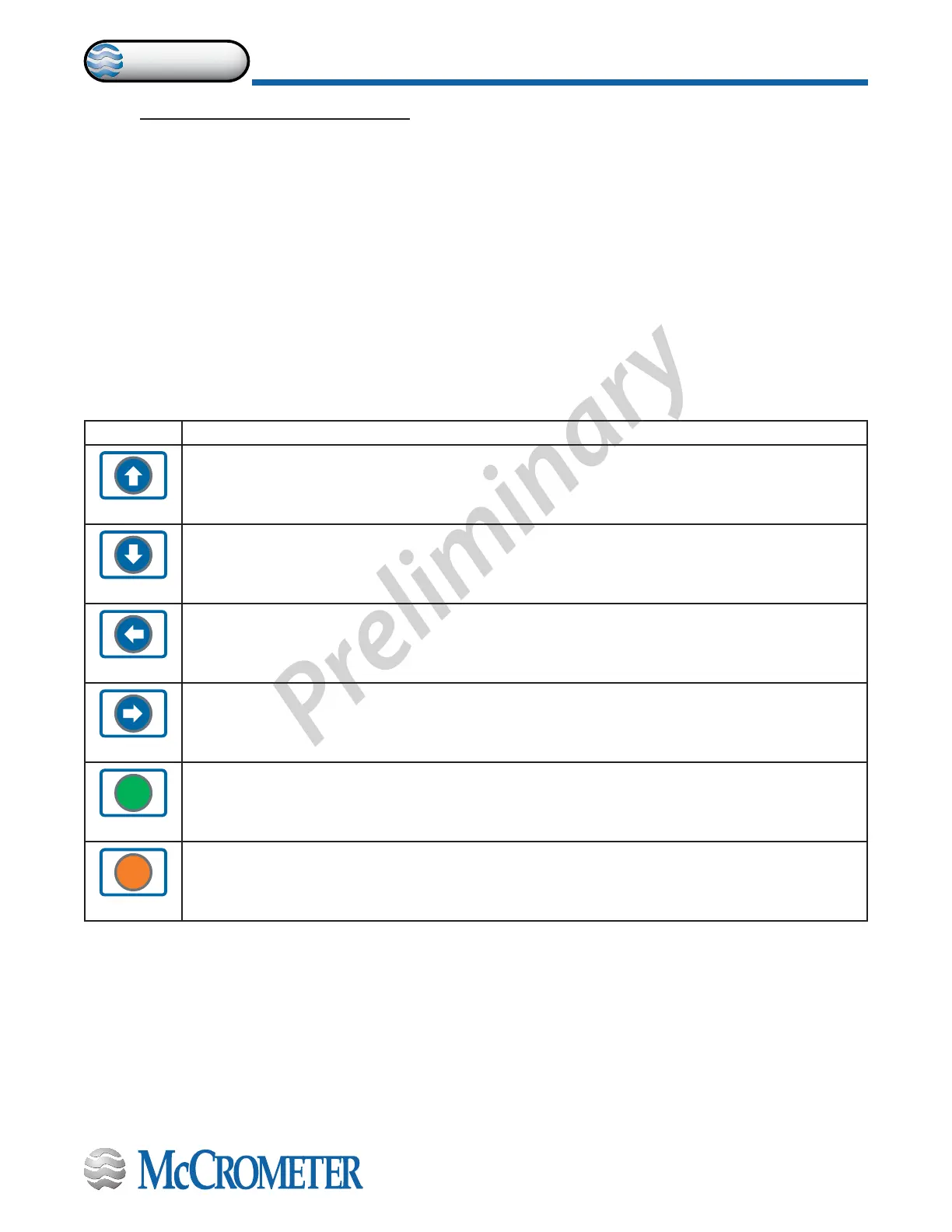
To navigate through the menus on the converter, the keys on the keypad use the following conventions:
Key Function
UP Key
Moves the cursor up to the previous subject on the menu
Increases the numeric gure of the parameter highlighted by the cursor
DOWN Key
Moves the cursor down to the next subject on the menu
Decreases the numeric gure of the parameter highlighted by the cursor
LEFT Key
Moves the cursor to the left on the input eld
Moves the cursor to the previous subject on the menu
RIGHT Key
Moves the cursor to the right on the input eld
Moves the cursor to the following subject of the menu
ENTER
ENTER Key
Opens the Quick Start menu for the instrument conguration
Enters the selected function
Conrms the selected function
ESC
ESC Key
Leaves the current menu
Cancels the selected function under progress
30124-60 Rev. 1.0 | unreleased
Page 12
CONVERTER OPERATION
ProComm


 To Next Page