EasyManua.ls Logo

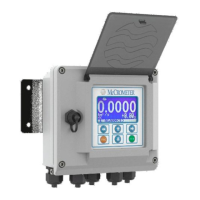
McCrometer ProComm - Front Panel Display

McCrometer ProComm
51 pages
Print Icon
To Next Page IconTo Next Page
To Previous Page IconTo Previous Page
Loading...
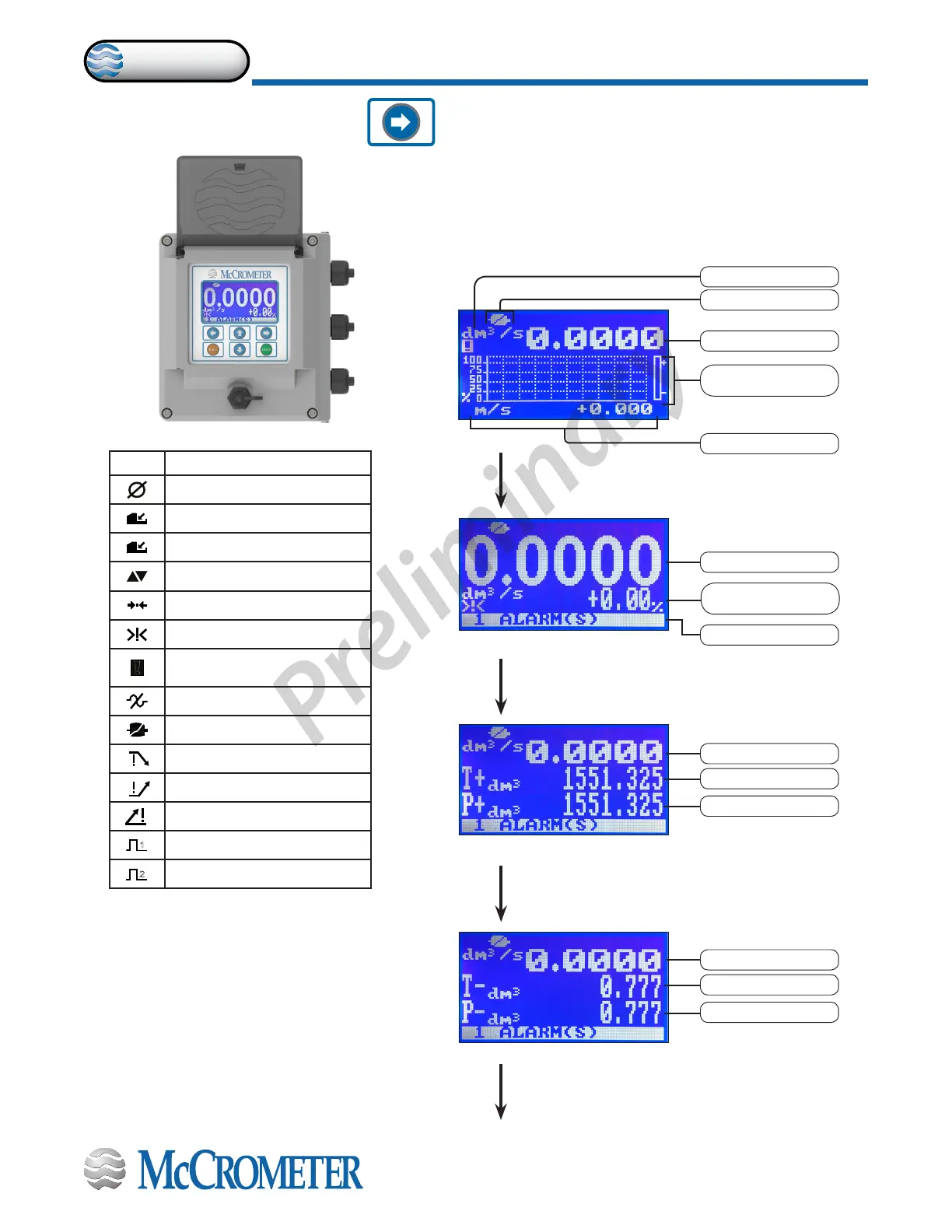
4.3 Front Panel Display
Push to change to the next screen display. Each button
press changes the screen and cycles through the nine
displays shown below.
Screen 1
Screen 2
Screen 3
Flow rate value
Totalizer partial +
Totalizer +
Screen 4
Flow rate value
Totalizer partial -
Totalizer -
Flag
Flow rate value
Fluid velocity
Direction vertical
marker
Unit of measure
Flow rate value
No. of alarms
Stabilization ow
measurement
* If negatives
are displayed
*
*
FLAG DESCRIPTION
Empty pipe
File upload
File download
Flow rate simulation (ashing)
Calibration (ashing)
Generic alarm (ashing)
!
General alarm only on display
physical (ashing)
Signal error
Excitation error
Min ow alarm
Max ow alarm
Flow rate overow
1
Pulse 1 overow
2
Pulse 2 overow
30124-60 Rev. 1.0 | unreleased
Page 13
CONVERTER OPERATION
ProComm
Preliminary

Other manuals for McCrometer ProComm

Related product manuals