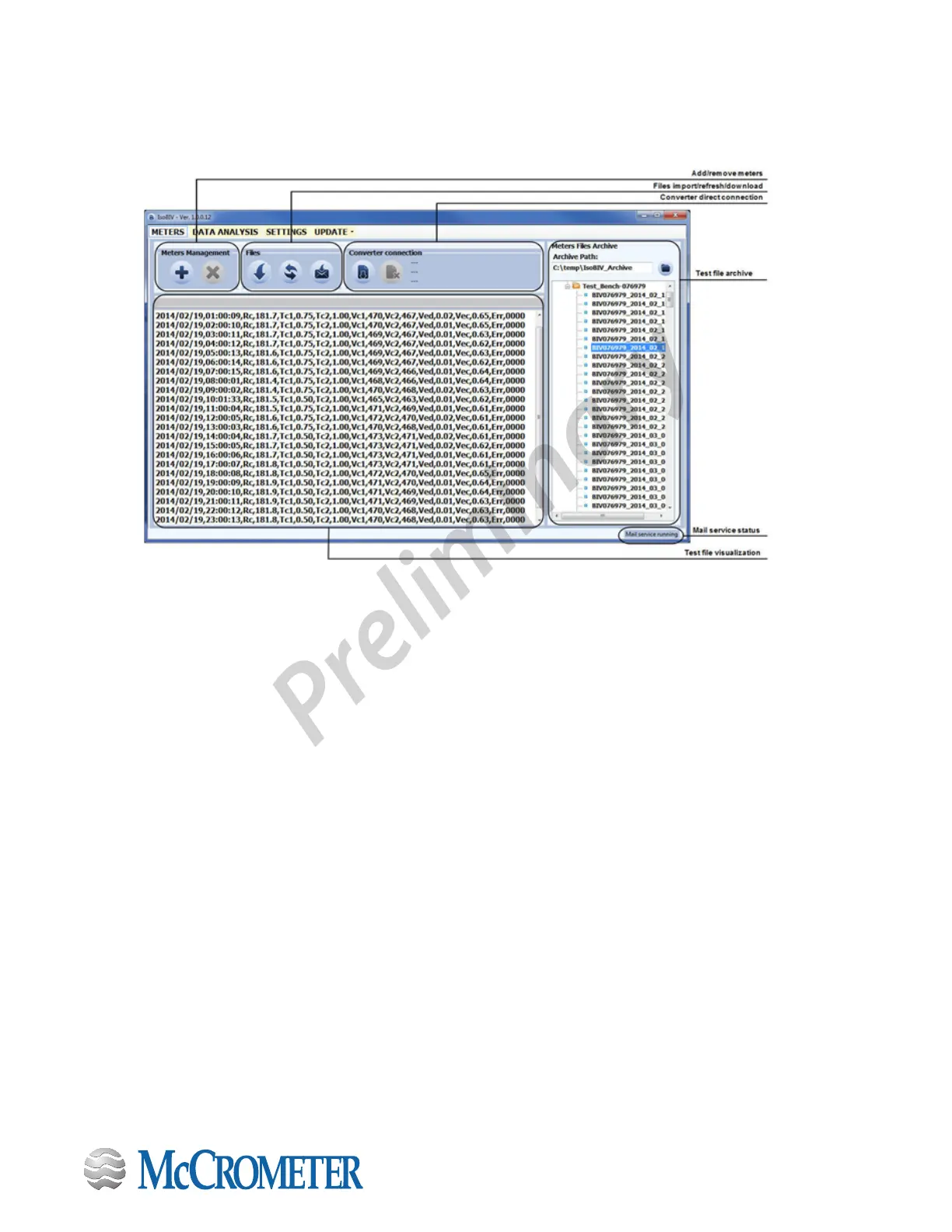
6.5 ISOBIV Interface
To start the ISOBIV interface, wait till the connection with the ProComm will be realized.
Software update: With a set of dedicated commands it is possible to connect to a HTTP server and to download automatically
a new software release and/or command list. Once invoked, the process is performed automatically; the new software
is checked, and in case of error the process is aborted and the instrument resumes the normal operation. All operation
sequencees are logged in the event logger.
For more information, consult the IsoBIV software manual.
30124-60 Rev. 1.0 | unreleased
Page 38


 To Next Page