2.2 Mounting the Converter
Note: This applies to the remote mount converter only.
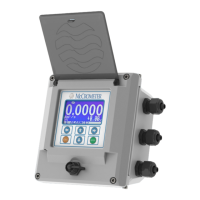
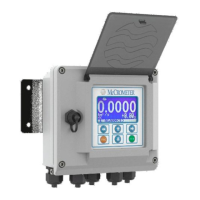
If possible, mount the converter in an electronics shed or environmental enclosure. The sun shield should be oriented in a
direction to reduce sun damage and ensure readability.
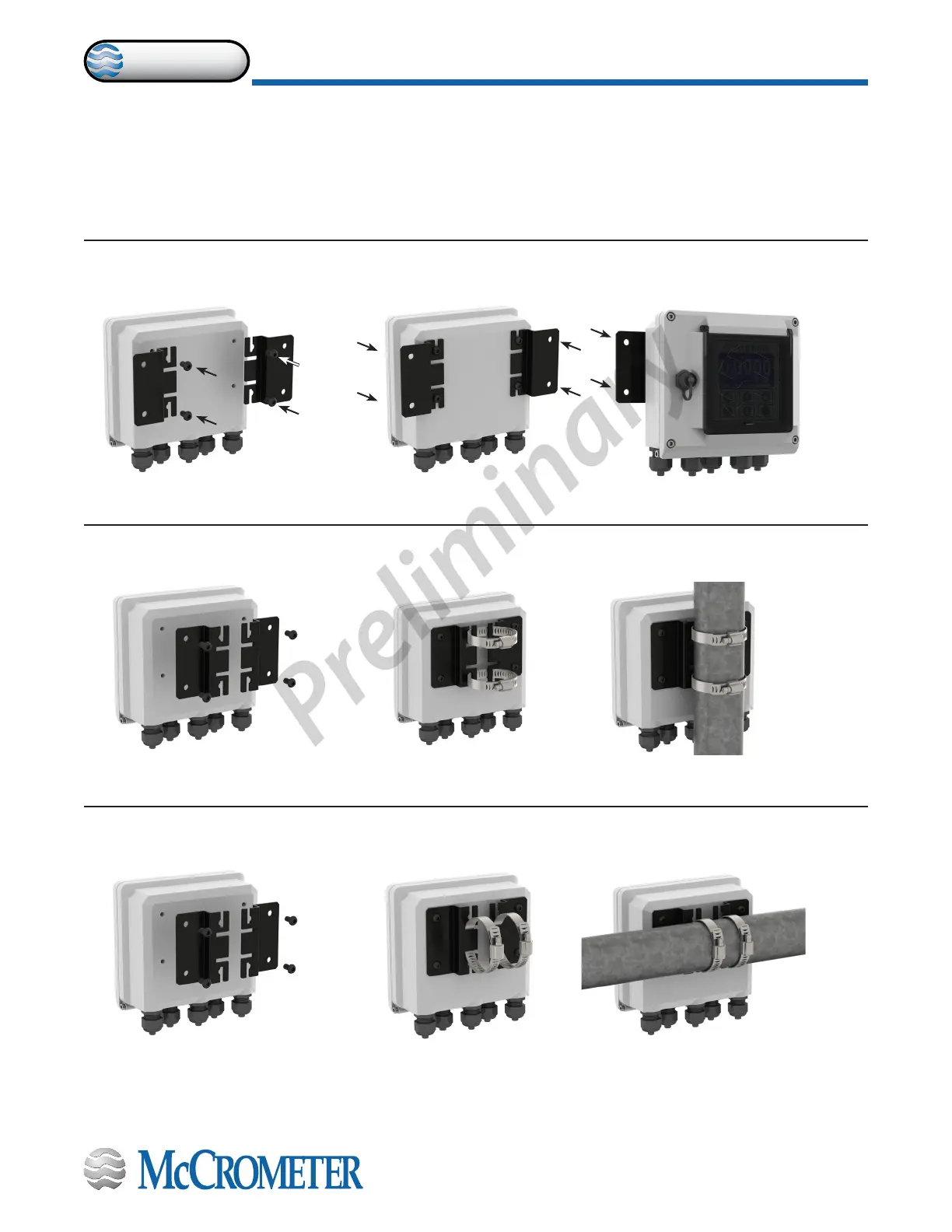
Mount the converter to a solid surface using four bolts (Figure 2) or to a vertical or horizontal post using two clamps (Figure
3 and Figure 4). This electronic unit is rated IP67 for temporary ooding.
Figure 2. Mounting converter to solid surface
Figure 3. Mounting converter to vertical post
Figure 4. Mounting converter to horizontal post
Remove brackets, reverse them,
and reattach as shown.
If the brackets are not attached,
attach them with the four screws.
Mount the converter to a solid surface with four bolts through the
holes in the left and right brackets.
Remove brackets, reverse them,
and reattach as shown.
Open clamps and attach around post. Slide bracket tabs onto clamps
and tighten them.
Open clamps and attach around post. Slide bracket tabs onto clamps
and tighten them.
30124-60 Rev. 1.0 | unreleased
Page 3
INSTALLING THE CONVERTER AND CABLES
ProComm


 To Next Page