03
Chapter 1
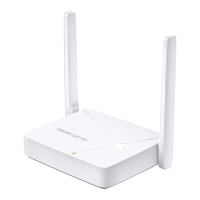
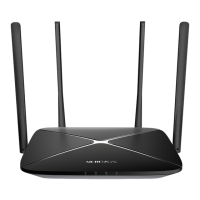
The following items are located on the rear panel (View from left to right).
Item Description
1-3(LAN) These ports connect the router to the local devices.
WAN This port is where you will connect the DSL/cable Modem, or Ethernet.
Power
The power socket is where you will connect the power adapter. Please use the
power adapter provided with this router.
WPS/RESET Button
Press this button for 1 second to use WPS function.
Press and hold this button for more than 5 seconds to reset the router.
Wireless Antennas To receive and transmit the wireless data.


 To Next Page