103
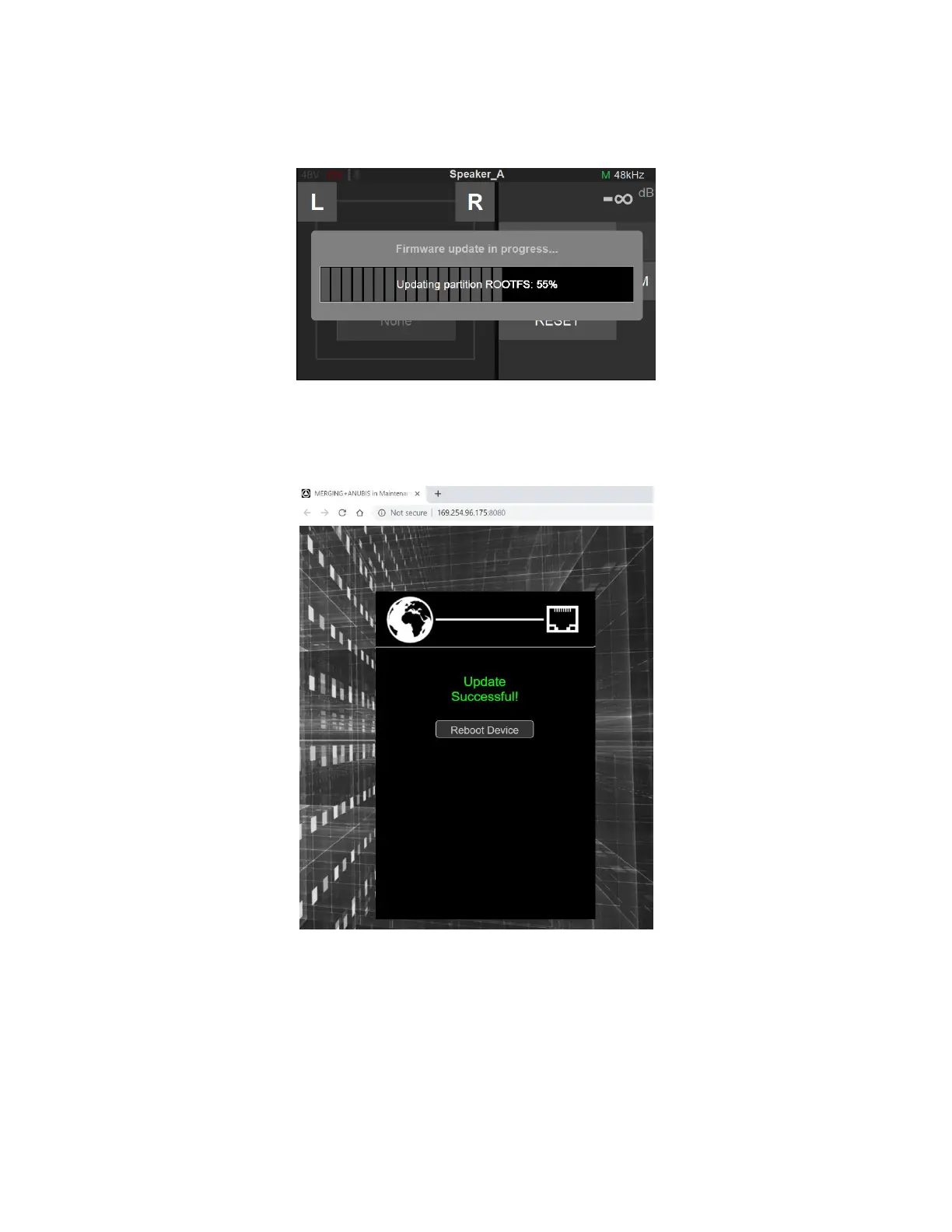
10. Wait for the upload and update to complete. Notice that your Anubis TFT will also display the
progression of the update.
11. Once the Firmware update is completed please reboot your Anubis. You can do this from either the
browser or the ANUBIS TFT, by selecting “Reboot Device”
12. You should now be on the latest Firmware. You can verify the Firmware version of your Anubis by
opening the Info page (Long press Home button) and navigate to Settings>Info



 To Next Page