29
TOUCHSCREEN AND NAVIGATION
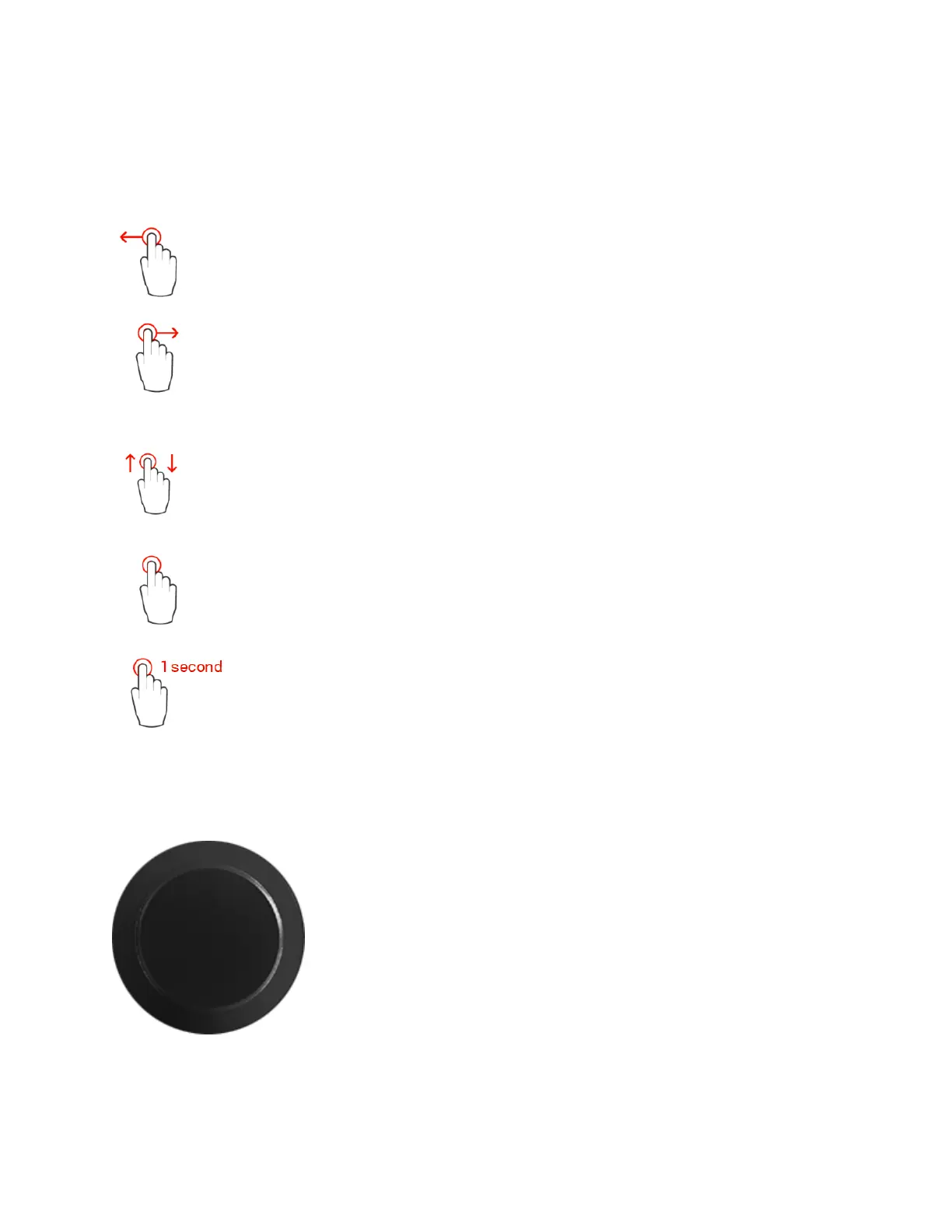
Use the following motions and gestures on your touchscreen to navigate the device.
Swipe from Right to Left on the TFT screen to view the following menus and pages.
Swipe from Left to Right on the TFT screen allows you to return to the previous
pages
Swipe Up or Down to scroll through menus or various options
Single tap on the Anubis TFT to select or enable a function/option
Hold pressed for a period of 1 second to access or modify some parameters.
This is required to access the Home page or to open a dialog box.
Anubis Rotary Knob
The Anubis Rotary Knob can be used for the Volume control, and to
control the Preamps Gain, plus settings such as Trim, Delay,
Brightness, numeric value entries and for navigation in various Anubis
menus.
Generic: Turn the Rotary knob clockwise to increase values and turn
the Rotary knob counter-clockwise to decrease values.



 To Next Page