21
HOW TO CONNECT MERGING+ANUBIS
Connecting the Ethernet cable to the Network for RAVENNA use
The Network connection uses an RJ45 female receptacle with an EtherCon locking connector. A
standard Cat5e, Cat6 or higher cable can be used. Anubis is supplied with a 3 meters Ethernet
Cat6 cable, if a longer cable is required, this can be ordered from your Merging Technologies
dealer.
If using an EtherCon align this one to the Network connector so that the small slot in the
EtherCon connector body is facing upwards, then push the connector home until the lock clicks.
To remove the cable, grasp the EtherCon cable connector body and push the tab above the
Network input connector to release the lock, then withdraw the connector. Do not pull on the
cable. If the lock release tab is not pushed sufficiently, the cable cannot be removed.
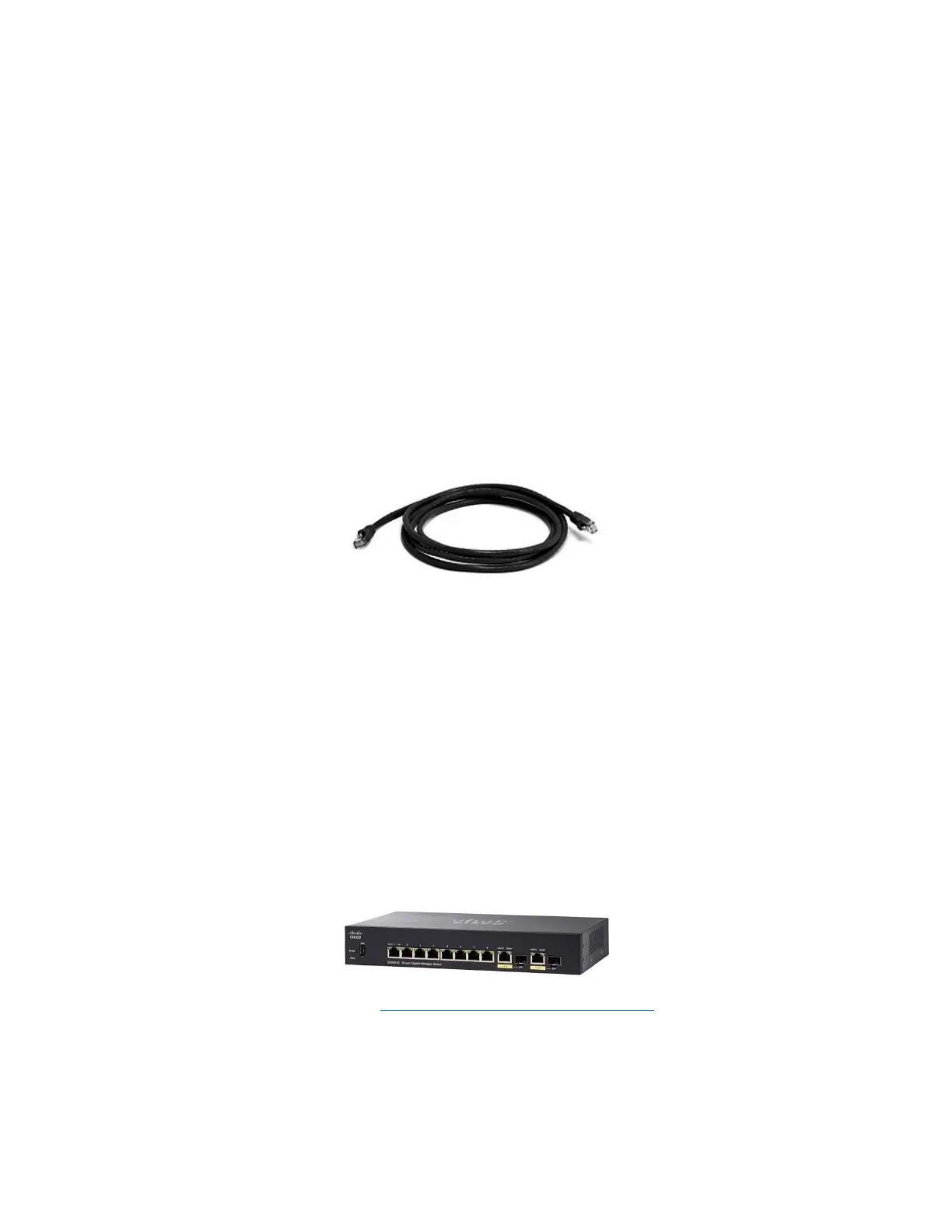
Figure 1 Cat5e or Cat6 Ethernet cable
Note: A network interface adaptor might be required to connect the Anubis RJ-45 cable to a USB Type
A, B or C port or to a Thunderbolt port of your notebook/computer.
For RAVENNA/AES67 Networks
If you have more than one Anubis or if you have another RAVENNA/AES67 device such as a
Horus or Hapi, or a second system running RAVENNA/AES67 over the same network it is highly
recommended to use a Merging certified RAVENNA/AES67 switch, and follow our configuration
guidelines.
Merging’s recommended Switches: RAVENNA/AES67 Certified Switches
Note : Switches for RAVENNA / AES67 must be in managed mode and properly configured.



 To Next Page