24
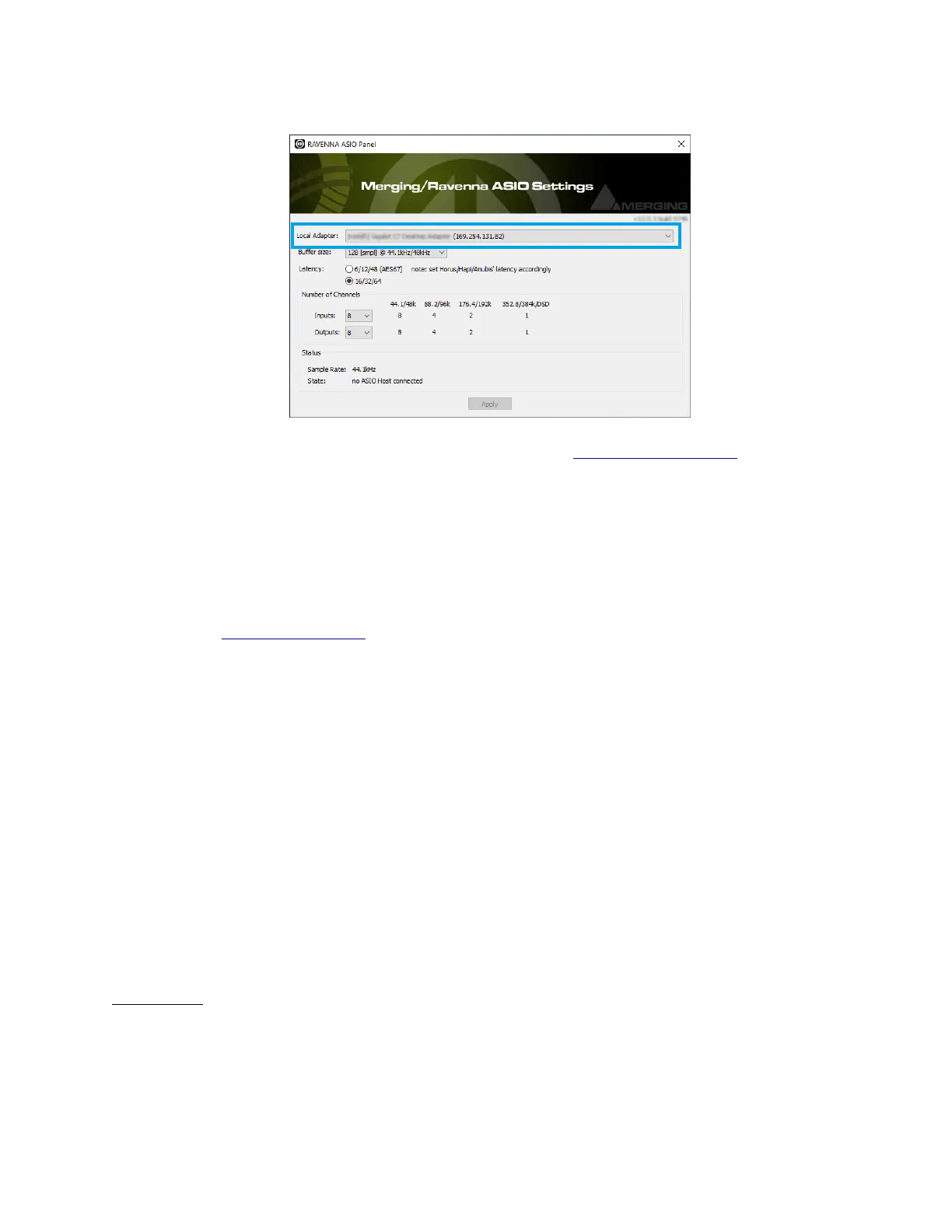
4. For further details on the other parameters, follow the RAVENNA ASIO guide for more
details.
You may configure those later.
5. Make sure that your DAW is started and configured to use the Merging RAVENNA ASIO
Driver.
MassCore users should launch their VS3 Control Panel and have RAVENNA activated.
6. Launch ANEMAN to connect the inputs and outputs of your choice between the Anubis
and the RAVENNA ASIO driver (or MassCore).
Follow the ANEMAN guide for more details.
Mac OS – VAD Premium
Prerequisites:
• Gigabit Ethernet network
(A Gigabit Ethernet adapter is required in order to connect to a USB A, B or C or Thunderbolt
port).
• macOS Sierra - High Sierra – Mojave up to 10.14.4
Warning: upcoming Mojave 10.14.5 not supported
• DAW CoreAudio compatible
Installation :
1. Connect the Ethernet cable from the Anubis RJ-45 RAVENNA/AES67 port to the Ethernet
network port (1Gb) of your computer.
2. Download and install Merging's RAVENNA/AES67 VAD Premium (Virtual Audio Device
version 2.0.39648 and higher) for Mac and ANEMAN for Mac (version 1.1.7 Beta2 and



 To Next Page