59
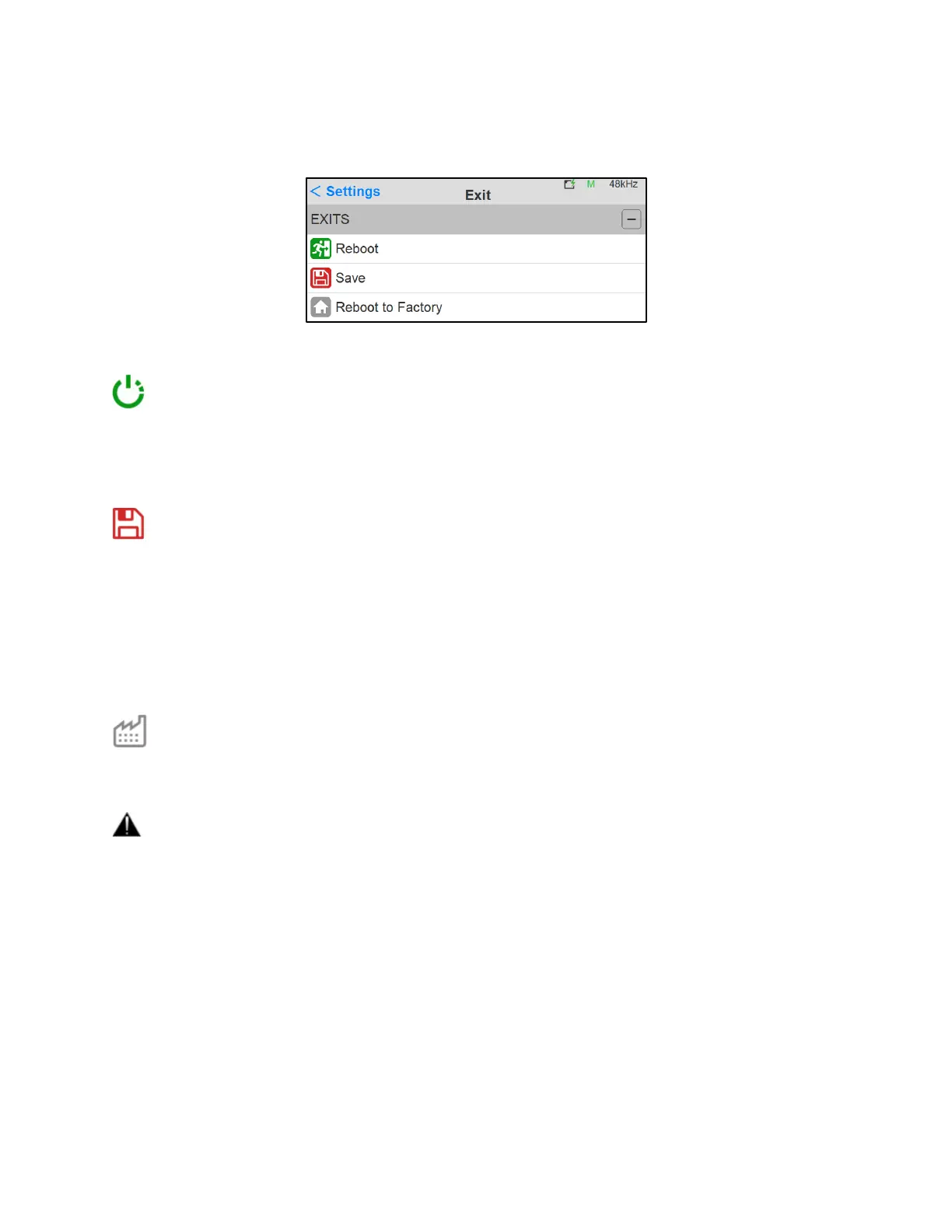
EXIT Settings
Reboot
Reboot the Anubis
Note: To turn OFF Anubis, press on the POWER button to switch it to the released state.
Save
Save the current Anubis configuration
Note: The Anubis entire configuration is saved every 2 minutes, and as well every time you exit the
Anubis Settings. If changes are applied when in the Anubis Settings and you plan to power off the
Anubis while in the Settings, it is recommended to first perform a Save configuration.
Reboot to Factory
Reboot your Anubis to factory settings will recall to the default factory settings.
Warning: All Sources, Monitors and Settings will be lost.
Since the saved Presets will not be erased we recommend that you first back up your Anubis
Configuration by saving it to a Preset.



 To Next Page