83
12. To monitor this Horus 5.1 Source, select VirtualKey1 Monitor C (Surround 5.1 Monitor).
Figure 21 Anubis Monitor Page
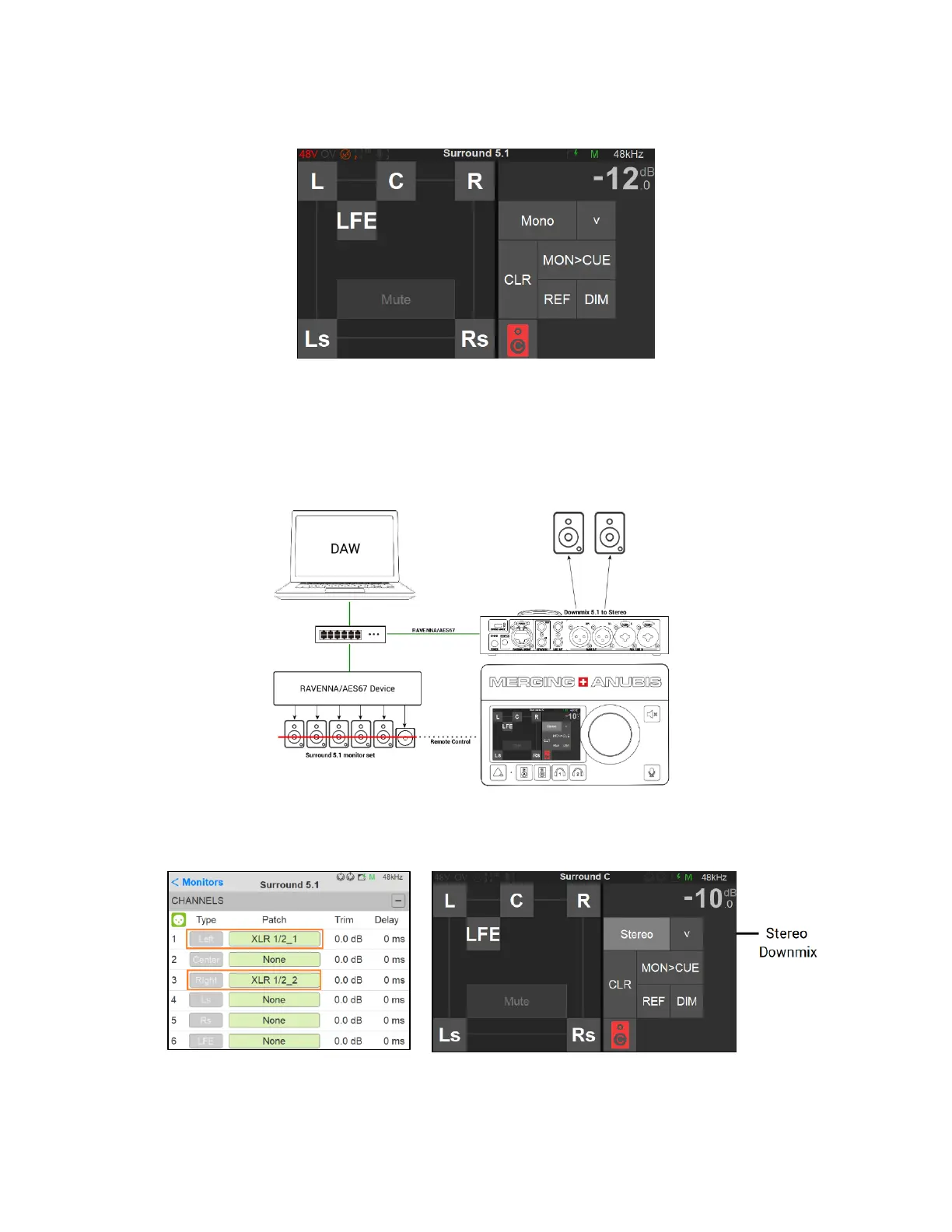
Surround Monitoring on Stereo Speaker Set
User who wish to monitor a Surround source without a multi-speakers set up can use the Anubis
monitoring engine to downmix to Stereo and monitor the surround source with a pair a Speakers.
Downmix Stereo configuration: Go to your Surround Monitor set (Settings>Monitors) and patch
this one to your pair of Speakers. From the Monitor page apply a Stereo downmix.
You should now have full control over your Surround 5.1 Speaker set using the Anubis Monitor
Mission.



 To Next Page