66
Tap the Speaker control box to open the dialog, for Speaker controls such as:
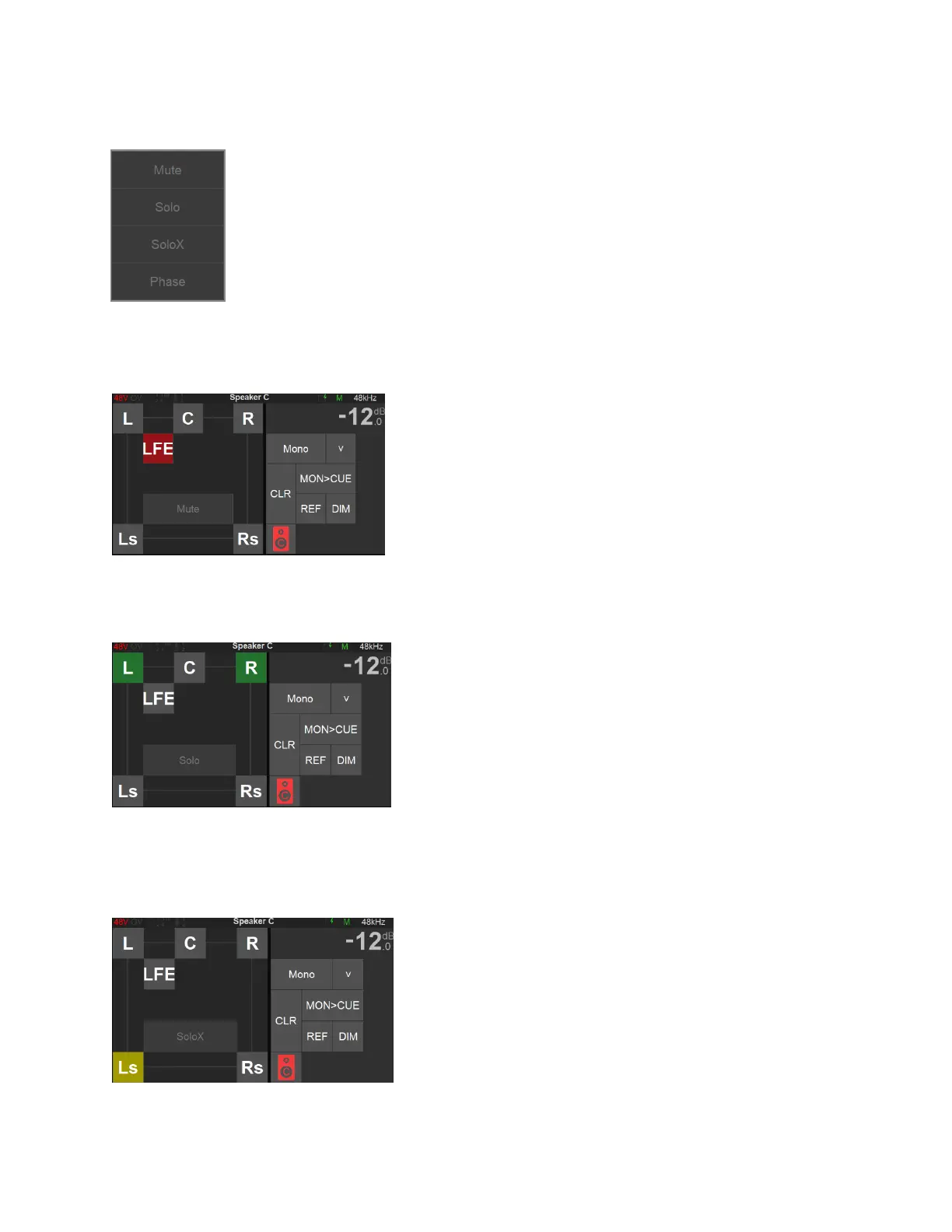
Mute, Solo, SoloX and Phase option controls. Those functions can be applied to
the Speaker(s) of your choice.
Mute: Mute function available for each speaker in your set. Tap a speaker to cut its signal.
Figure 10 Example: Muting LFE
Solo: Solos the Speaker by muting all other speakers. Available for each speaker in your set up.
Figure 11 Example: Solo L and R channels
SoloX: Exclusive Solo function available for each speaker in your set up. Tap the speaker you
wish to Solo exclusively, this will un-solo speakers that were previously soloed.
Figure 12 Example: Exclusive Solo of Left Surround



 To Next Page