74
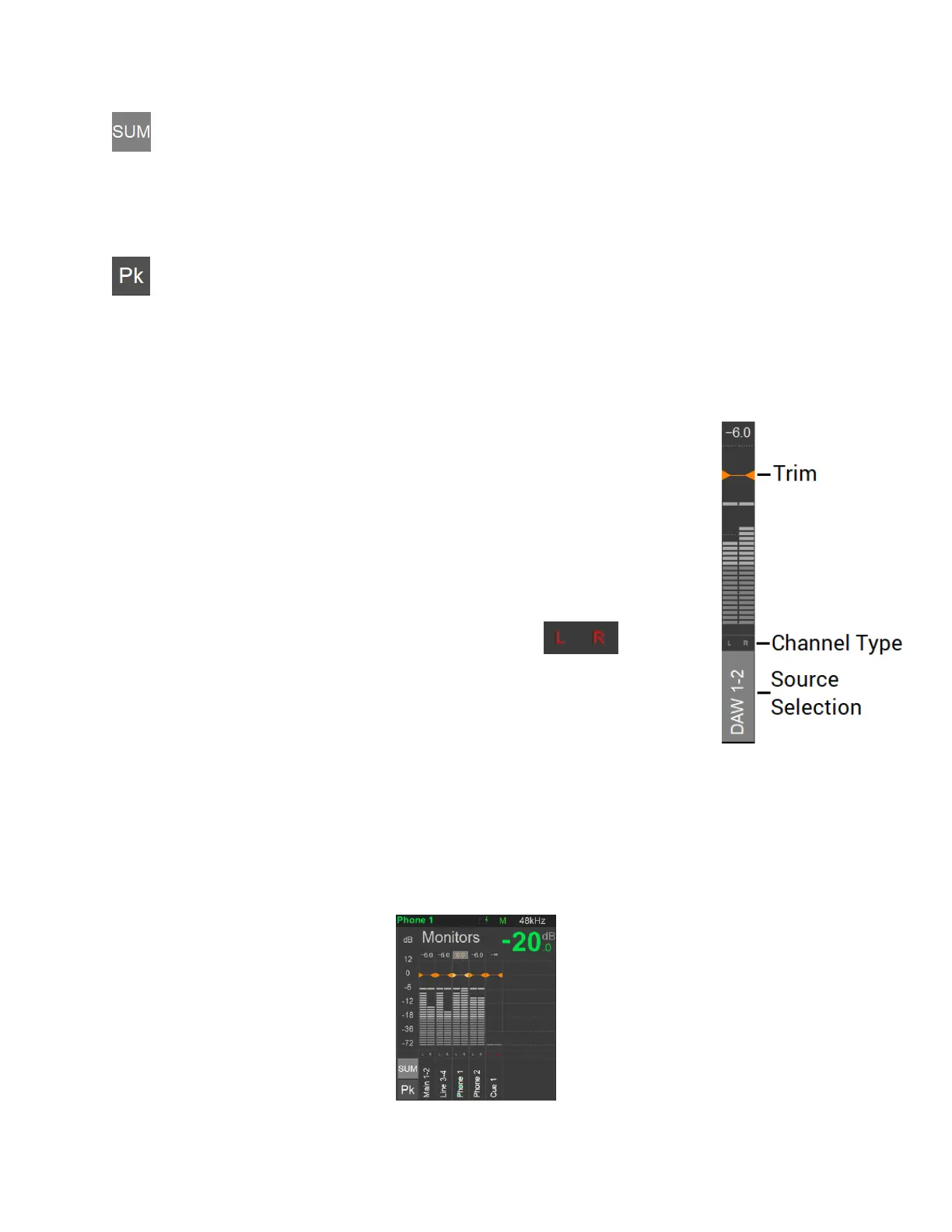
Sum
Enable the Sum option to select and sum multiple Sources. When disabled the source section
will be exclusive.
PK
Tapping the Peak Reset (PK) will reset the Meters Peaks. By default, the Peak hold is enabled.
Permanent Peak hold can be disabled under the Anubis>Settings>Meters page.
Trim
Trim the level of a Source or Monitor by first selecting it, while holding the
meter region pressed, adjust the trim by turning the Anubis Rotary knob. Turn
the Rotary clockwise to increase the Trim value and turn the Rotary counter-
clockwise to decrease the Trim value.
Note: The trim level value will be displayed in yellow when adjusted.
Channel Type
Each of the Source displays the listing of their channel type abbreviation.
Note: Unpatched channels will be displayed in Red
Source Selection
The Source selection section allows the operator to select which one he wants
to monitor. When the Sum function is enabled multiple Sources can be summed together.
Monitors Meters
The Monitors Metering are located to the right side of the Meters page. Monitors can only be
selected for Trims.



 To Next Page