MI 3290 Earth Analyser Appendix F - The balancing procedure
155
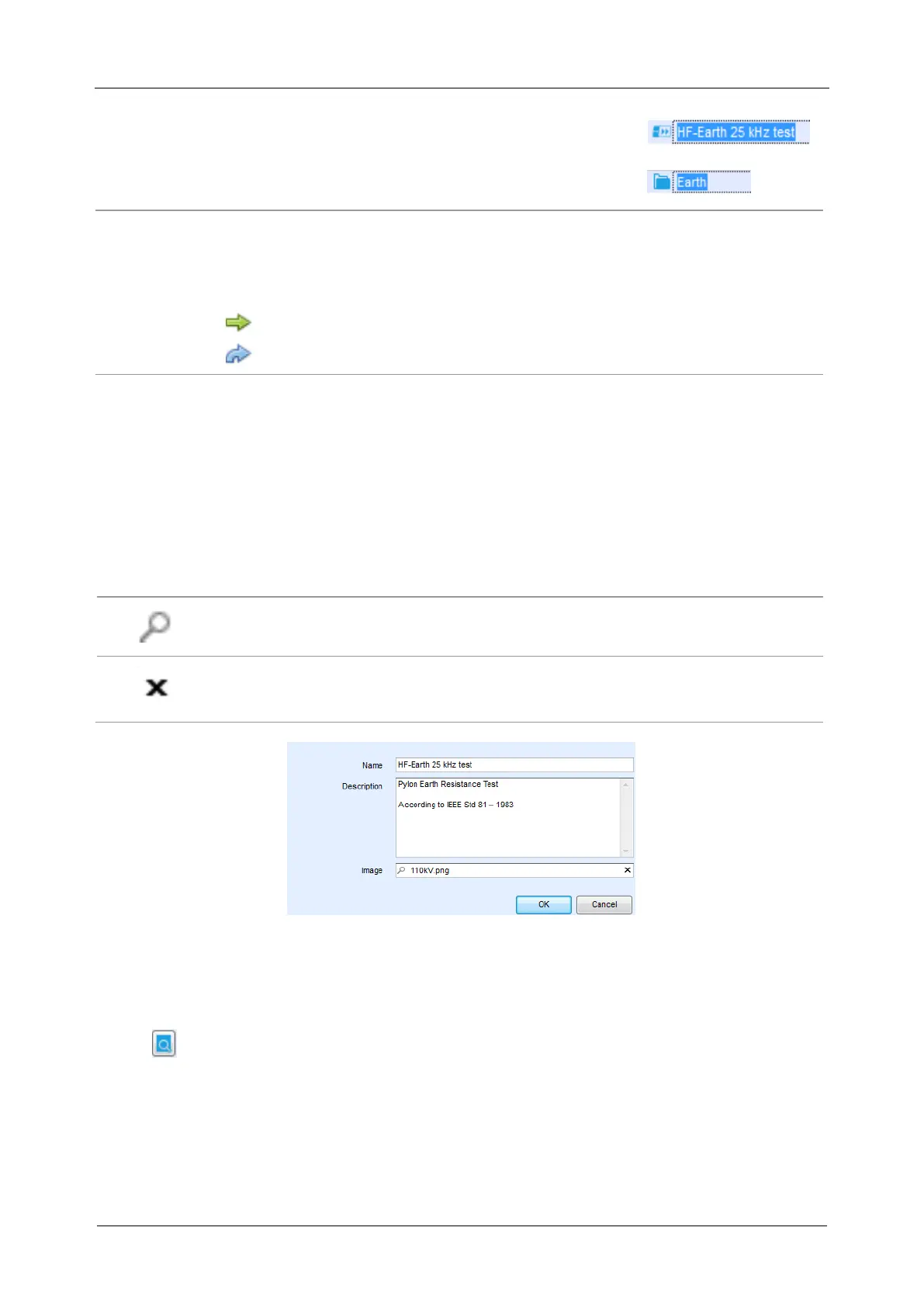
Auto Sequence® name: Edit Auto Sequence® name
Folder name: Edit folder name
Drag and drop of the selected Auto Sequence® or Folder / Subfolder moves it to a new
location:
“Drag and drop” functionality is equivalent to “cut” and “paste” in a single
move.
move to folder
insert
III. Auto Sequences® Name, Description and Image editing
When EDIT function is selected on Auto Sequence®, menu for editing presented on Figure E.6
appear on the screen. Editing options are:
Name: Edit or change the name of Auto Sequence®.
Description: Any text for additional description of Auto Sequence® can be entered.
Image: Image presenting Auto sequence® measuring arrangement can be entered or
deleted.
Enters menu for browsing to Image location.
Deletes the Image from Auto Sequence®.
Figure E.6: Editing the Auto Sequence® header
IV. Search within selected Auto sequence® group
When function is selected, Search menu as presented on Figure E.7 appear on the
screen. By entering the text into search box, found results are automatically highlighted
with yellow background. Search functionality is implemented in Folders, Subfolders and
Auto Sequences® of selected Auto Sequence® Group. Search functionality is case
sensitive. Search text can be cleared by selecting the Clear button.



 To Next Page