MI 3290 Earth Analyser Memory Organizer
48
Renames a Structure item.
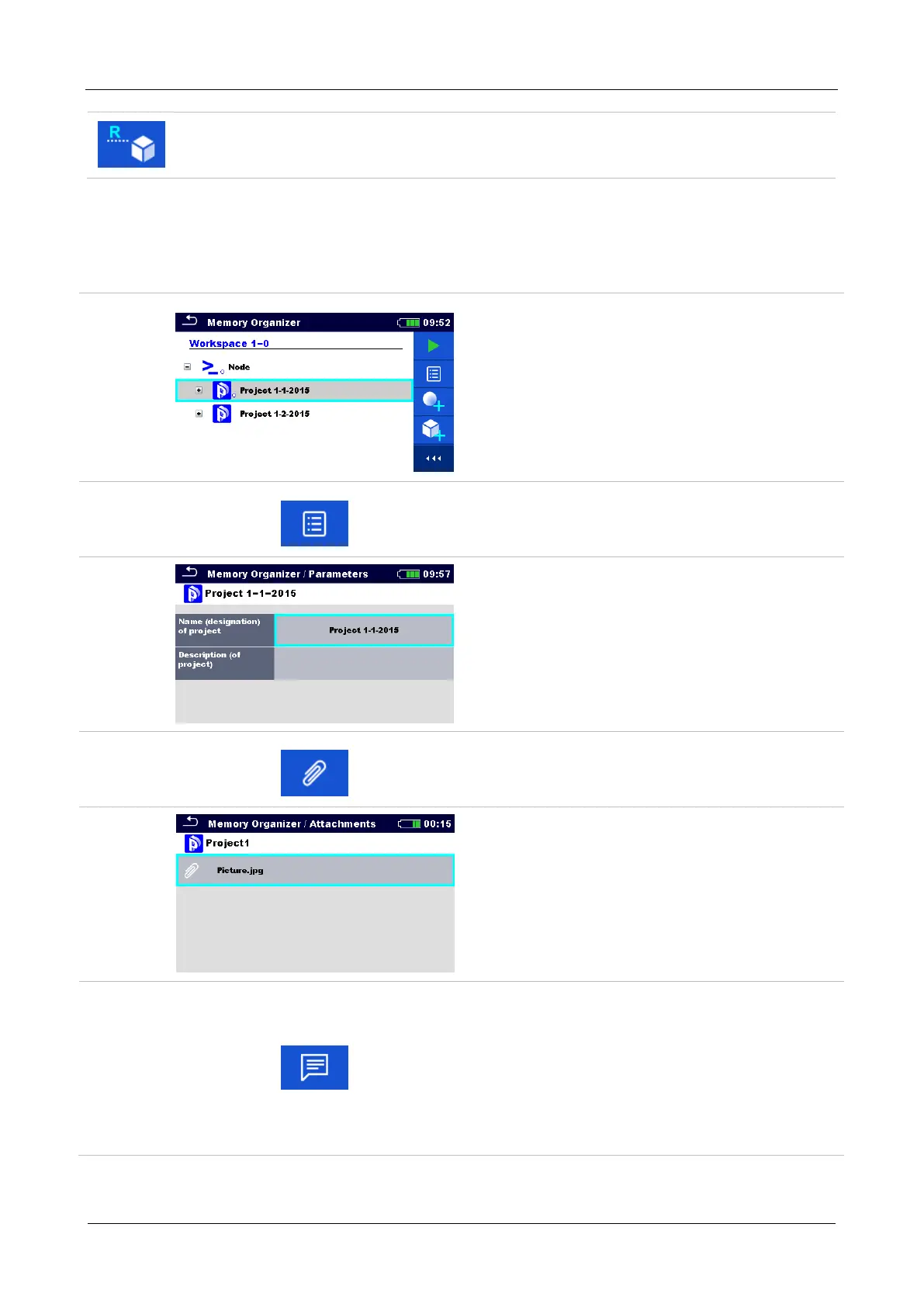
Selected Structure item can be renamed via keypad. Refer to chapter 9.1.4.13
Rename a Structure item for more information.
9.1.4.3 View / Edit parameters and attachments of a Structure
The parameters and their content are displayed in this menu. To edit the selected parameter, tap
on it or press tab key followed by enter key to enter menu for editing parameters.
Procedure
Select structure item to be edited.
Select Parameters in Control panel.
Example of Parameters menu.
In menu for editing parameters the
parameter’s value can be selected from a
dropdown list or entered via keypad. Refer
to chapter 6 Instrument operation for more
information about keypad operation.
Select Attachments in Control panel.
Attachments
The name of attachment can be seen.
Operation with attachments is not supported
in the instrument.
Select Comments in Control panel.














 To Next Page