7 Various functions
780/781 pH/Ion Meter, Manual
97
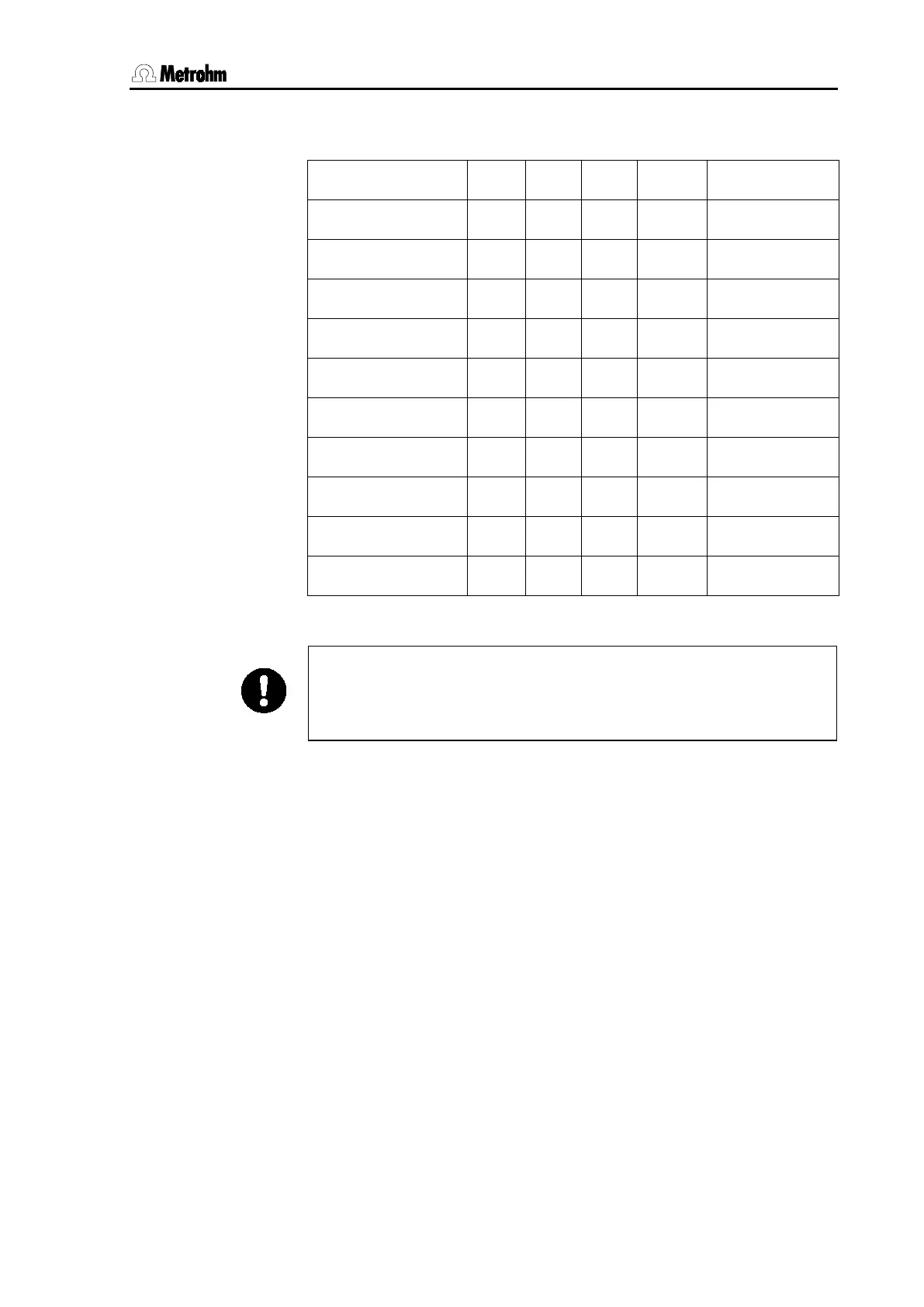
The following table shows the availability of all reports in the various
modes together with the direct selection keys.
user memory
calib short
calib full
config
param
result short
result full
el.test
mv memory
all
The report output can be terminated at any time with
or
. For t
his reason you should wait for the report output to be
finished before operating the pH/Ion Meter again. In this way you
avoid the accidental cancellation of a report output.
The following pages show the arrangement of reports together with
some types of reports. A description of an electrode test report is given
in Section 8.6.












 To Next Page