3.1 pH measurement
20
780/781 pH/Ion Meter, Manual
2
Initial configuration
• Switch on pH/Ion Meter Section 5.4
• Set dialog language Section 5.4
• Set date/time Section 5.4
• Set temperature sensor Section 5.4
3.1.3 pH calibration
1
Start calibration with first buffer
• Immerse pH electrode in buffer solution
• Switch on stirrer with
• Start calibration with
• If no temperature sensor is connected:
enter the temperature and exit with
<
2
Continue calibration with second buffer
• Remove pH electrode from first buffer, rinse with water and
blot off gently with a lint-free tissue
• Immerse pH electrode in second buffer solution
and
continue calibration sequence with
3
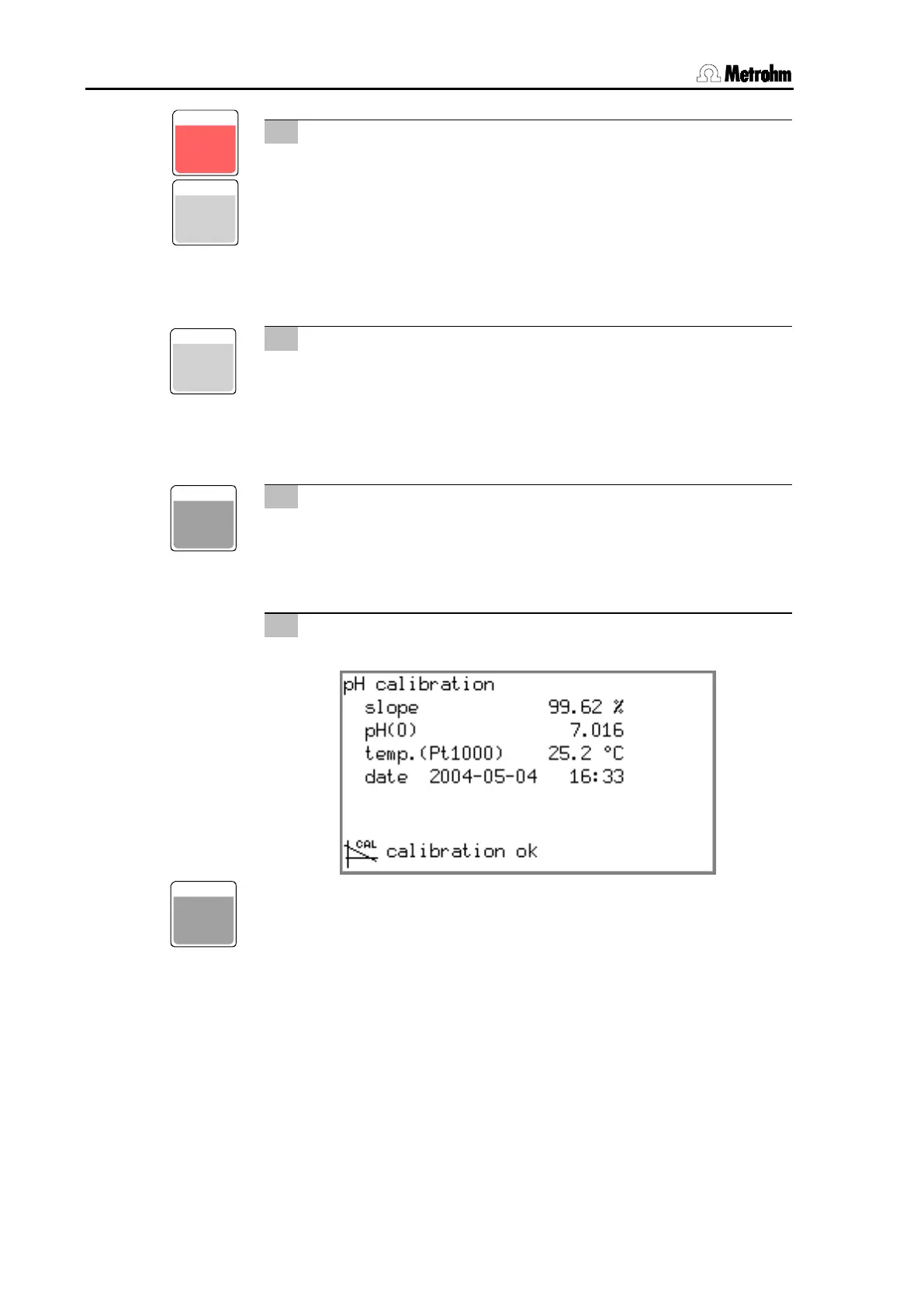
Result
• Wait for potential measurement, result will be displayed:
• After 30 s the pH/Ion Meter will switch back automatically to
the measurement display. This can also be done immediately
with
.
CONFI G
CAL
ON/ OFF
ENTER
ENTER












 To Next Page