■■■■■■■■■■■■■■■■■■■■■■
5 Operation
899 Coulometer
■■■■■■■■
45
3
Adding sample
■ If Conditioning OK is displayed, press [START].
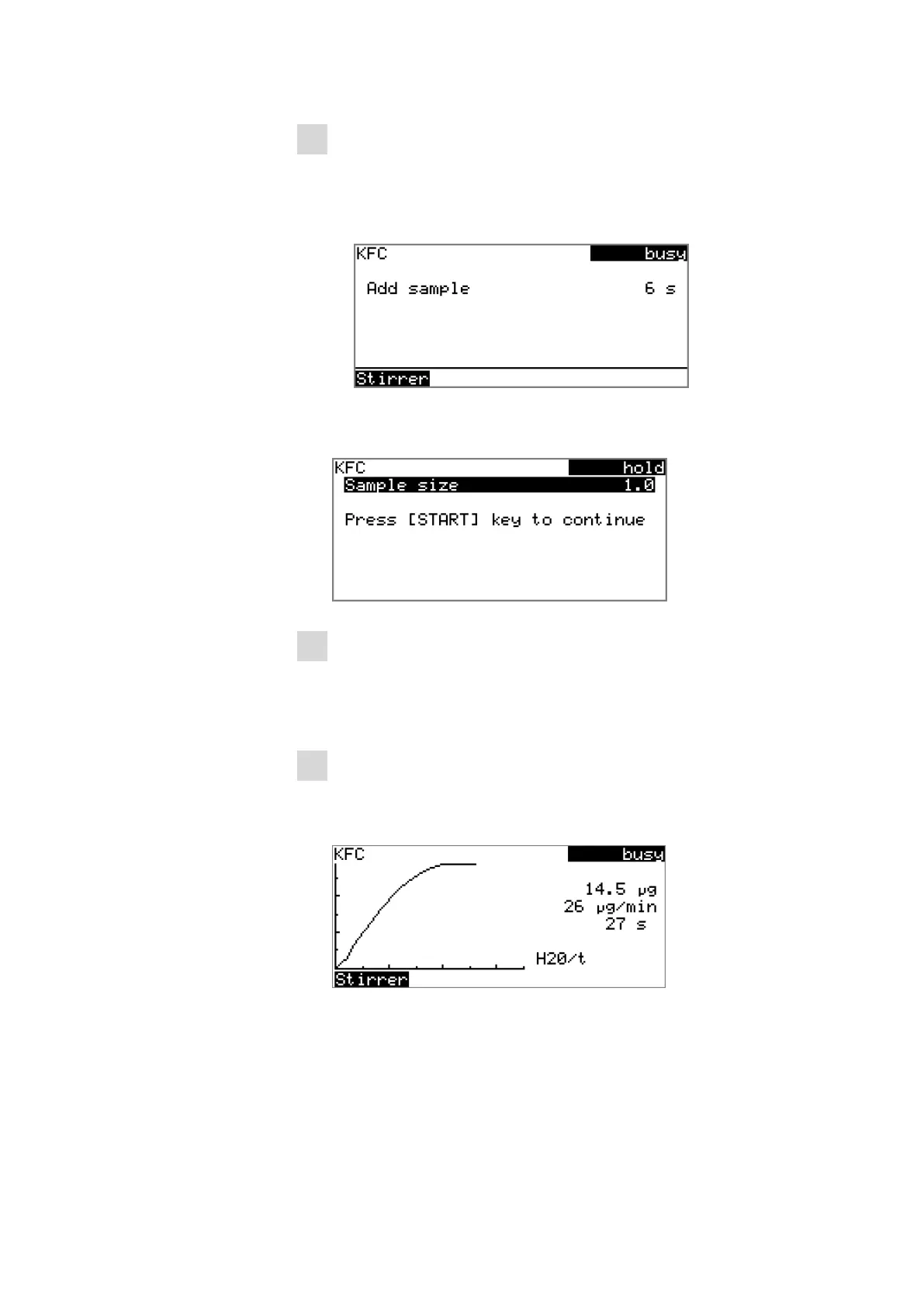
Conditioning is stopped. The request for adding the sample will
be displayed for 8 s.
The sample must be added during this time.
■ Add the sample.
Afterward, the request for the sample size appears:
4
Entering the sample size
■ Press [OK].
The editing dialog opens.
■ Enter the sample size and apply with Accept or [BACK].
5
Starting the titration
■ Press [START].
The titration starts and the curve is displayed:
The axes are scaled automatically.
The stirring rate can be modified during titration with the Stirrer
function. The following dialog is opened by pressing [OK]:












 To Next Page