XTreme-EMS Operating Manual Page 12
3.1.4.10 Calculated Fuel Tanks
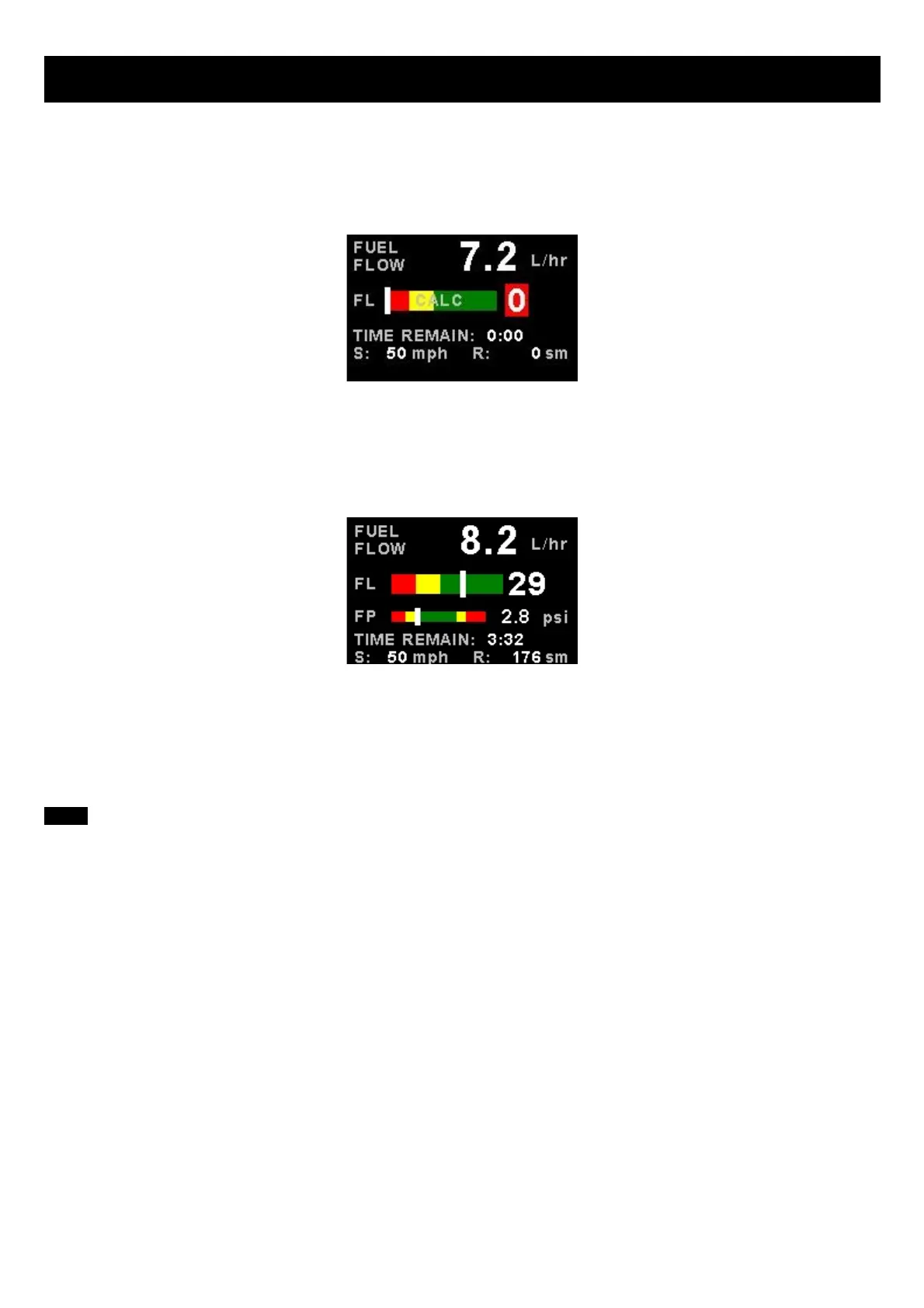
Calculated fuel tanks will have the text “CALC” in the fuel bar to indicate that the fuel level is calculated from fuel flow and
that it is not a physical measure of the fuel tank.
3.1.4.11 Fuel Pressure
The fuel pressure bar will be displayed when the fuel pressure has been enabled in the menu system. The below picture
illustrates a single physical fuel tank, with a single flow and fuel pressure enabled.
3.1.4.12 Speed, Range and GPS Fix Status
The speed value will change color depending on the source of the information:
White: The XTreme-EMS is using the cruising speed for the range calculation
Magenta: The XTreme-EMS is using the GPS ground speed for the range calculation



 To Next Page