XTreme-EMS Operating Manual Page 21
4.2 Flight Log
NOTE: The Flight log is stored in RAM and is updated every minute. If the power is turned off to the XTreme-EMS
before the flight has ended then the flight information after the last minute update will be lost.
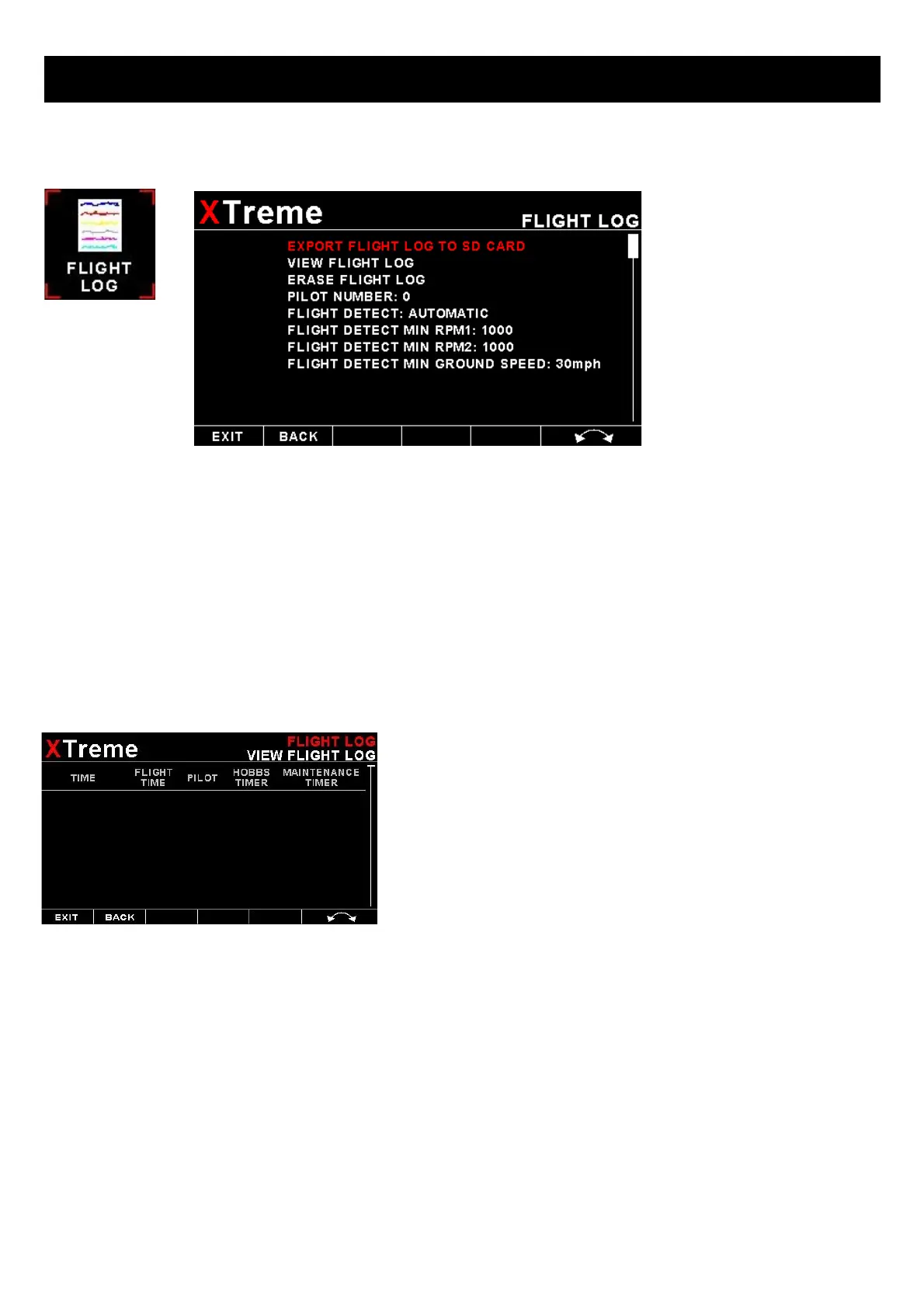
EXPORT FLIGHT LOG TO SD CARD :
Use this function to export the current flight logs stored in the XTreme-EMS to a SD card. The exported filename is called
XTFLIGHT.CSV. The exported flight log is exported in a CSV (Comma Separated Values) file format and can be imported
into programs such as Microsoft Excel and Libre.
VIEW FLIGHT LOG:
This allows the pilot to view the last 1000 recorded flights.
ERASE FLIGHT LOG:
Use this function to erase the current flight log stored in the XTreme-EMS.
PILOT NUMBER:
Select a pilot number under which the next flights will be logged. Every flight entry in the flight log has a pilot number
associated to it.
FLIGHT DETECT:
Select if you want the flight log to automatically “AUTOMATIC” start or if you want to manually “MANUAL” start and stop
it.



 To Next Page