XTreme-EMS Operating Manual Page 58
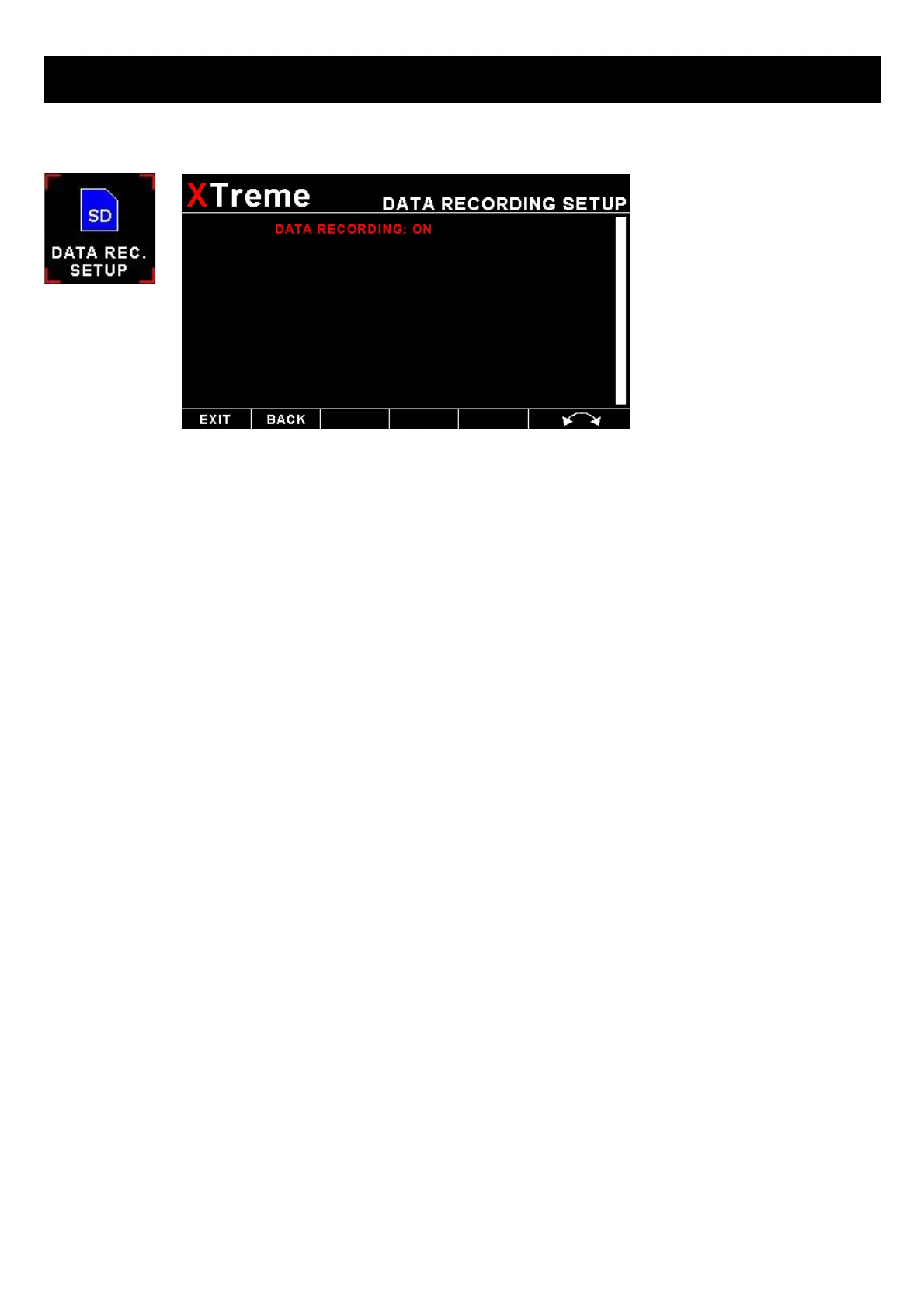
4.6 Data Recording Setup
The XTreme-EMS has the ability to act as a black box recorder, recording flight data directly onto an inserted SD card for
later playback and investigation. Data is logged to s SD card in a Comma Separated Values (.CSV) file that can easily be
opened in a spreadsheet or text viewer type program.
The XTreme-EMS records the engine data as well as the GPS data (If an external GPS receiver is available) once per
second only WHEN A VALID FLIGHT IS DETECTED (AUTOMATIC OR MANUAL FLIGHT DETECT MODE). The UL
Power ECU data is also recorded if available.
DATA RECORDING ON:
Selecting “ON” will enable the data recording functionality.
Output file format .CSV (Comma Separated Values)
The Xtreme-EMS will create a Comma Separated Values (.csv) file with the date as the filename. A new file is created
every time the date changes. The file is created in the root directory of the SD card.
Below is the format of the .CSV data
Date & Time:
Hobbs Minutes: Hobbs time in minutes
Maintenance Time: Maintenance time in hours
Volts: Volts in V
RPM 1: RPM 1 value
RPM 1 (%): RPM 1 value in percentage
RPM 2: RPM 2 value
RPM 2 (%): RPM 2 value in percentage
Analog Channel 1 Type:
0=Off
1=Pressure
2=Temperature
3=Current



 To Next Page