XTreme-EMS Operating Manual Page 64
6 Loading factory default settings
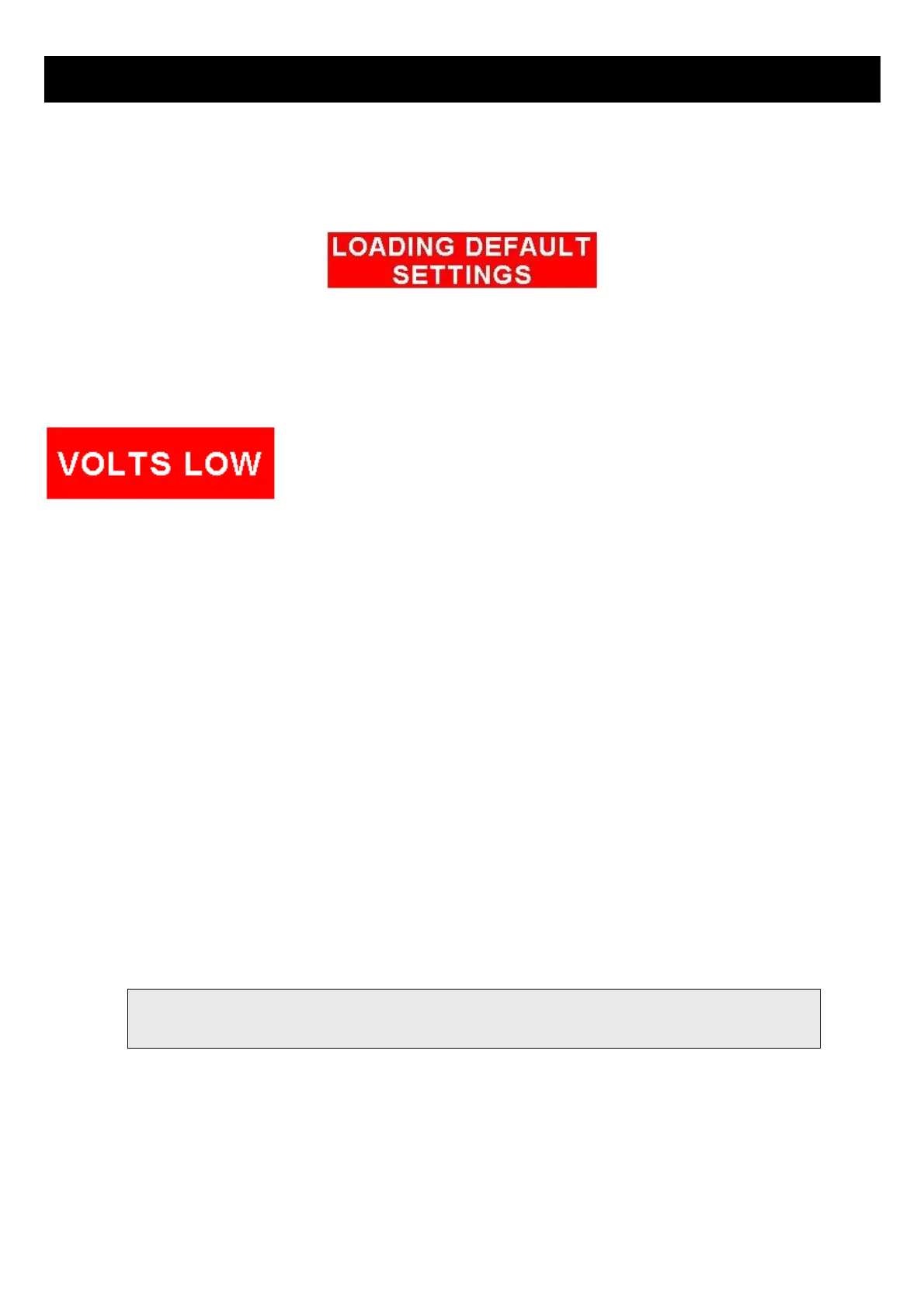
Press and hold the left and right most soft keys simultaneously on power up to load default factory settings. The following
message will be displayed:
7 Alarm condition
If an alarm condition occurs the following will happen:
• The item causing the alarm condition will flash on the screen
• An alarm warning message will be displayed on the screen
• An external alarm switch will close
The alarm warning message and switch closure will remain until any button is pressed or until the condition(s) that
activated the alarm no longer exist.
The alarm output can be used to switch an external alarm indicator. The external alarm switch is an open collector
transistor switch to ground with a maximum rating of 0.5A DC. It is possible to wire the alarm contacts of several
Stratomaster instruments in parallel should this be desired.
To avoid false activation of the alarms, the alarm function is only active 10 seconds after the instrument has powered up.
8 Cleaning
The unit should not be cleaned with any abrasive substances. The screen is very sensitive to certain cleaning materials
and should only be cleaned using a clean, damp cloth.
to water and/or spray jets.



 To Next Page