XTreme-EMS Operating Manual Page 20
4 Main Menu System
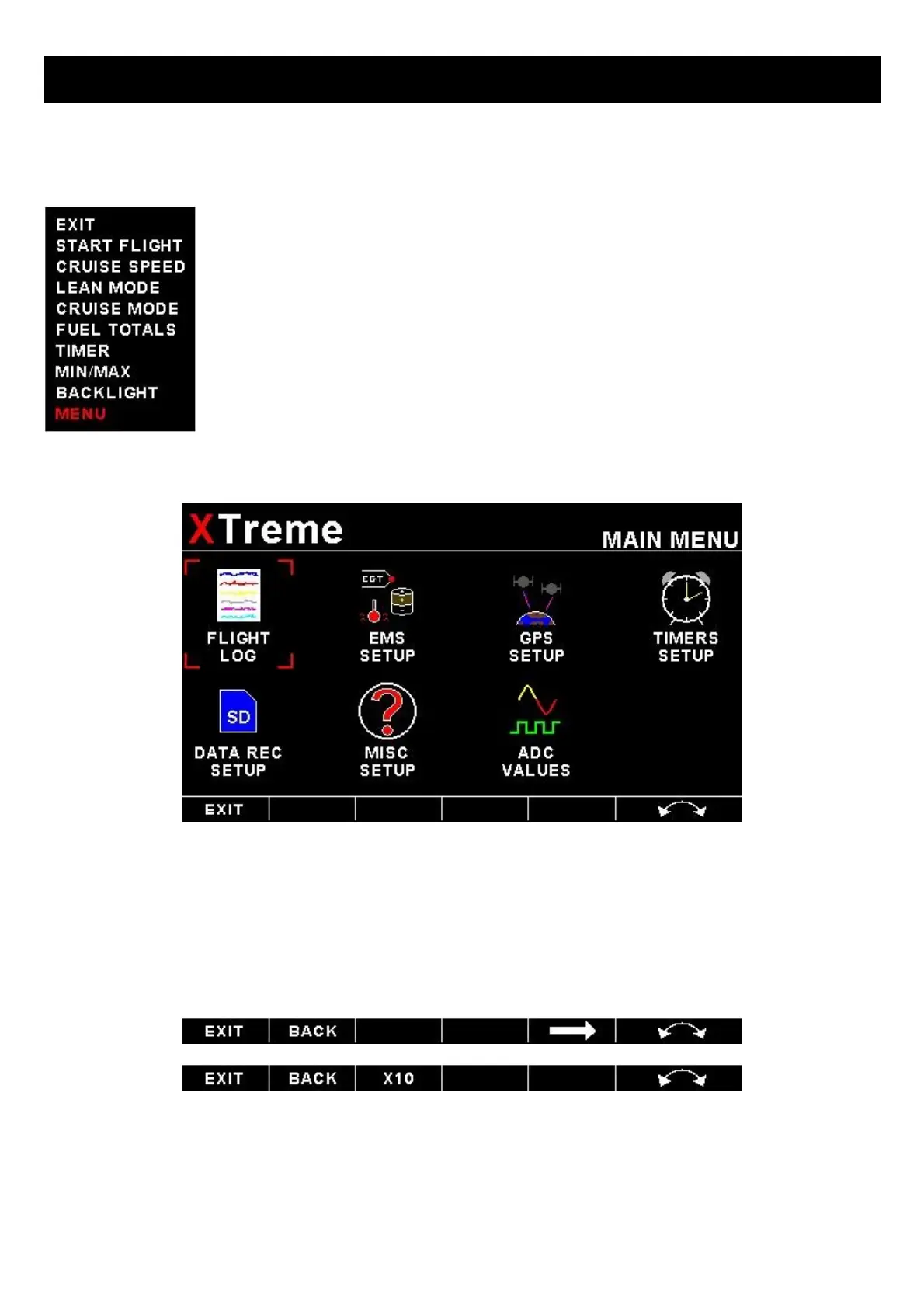
To access the main menu system, press the rotary control knob, scroll down to the “MENU”
option and press the rotary control knob again. Use the rotary control to navigate the menu
system.
4.1 Menu Sub-Bar
Use the menu sub-bar for quick menu navigation. Select the soft key directly under the text to activate the softkey
function. Some soft keys have a x1, x10, x100, x1000 assigned to them. This allows for faster incrementing and
decrementing of the menu settings.



 To Next Page