XTreme-EMS Operating Manual Page 56
4.5 Timers Setup
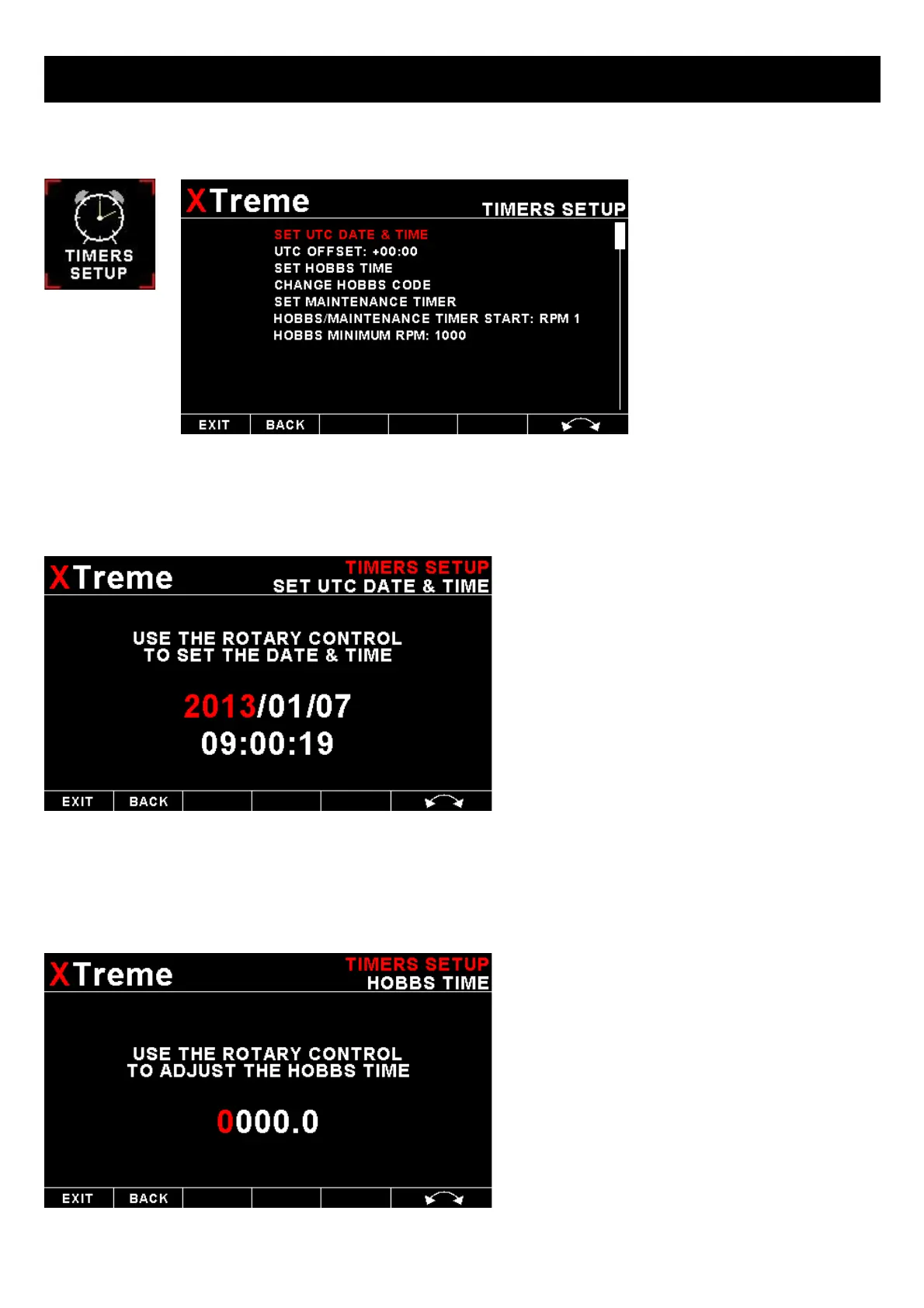
SET UTC DATE & TIME:
Use the rotary control to set the UTC date & time in
the internal RTC.
UTC OFFSET:
Enter the UTC offset for your location. The UTC offset can be adjust in half an hour increments.
SET HOBBS TIME:
This function allows you to set the engine Hobbs
meter to any value. Typically, you would use this
function to set the Hobbs meter to the current
known engine time. Use the rotary control to
change the value. Press the rotary control to
accept and exit the menu option. If the Hobbs
code is set to another value beside zero, then the
pilot will be prompted to enter the Hobbs access
code before allowing him to change the Hobbs time.
This feature is useful for charted and flying school
planes.



 To Next Page