XTreme-EMS Operating Manual Page 36
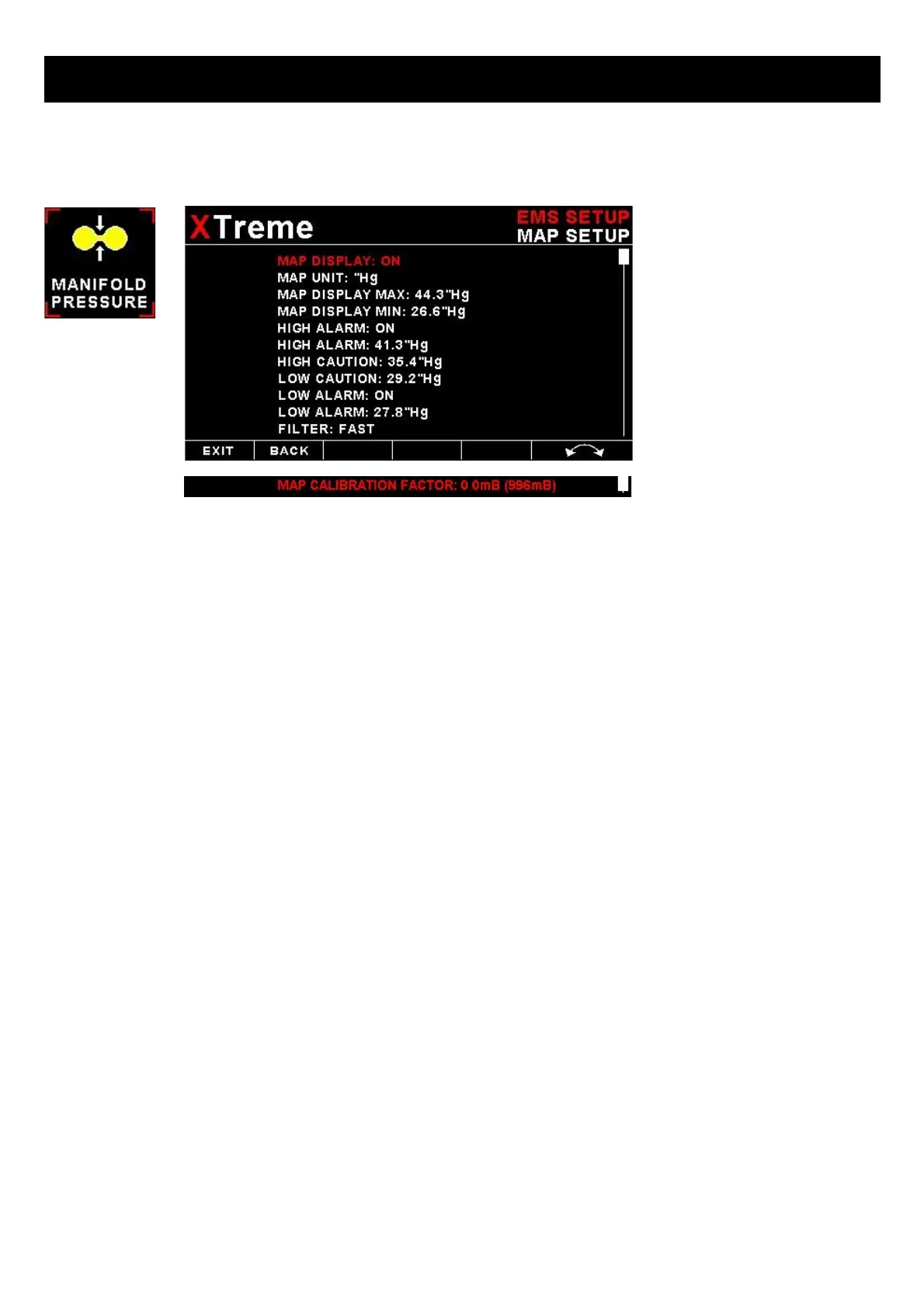
4.3.5 Manifold Setup (MGL Avionics RDAC-XF MAP required)
MAP DISPLAY:
This enables or disables the manifold pressure display on the EMS displays screens
MAP UNIT:
Select if you want the manifold pressure displayed in mB (millibars) or “Hg (inches of mercury).
MAP DISPLAY MAX:
Select the maximum pressure that you want the manifold bargraph in the EMS displays to show. This can give you
increased display resolution.
MAP DISPLAY MIN:
Select the minimum pressure that you want the manifold bargraph in the EMS display to show. This can give you
increased display resolution.
HIGH ALARM:
This enables or disables the manifold pressure high alarm.
HIGH ALARM:
Enter the pressure threshold for when the high alarm must be activated. Any pressure above this value will activate the
alarm.
HIGH CAUTION:
Enter the pressure value for the high caution. This is the lower value of the upper yellow band.
LOW CAUTION:
Enter the pressure value for the low caution. This is the upper value of the lower yellow band.
LOW ALARM:
This enables or disables the manifold pressure low alarm.
LOW ALARM:
Enter the pressure threshold for when the low alarm must be activated. Any pressure below this value will activate the
alarm.



 To Next Page