XTreme-EMS Operating Manual Page 19
3.5.2 Checklists
A checklist file is simply a text file created in a word processing program and saved with a .ECL extension. The name of
the file does not matter but we suggest calling it something familiar so you can easily identify it. The length of each text
line must not be more then 60 characters and must be terminated with an Enter (CR). The line will automatically be
truncated at the end of the right hand side of the screen. Each checklist file must not be more then 30 lines.
Copy the created file (.ECL extension) to the checklst directory on the
SD card when you are complete. The checklist file can be loaded by
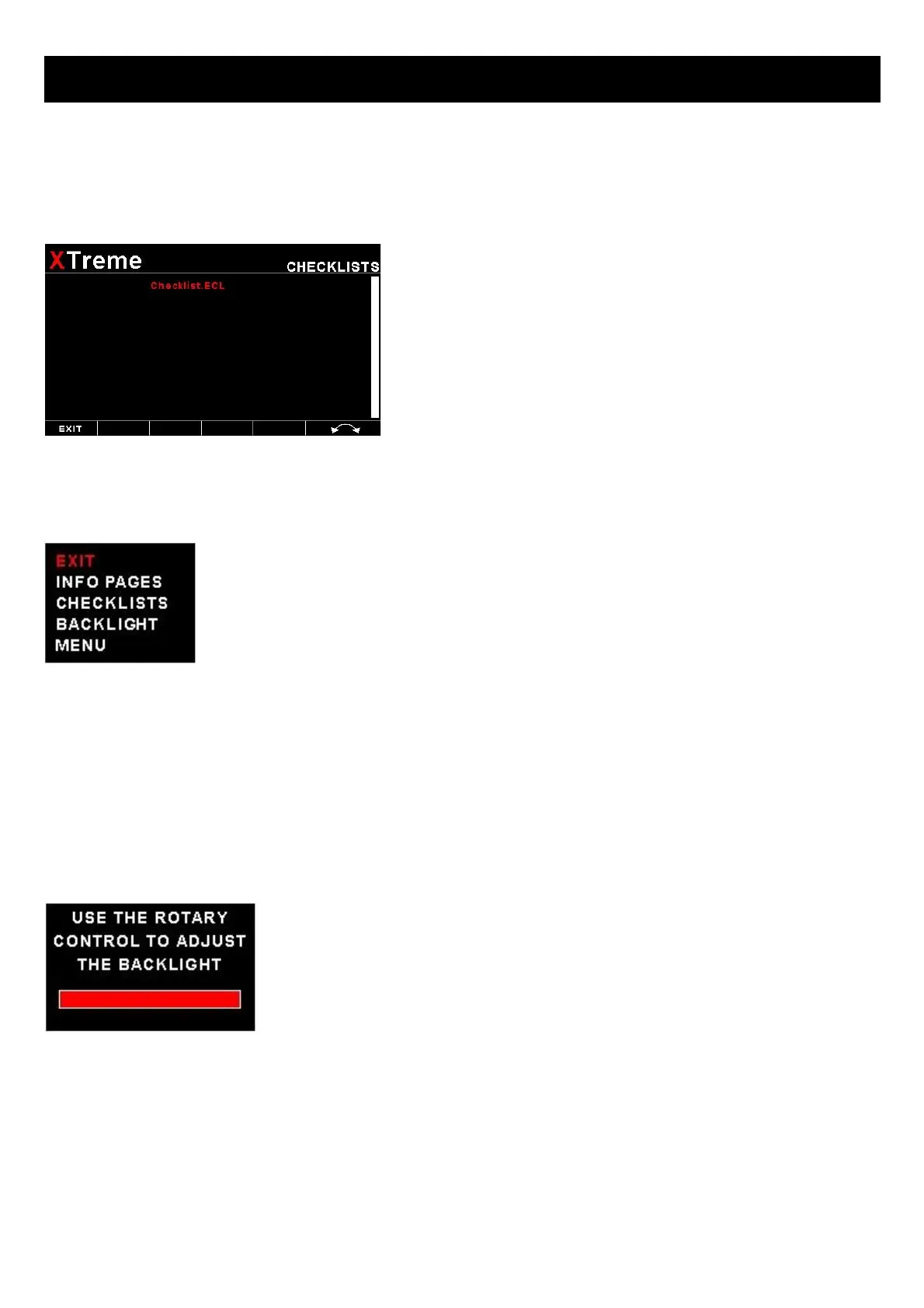
pressing the rotary control and selecting “CHECKLISTS”. A window
containing all the files with the .ECL extension will shown. Select the
checklist you require. The number of checklists that can be stored and
displayed depends on the size of the SD card.
3.6 Information/Checklist Quick Select Menu System
Press the rotary control when the Info/Checklist screen is shown to access the Info/checklist
quick select menu.
INFO PAGES:
This menu option selects a graphic information page to display. A window will open displaying all the files with the .MIF
extension in the Infopage directory on the SD card. Press the rotary control over the file you wish to load as a graphic
information page.
CHECKLISTS:
This menu option selects a checklist to display. A window will open displaying all the files with the .XCL extension in the
Checklst directory on the SD card. Press the rotary control over the file you wish to load as a checklist.
BACKLIGHT:
Select this menu option to adjust the backlight brightness level. This may be desirable
during low light flying conditions. Use the rotary control to adjust the brightness level.
MENU:
Select this menu option to enter the main menu system.



 To Next Page