XTreme-EMS Operating Manual Page 61
4.7 Miscellaneous Setup
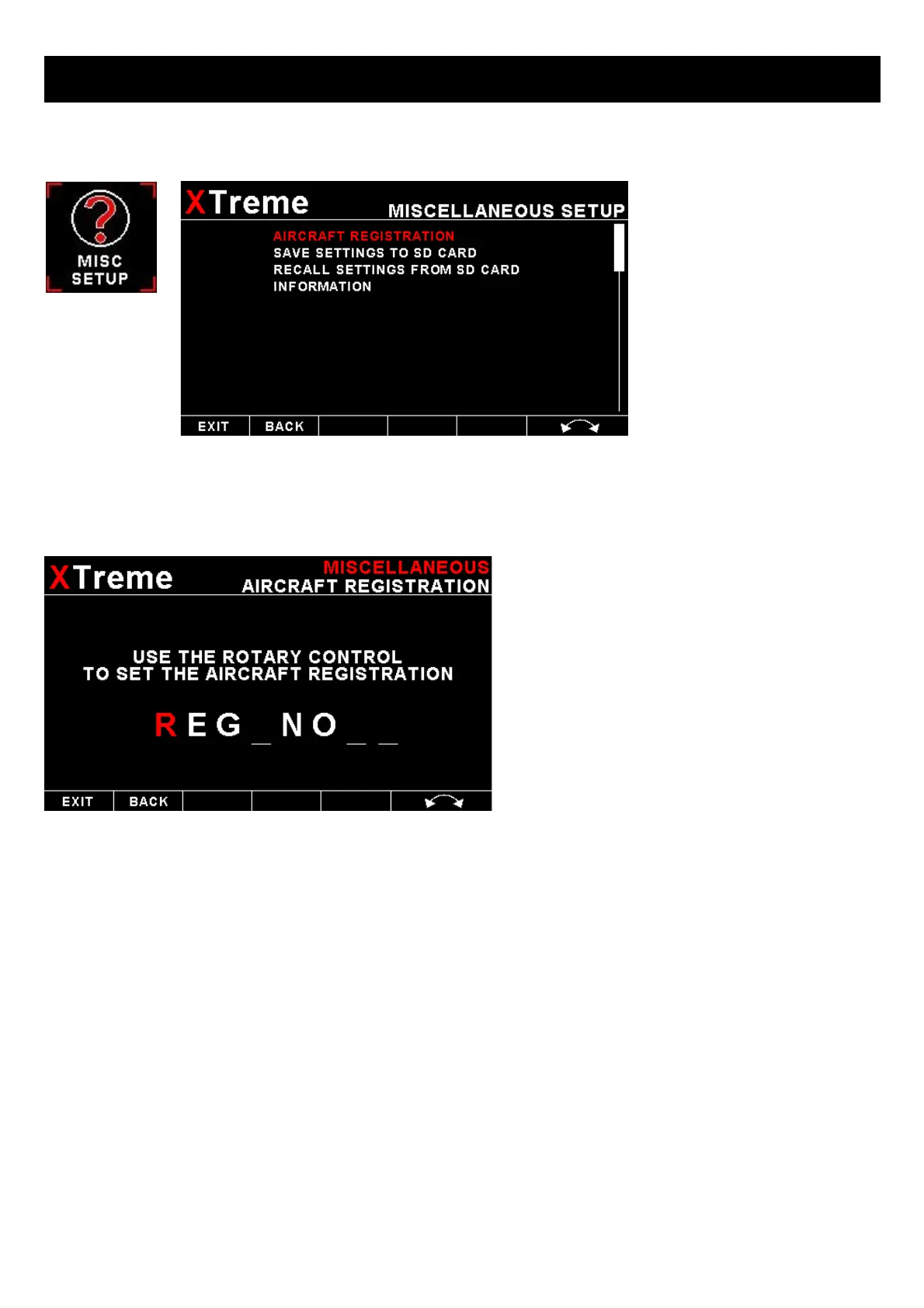
AIRCRAFT REGISTRATION:
Enter your aircraft registration. A maximum of 8
characters can be entered. The aircraft registration is
displayed on the start up (Splash) screen.
SAVE SETTINGS TO SD CARD:
Select this option to save all the XTreme-EMS settings to the SD card. This is useful when setting up the instrument on
the PC simulator and then later transferring the settings on the instrument itself. A file called “XTREME2.EMS” will be
created in the root directory of the SD card. This function is also used to save your settings during firmware upgrades.
RECALL SETTINGS FROM SD CARD:
Select this option to recall all the XTreme-EMS settings from the SD card. This is useful when setting up the instrument
on the PC simulator and then later transferring the settings to the instrument itself. The settings will be loaded from a file
called “XTREME2.EMS” in the root directory of the SD card. This function is also used to recall your settings after a
firmware upgrade.



 To Next Page