XTreme-EMS Operating Manual Page 16
TIMER:
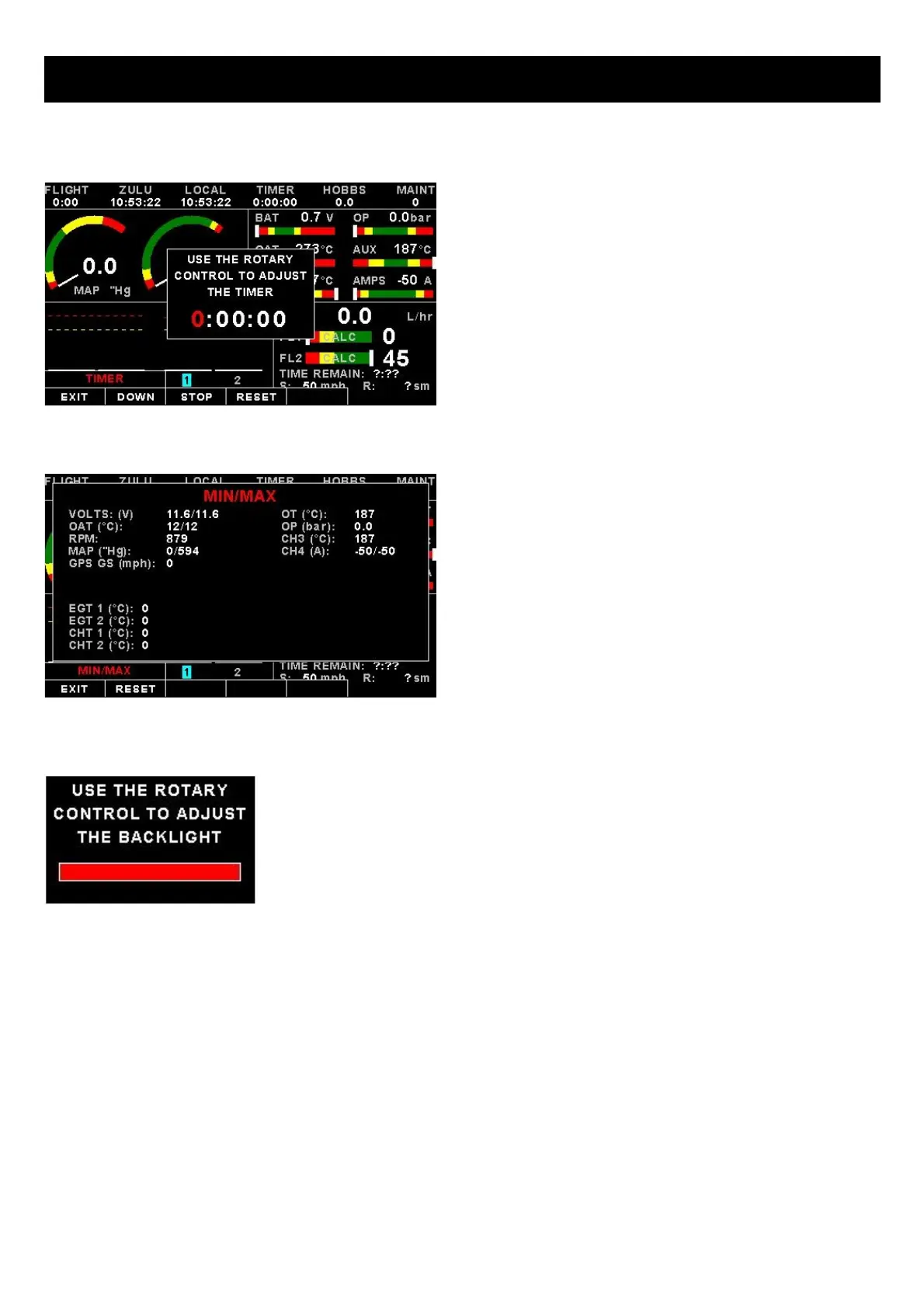
Select this menu option to configure the timer. Use the
rotary control to adjust the timers reset value. Press the
“UP/DOWN” soft key to select whether the timer must
count up or down, the “START/STOP” soft key to
start or stop the timer and the “ON/OFF” soft key to
enable or disable the timer.
MIN/MAX:
Select this menu option to display the maximum and
minimum captured values. Press the “RESET” soft key
to reset the min/max values to the current values.
BACKLIGHT:
Select this menu option to adjust the backlight brightness level. This may be desirable
during low light flying conditions. Use the rotary control to adjust the brightness level.
MENU:
Select this menu option to enter the main menu system.



 To Next Page