XTreme-EMS Operating Manual Page 44
HIGH CAUTION:
Enter the pressure value for the high caution. This is the lower value of the upper yellow band.
LOW CAUTION:
Enter the pressure value for the low caution. This is the upper value of the lower yellow band.
LOW ALARM:
This enables or disables the pressure low alarm.
LOW ALARM:
Enter the pressure threshold for when the low alarm must be activated. Any pressure below this value will activate the
alarm.
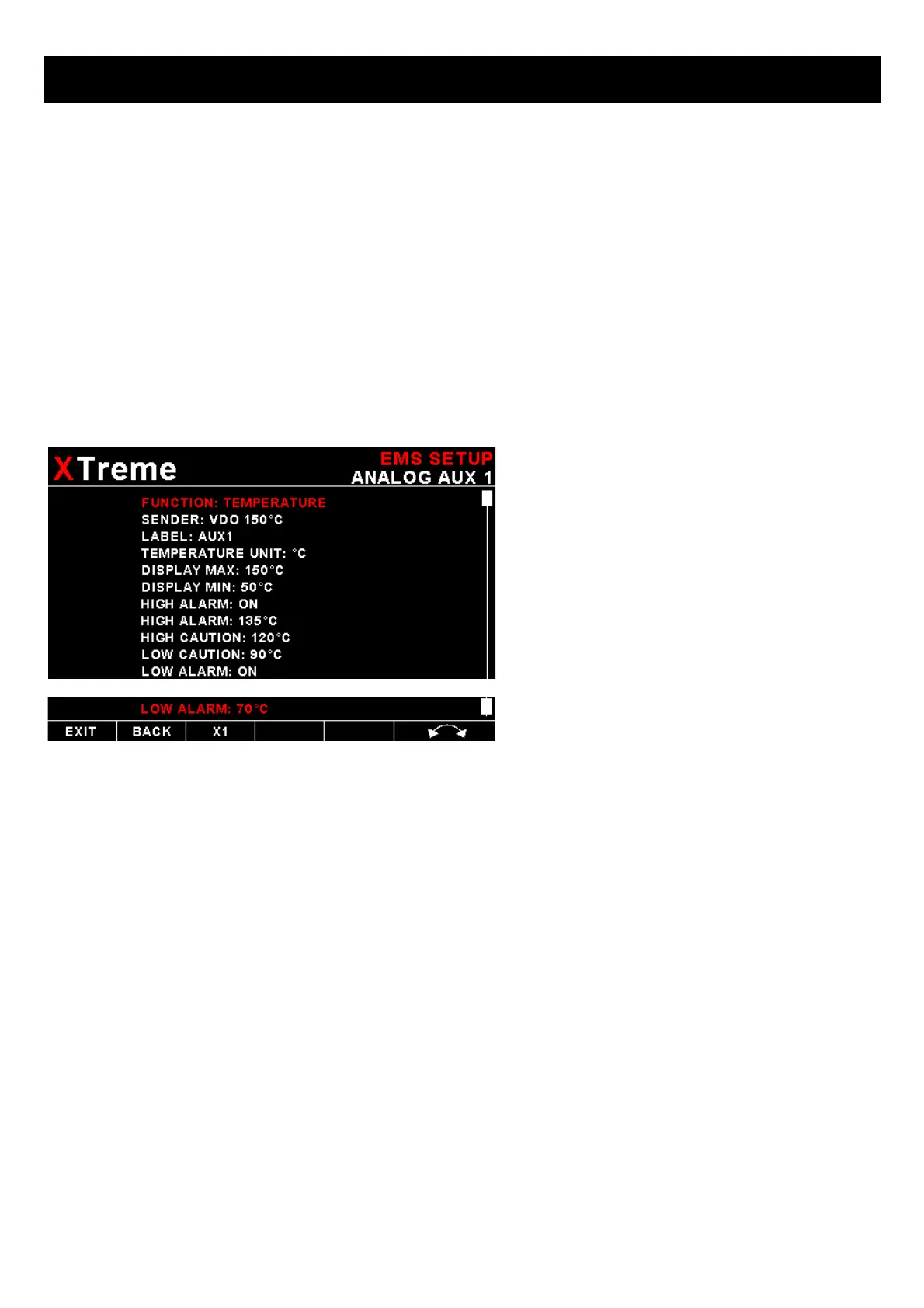
If the “TEMPERATURE” function is selected:
SENDER:
Select what type of sender you are using.
Select “VDO” for a VDO resistive sender, “WESTACH” for Westach thermistor type senders, “MGL” for a MGL NTC
resistive temperature sender, “LM335” for a MGL precision temperature sender or “USER” for a custom sender.
The XTreme has a built in linearization curve for a standard 50ºC to 150ºC VDO resistive sender, Westach senders and
the MGL NTC resistive sender.
If the sender type is set to “USER"
CALIBRATE SENDER:
If the sender type is set to “USER”, then use this menu option to calibrate your pressure sender. See section 4.4.9 for
more information.
If the sender type is set to “LM335"
LM335:
If the sender type is set to LM335, then use this menu option to calibrate your LM335 precision temperature sender. If
recalibration is required then adjust the value using the rotary control until the temperature matches the reference ambient
temperature. Please note that the LM335 can only be calibrated in degrees Celsius irrespective if the XTreme is setup to
display temperature in Fahrenheit.



 To Next Page