1-4 Workstation 4 Setup Guide
What is The Workstation 4?
The System
Workstation Mounting Options
A number of mounting options are available for the Workstation 4, as shown in
the following pages.
The Adjustable Stand
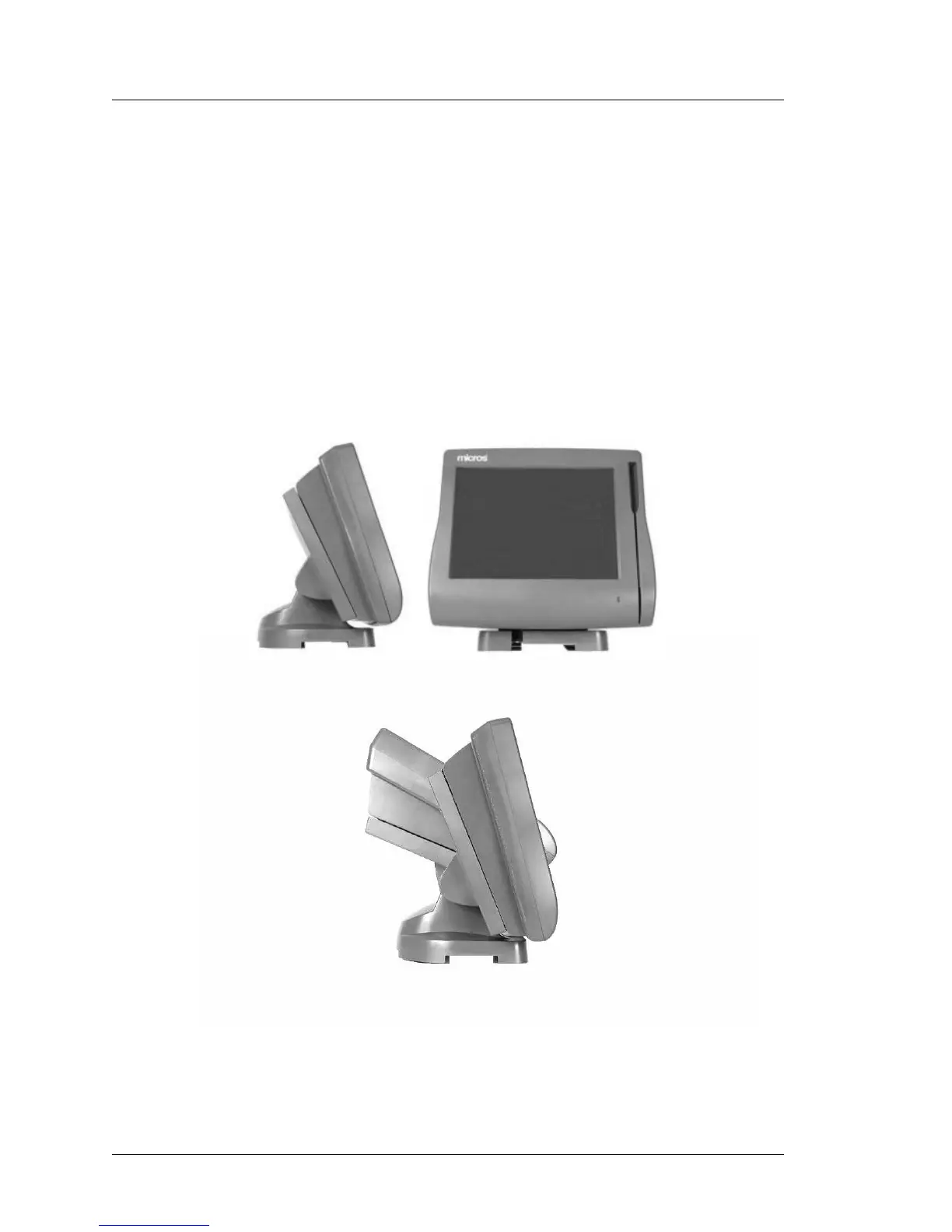
The Adjustable Stand, shown in Figure 1-3, converts the low profile WS4
into an adjustable display design. The stand has a weighted base for stable
operation, and self-locking hinges that allow the workstation to be tilted in
a range of between 25 and 70 degrees. The base includes holes for
mounting the VFD Pole Display Bracket shown in Figure 1-3.
In addition, the Workstation 4 base is compatible with the existing User
Workstation/3 adjustable stand.
Figure 1-3: The Adjustable Stand



 To Next Page