Workstation 4 Setup Guide 1-5
What is The Workstation 4?
The System
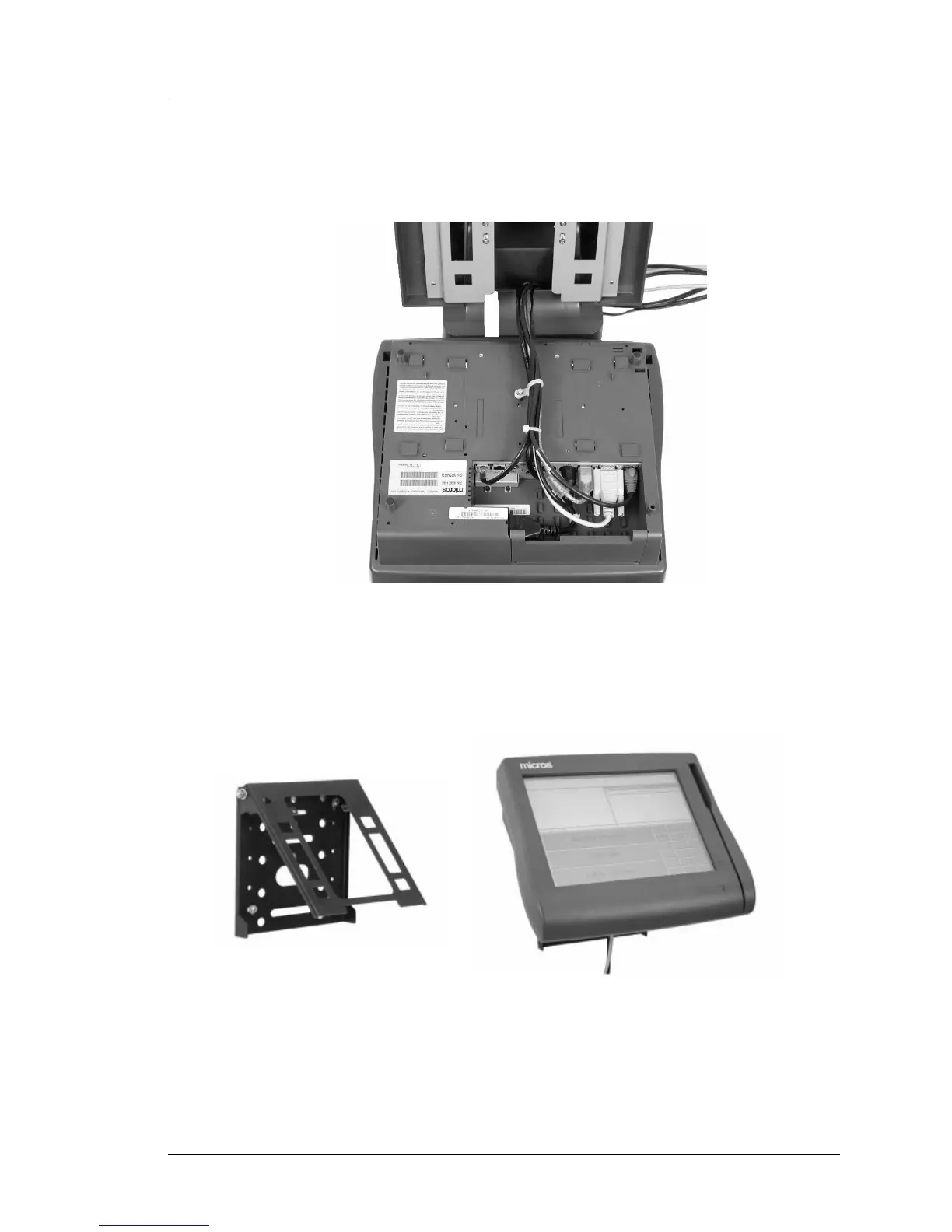
Cable management is accomplished by bundling cables with tie wraps,
then routing the bundle through a channel in the stand where they can
exit from the side, rear, or bottom as shown in Figure 1-4, below.
Figure 1-4: Adjustable Stand Cable Management
Wall Mount Bracket
In addition to the Adjustable Display stand, a flexible wall mount bracket is
available as shown below in Figure 1-5
Figure 1-5: The Wall Mounting Bracket
The wall mount bracket can be used to place the WS4 on a wall, or to suspend
the unit under a counter or custom cabinets.



 To Next Page