2-26 Workstation 4 Setup Guide
What’s Inside?
Reassembling the WS4
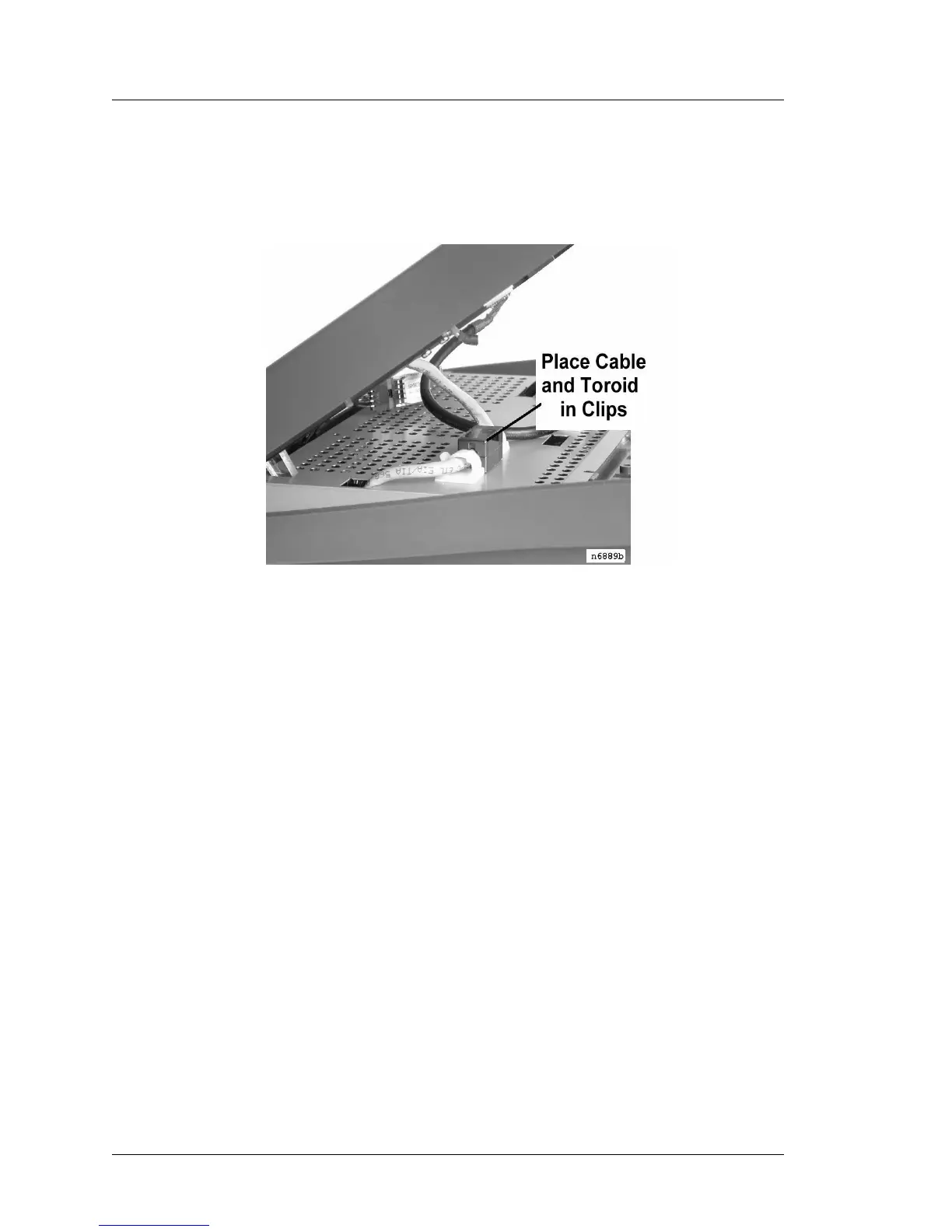
7. Before closing the cover, place the toroid on the mag stripe reader cable in
the cable clamps mounted to the shield. Figure 2-26.
Figure 2-26: Securing the Mag Card Reader Cable to the RF Shield
8. Tighten the cover screws to secure the top cover to the base.



 To Next Page