EasyManua.ls Logo

Miller Syncrowave 250 DX - User Manual

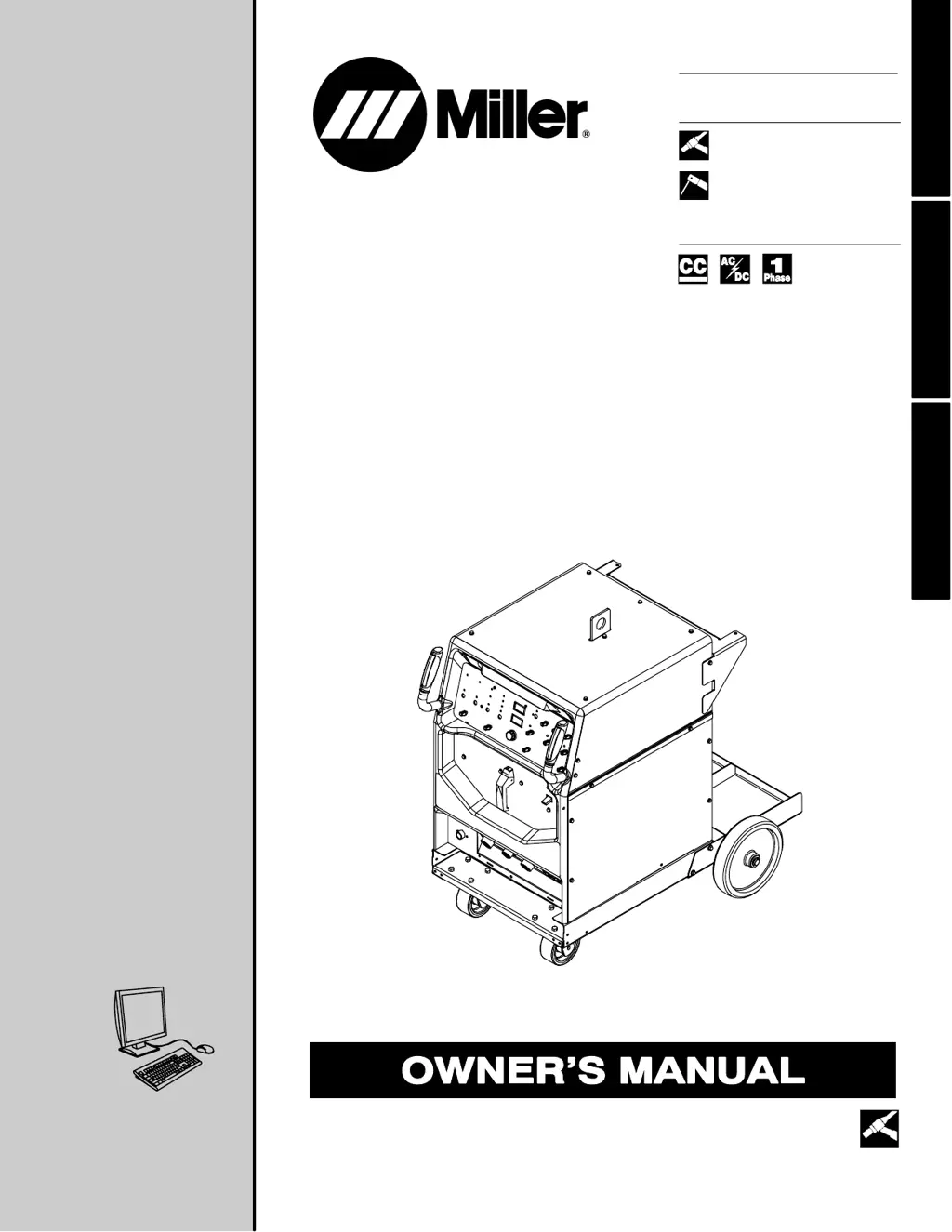
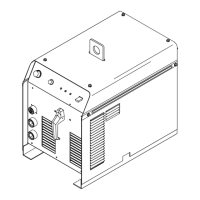
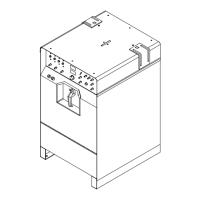
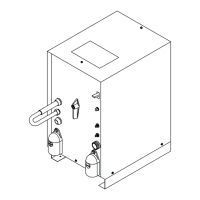
Miller Syncrowave 250 DX
82 pages
Print Icon
To Next Page IconTo Next Page
Loading...
Visit our website at
www.MillerWelds.com
Processes
Description
TIG (GTAW) Welding
Stick (SMAW) Welding
Arc Welding Power Source
OM-363 213117Z
2008−12
Syncrowave 250 DX / 350 LX
ESPAÑOL FRANÇAIS ENGLISH
CE And Non-CE Models
File: TIG (GTAW)

Table of Contents

Other manuals for Miller Syncrowave 250 DX

Questions and Answers

  • J
    Jeffrey SimmonsAug 30, 2025
    What to do if my Miller Syncrowave 250 DX Welding System provides only maximum or minimum weld output?
    • R
      Raymond StaffordAug 30, 2025
      If your unit provides only maximum or minimum weld output, ensure the Amperage control is in the proper position.
  • J
    John RoseAug 29, 2025
    What should I do if my Miller Syncrowave 250 DX Welding System's tungsten electrode is oxidizing?
    • T
      Thomas HarrisAug 29, 2025
      If the tungsten electrode is oxidizing and not remaining bright after welding, shield the weld zone from drafts. Increase the postflow time. Check and tighten all gas fittings. Properly prepare the tungsten. Also, check for water in the torch, and repair the torch if needed.
  • R
    ramosrachelAug 28, 2025
    How to troubleshoot erratic or improper weld output on my Miller Welding System?
    • P
      Philip WilliamsAug 28, 2025
      To troubleshoot erratic or improper weld output, use the correct size and type of weld cable. Clean and tighten all weld connections. Check the position of the Output Selector control. If using remote control, check the position of the Amperage Adjustment control.
  • A
    Ann GarciaAug 27, 2025
    What to do if the Miller Welding System has no weld output but the unit is on?
    • F
      fergusoncharlesAug 27, 2025
      If the unit is on but there's no weld output, and if you're using remote control, place the Output control in the Remote 14 position and ensure the remote control is connected to the Remote 14 receptacle. If a remote is not being used, put the Output control in the On position. Check, repair, or replace the remote control if necessary.
  • P
    Phillip CarpenterAug 26, 2025
    What to do if there is no weld output and the Miller Syncrowave 250 DX unit is completely inoperative?
    • R
      ruben08Aug 27, 2025
      If there is no weld output and the unit is completely inoperative, place the line disconnect switch in the On position. Also, check and replace the line fuse(s) if necessary. Ensure that there are proper input power connections and check for the correct jumper link position.
  • B
    bhughesAug 25, 2025
    What to do if there is decreased or no coolant flow in my Miller Syncrowave 250 DX?
    • L
      leonmichaelAug 26, 2025
      If you notice decreased or no coolant flow, add coolant. Check for clogged hoses or the coolant filter. Disconnect the pump and check for a sheared coupling; replace the coupling if necessary.
  • M
    Mr. David AndradeAug 25, 2025
    What to do if my Miller Syncrowave 250 DX's coolant system does not work?
    • S
      Sydney MillerAug 25, 2025
      If the coolant system isn't working, be sure the input power cord is plugged into an energized receptacle. Check the line fuses or circuit breaker, and replace or reset if necessary. The motor may have overheated; the unit will start running when the motor has cooled.

Summary

Section 1: Safety Precautions

1-2. Arc Welding Hazards

Details the primary hazards associated with arc welding processes.

Section 3: Installation

3-5. Welding Power Source Specifications

Technical specifications for the welding power source, including input and output data.

3-6. Duty Cycle And Overheating

Explains duty cycle ratings and precautions against overheating the welding unit.

3-8. Weld Output Terminals And Selecting Cable Sizes

Information on connecting weld output terminals and selecting appropriate cable sizes.

3-19. Electrical Service Guide

Recommendations for electrical service requirements, including voltage and conductor sizing.

3-21. Connecting Input Power

Step-by-step instructions for safely connecting the unit to the input power supply.

Section 4: Operation

4-1. Controls Overview

Describes the function of each control on the welding unit's front panel.

Section 5: Maintenance

Section 6: Troubleshooting

6-2. Troubleshooting The Welding Power Source

Provides common troubleshooting remedies for power source issues.

Section 8: High Frequency

Section 9: Selecting and Preparing Tungsten

Section 10: Guidelines for TIG Welding (GTAW)

Warranty

Miller Syncrowave 250 DX Specifications

General IconGeneral
BrandMiller
ModelSyncrowave 250 DX
CategoryWelding System
LanguageEnglish

Related product manuals