Using the QC Programs
8-3
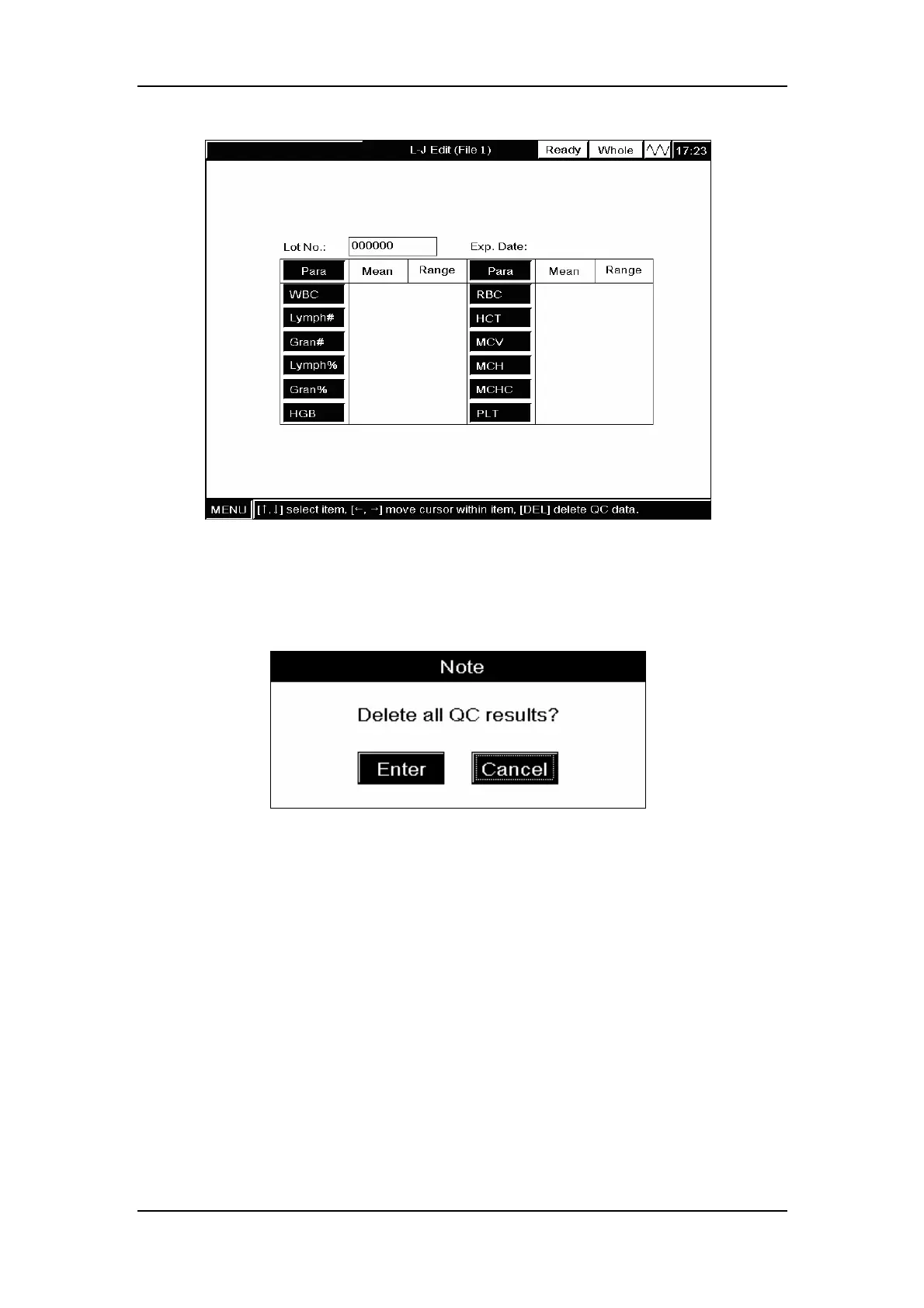
Figure8-2 “L-J Edit” screen
If there are saved L-J results and settings, you need to delete them first. Press [DEL] and a
message box will pop up to confirm the deletion, as Figure8-3 shows.
Figure8-3 A message box to confirm the deletion
CLICK
“Enter”to confirm the deletion; CLICK “Cancel”to abort the deletion.
Entering lot number
ENTER the lot number of the control to be used into the “Lot No.” box.
Entering Exp. Date
ENTER the expiration date of the control to be used into the “Exp. Date” box.
Entering the expected results (mean) and limits (range)
ENTER the expected results (mean) and limits (range) respectively into the “Mean” and
“Range” boxes of the parameters to be included in the L-J analysis.



 To Next Page