Using the Calibration Programs
9-21
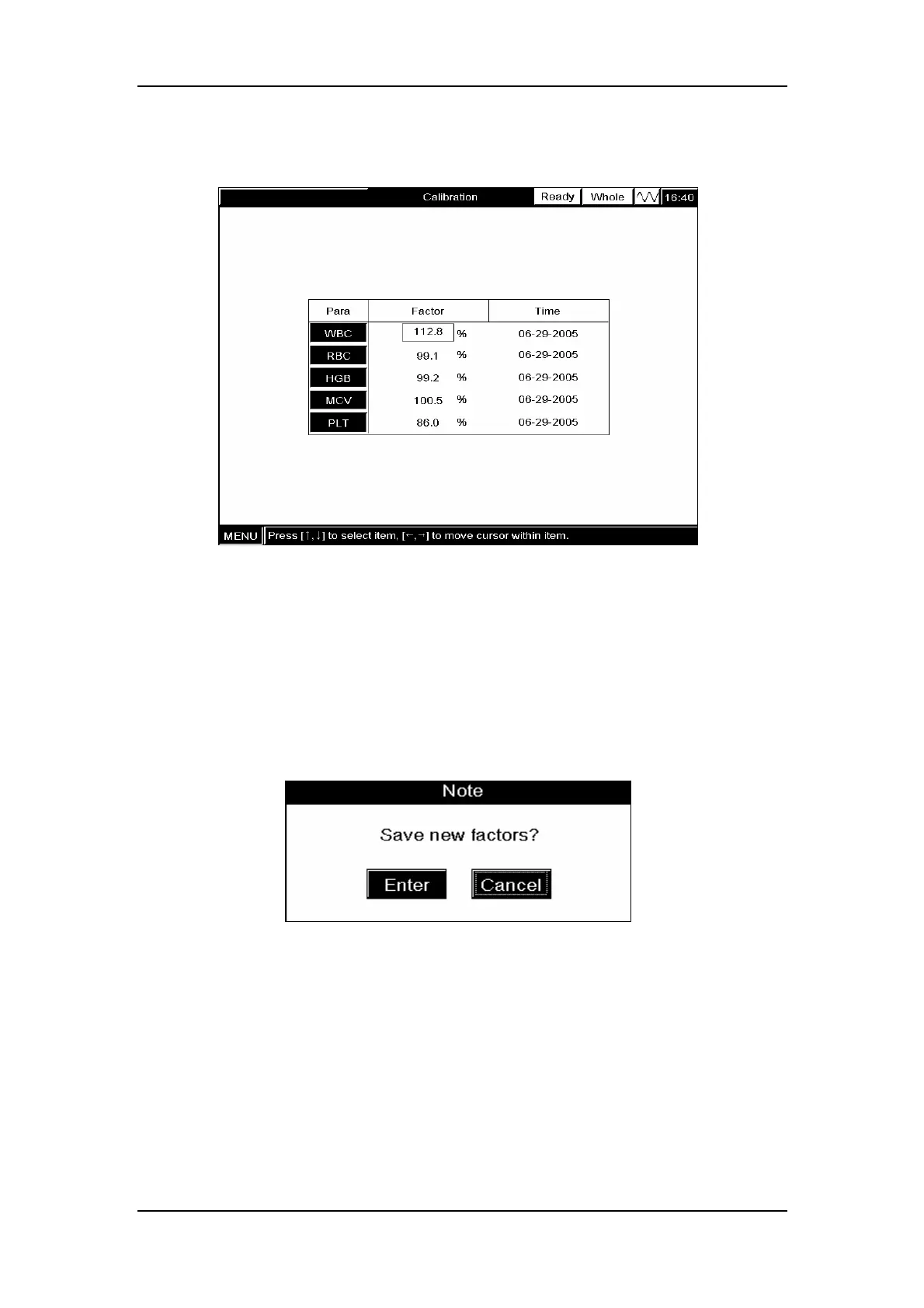
Press [ENTER] to activate the edit boxes as Figure 9-22 shows.
Figure 9-22 Edit boxes activated
ENTER the calculated calibration factor into the corresponding boxes. To correct an
erroneous entry, DELETE the wrong digit and enter the correct digit.
Verifying new calibration factors
Press [MAIN] to enter the “Count” screen, a message box will pop up to confirm the new
calibration factors, as Figure 9-23 shows.
Figure 9-23 A message box to confirm the new calibration factors
CLICK ”Enter” to save the new calibration factors to the “Manual Calibration” screen and
enter the “Count” screen.
If you have used the calibrator for the manual calibration, verify the new calibration as
instructed in Chapter 9.2.2; If you have used a fresh blood sample for the manual calibration,
verify the new calibration as instructed in Chapter 9.2.3.



 To Next Page