•
•
•
•
•
•
Getting started
MiR200™ User Guide, Robot interface 2.0, 11/2018 v.1.2 14
5
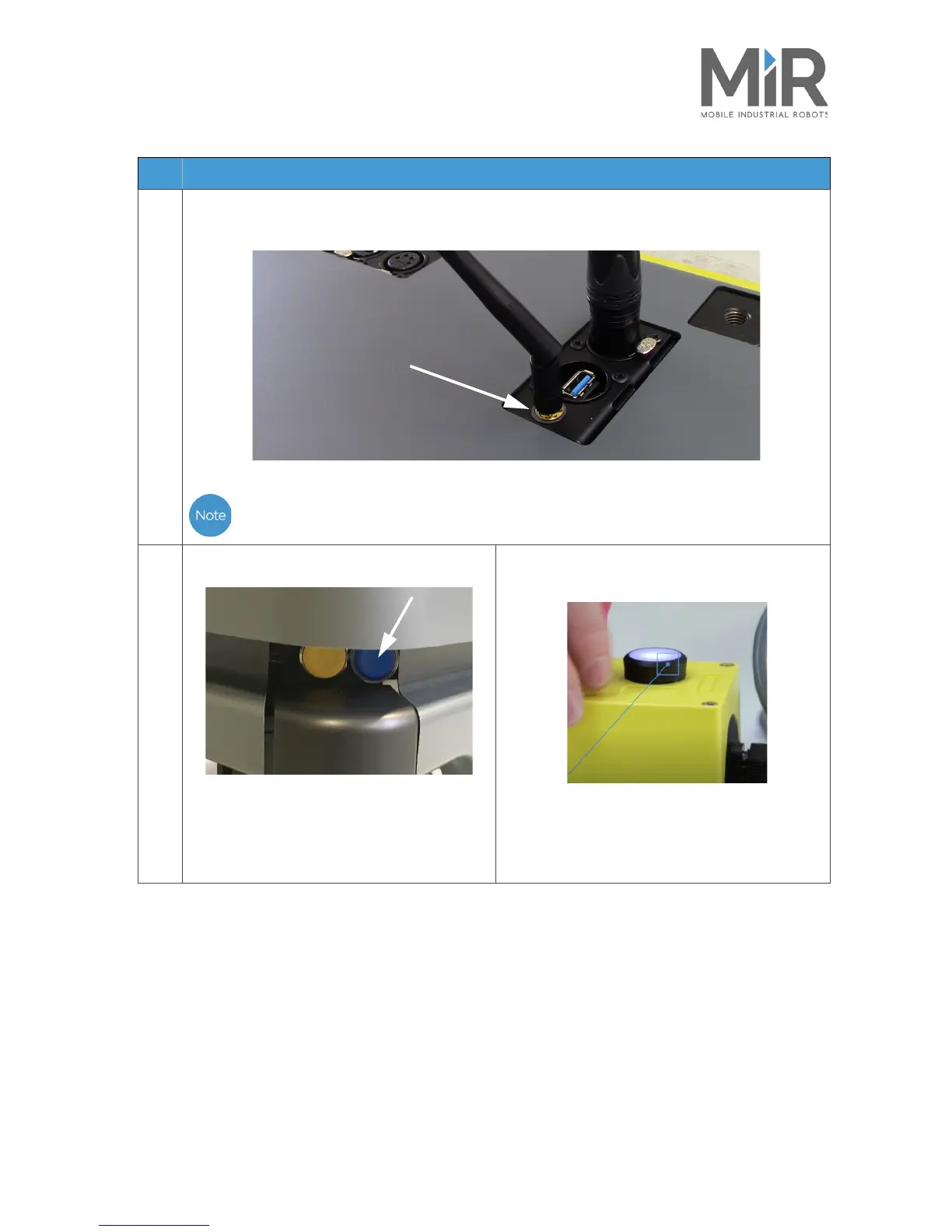
Connect the antenna to the connector on top of the robot cover. Remove the plastic cap from the
connector before fixing the antenna.
The antenna can be lowered and rotated in all directions to fit under a top module.
6
Push the blue power button in the corner to
turn on the robot.
The robot lights up with a yellow running light
for a short moment, then enters emergency
stop mode indicated by a constant red light.
Press the reset button on the emergency stop
when it has lit up.
The robot light now switches to yellow constant
light, indicating that the robot is paused and ready
to operate.
Step Action



 To Next Page