114
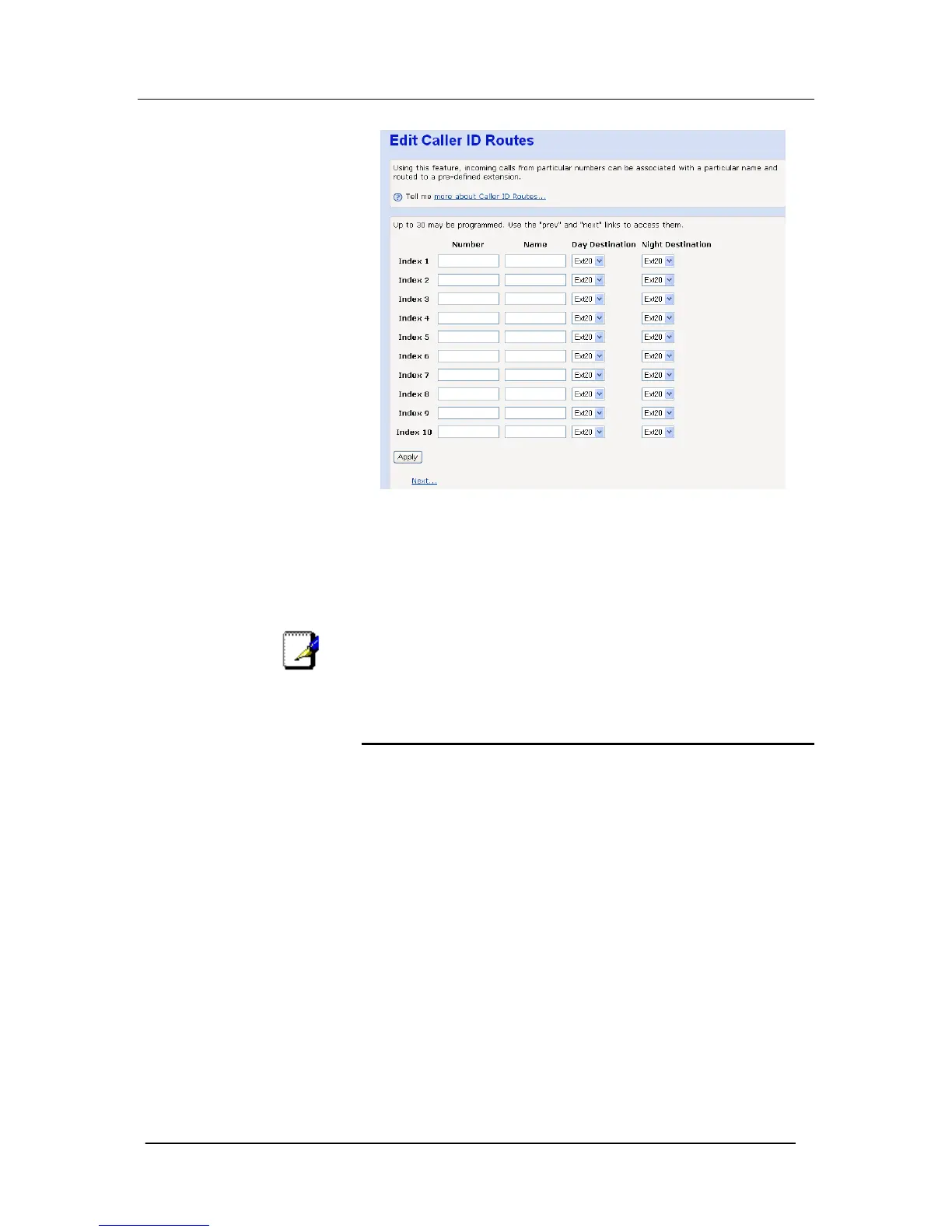
In the number field, enter the callers number (CLI) as is delivered by
the network. You may choose to associate a name with this
number.
Select the extension to be rung when this number is detected..
Options for Day & Night routing exist. To set the system Day &
Night mode times see PABX Configuration -> System Settings.
Up to 30 individual entries can be made, referred to as Index 1- 30.
To access the entries for Index 11 – 30, use the Next button.
Note
If no name is entered for the incoming CLI, the system will
compare the incoming CLI against the speed dial list to match for
a name.
Outgoing Restriction
Use can use this feature to restrict an extension from being able to
make outgoing (external) calls on particular lines
Configure the restriction for each line separately, i.e.
Turn OFF for those extensions that are not allowed to select the
particular line to make outgoing calls.





 To Next Page