81
Select required Mode, Click Next.
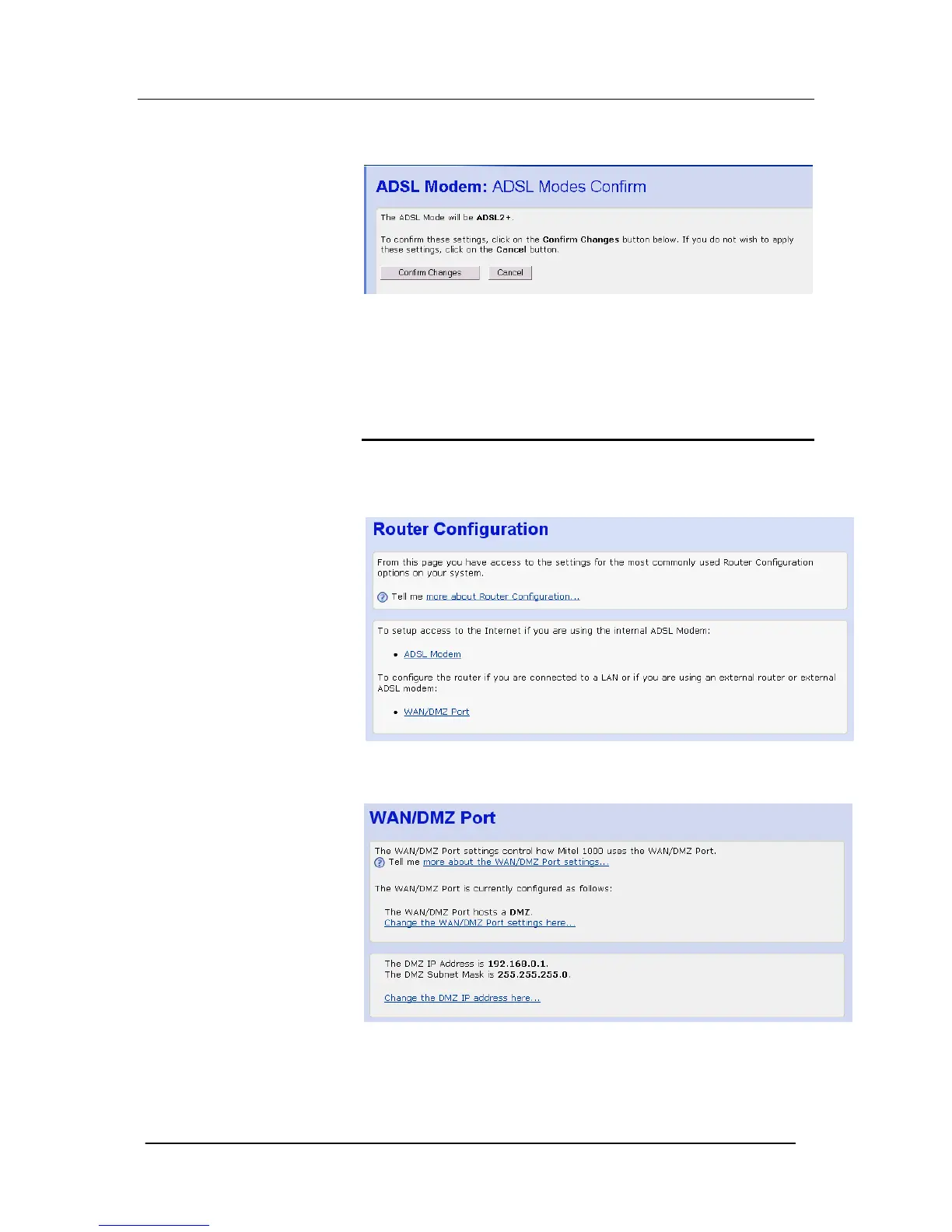
The following page is displayed
If you are happy with these settings, click Confirm Changes
The Internet access page is displayed and your configuration is
complete.
Connecting to an External ADSL Modem, Cable Modem, LAN,
WAN or add a host to the DMZ
The WAN/DMZ port can be used to connect to an external ADSL
modem, a LAN or a WAN, or to add a host to the DMZ.
1. Select Router Configuration from the main menu
2. Select WAN/DMZ Port from the sub-menu. The following
screen is displayed:




 To Next Page