154
Firmware Update
The Firmware Update page allows you to:
• Backup and Restore configuration files for your system.
• Download an updated software version and install it on your
Mitel 1000
WARNING
It is recommended that the current programming of your system
be saved, using Save and Restore, prior to uploading the new
software. This allows you to restore the system configuration after
you have uploaded the new system software
About firmware versions
Firmware is a software program. It is stored as read-only memory
on your Mitel 1000. Your product manufacturer s continually
improving this firmware by adding new features to it and these
features are saved in later versions of the firmware.
Note
If there is a firmware update available you are strongly advised to
install it on your Mitel 1000 to ensure that you take full advantage
of any new feature developments.
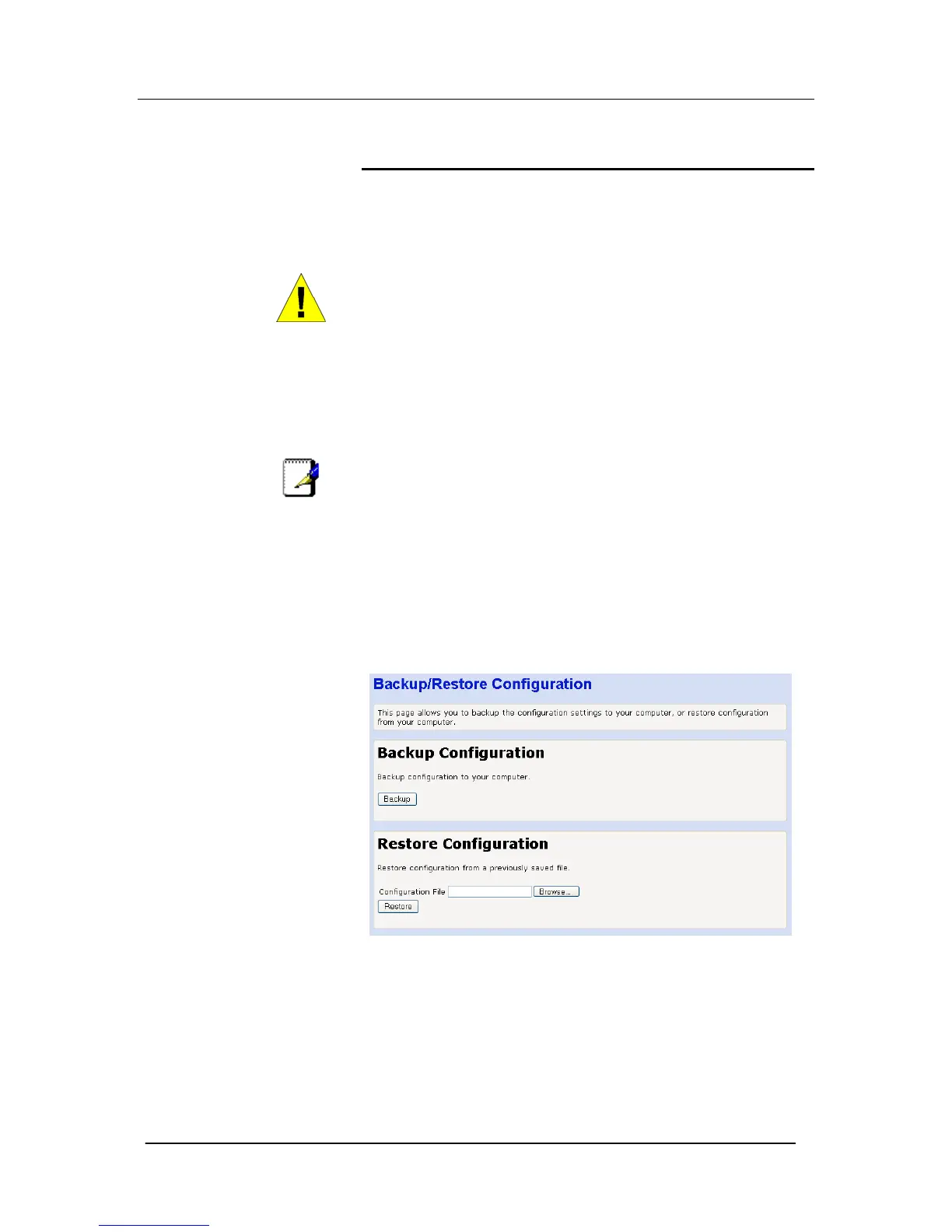
Backup/Restore Configuration
This page allows you to backup the configuration settings to your
computer, or restore configuration from your computer. You should
backup the system configuration before you upload a new firmware
version. This will ensure all programming including speed dial lists
etc are saved and can be restored when the new version of
software is uploaded.
To save the configuration to your PC select Backup. Allow a few
minutes for the file to be downloaded from the system. Depending
on the browser you are using you may be prompted to allow the file
to be downloaded. If so the following screen will be displayed: -





 To Next Page