155
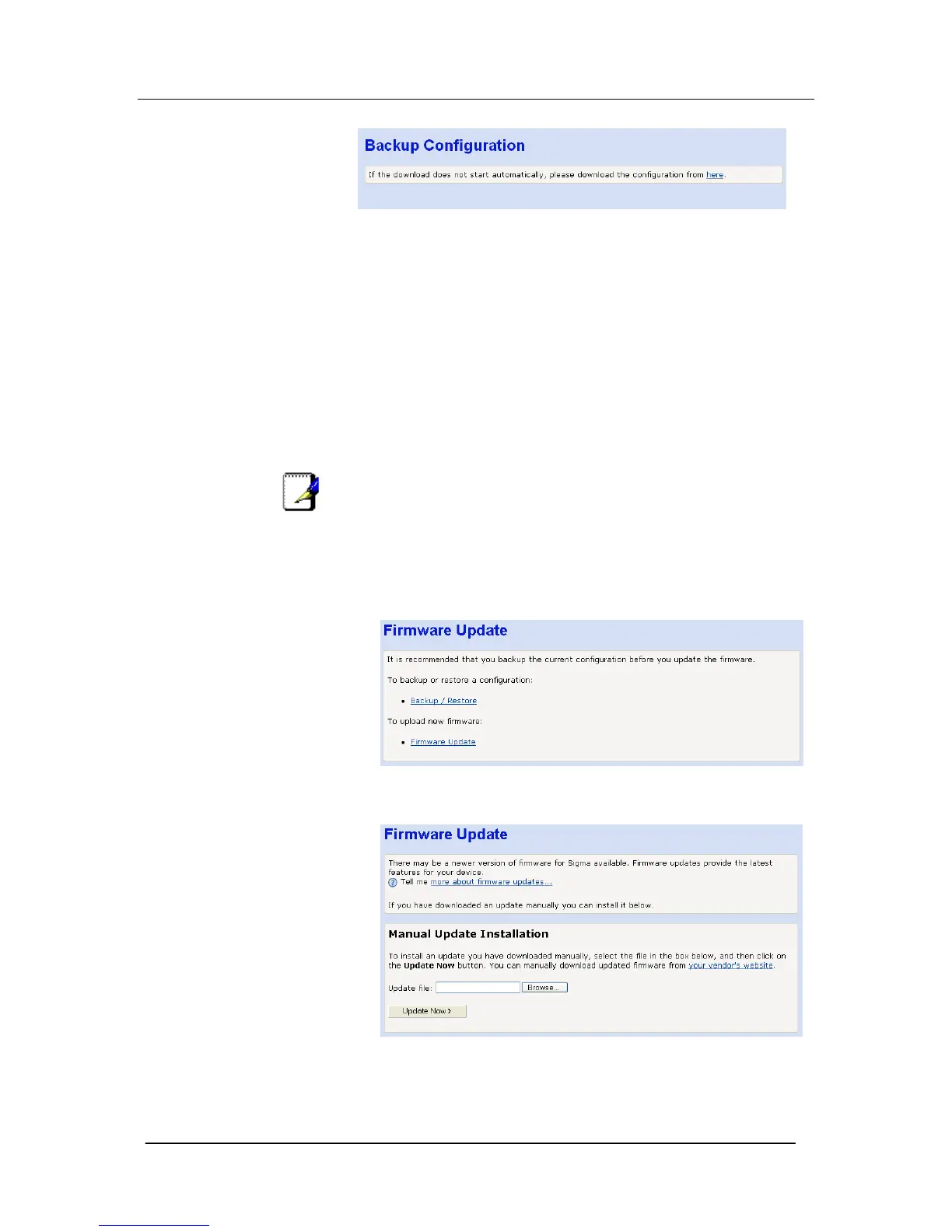
Select here. You will be prompted to save the file on your PC.
To restore the configuration select Browse in the restore
configuration window.
Select the saved file and press Restore.
You will be prompted to Restart the Mitel 1000 once the file is
uploaded.
Firmware update
Note
Before proceeding to update the system firmware, you must have
downloaded the required firmware file from the appropriate
Firmware update website.
1. From the left-hand menu, click on Firmware Update. The
following page is displayed:
2. Click Firmware Update. The following page is displayed.
3. Click Browse>. Use the Browse file box to navigate to the
relevant directory where the firmware version is saved.





 To Next Page