15
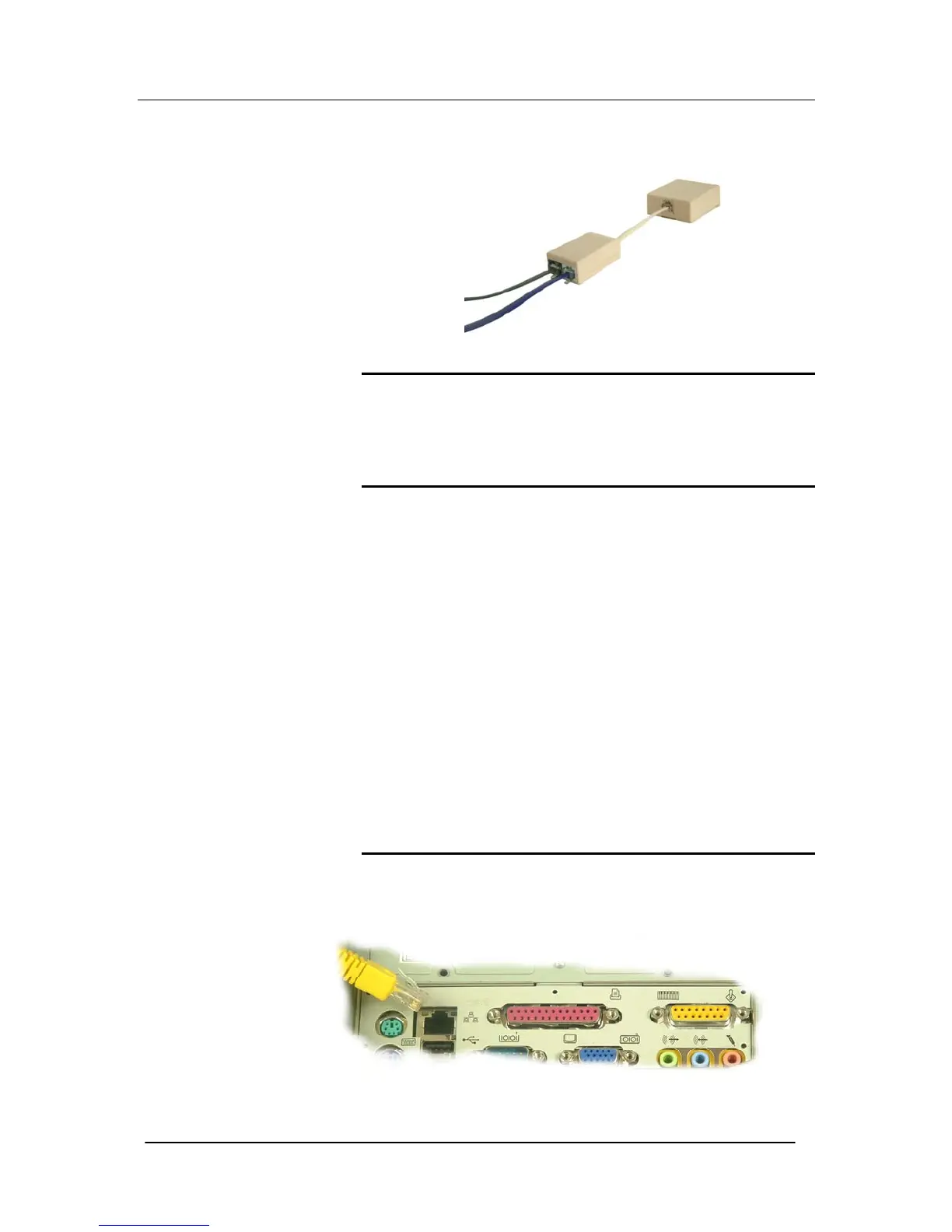
Plug the CO line into the phone connector and the DSL cable into
the DSL connector on the splitter and plug the splitter to the wall
telephone outlet.
Connecting the Power
Connect the power supply between the unit and mains power outlet.
After approximately one minute, you will be able to make telephone
calls.
Register your Cordless phones
• Press the ‘Page’ button for 4 seconds. This button is located
on the front of the unit. This places the system in registration
mode for 30 seconds.
• Select ‘REG’ on the Cordless phone.
• Press OK for ‘REGISTER’
• Enter 1234 as the PIN.
• The phone will register to the unit as Handset 1 (extension
number 31).
• You can register more than one handset in the 30 seconds
that the system is in registration mode. The sets are
automatically allocated a handset number (1-6) and use
extension numbers (31-34).
Connecting to the Internet
Connect the LAN Cable (yellow) from the LAN port of your PC to
any of the ETHERNET sockets of your Mitel 1000 (yellow).





 To Next Page