80
This page confirms the address settings that you have manually configured
(the values displayed above are for example purposes only). If you selected
the Manual option at step 5, the VPI and VCI values that you entered are also
displayed on this page.
If you are happy with your settings, click Confirm Changes. The Internet
Access page is displayed and your configuration is complete.
ADSL Operating Mode
The ADSL operating mode controls how your device communicates with
your ISP to provide Internet access. The default mode is Multimode will be
compatible with a broad range of ISPs.
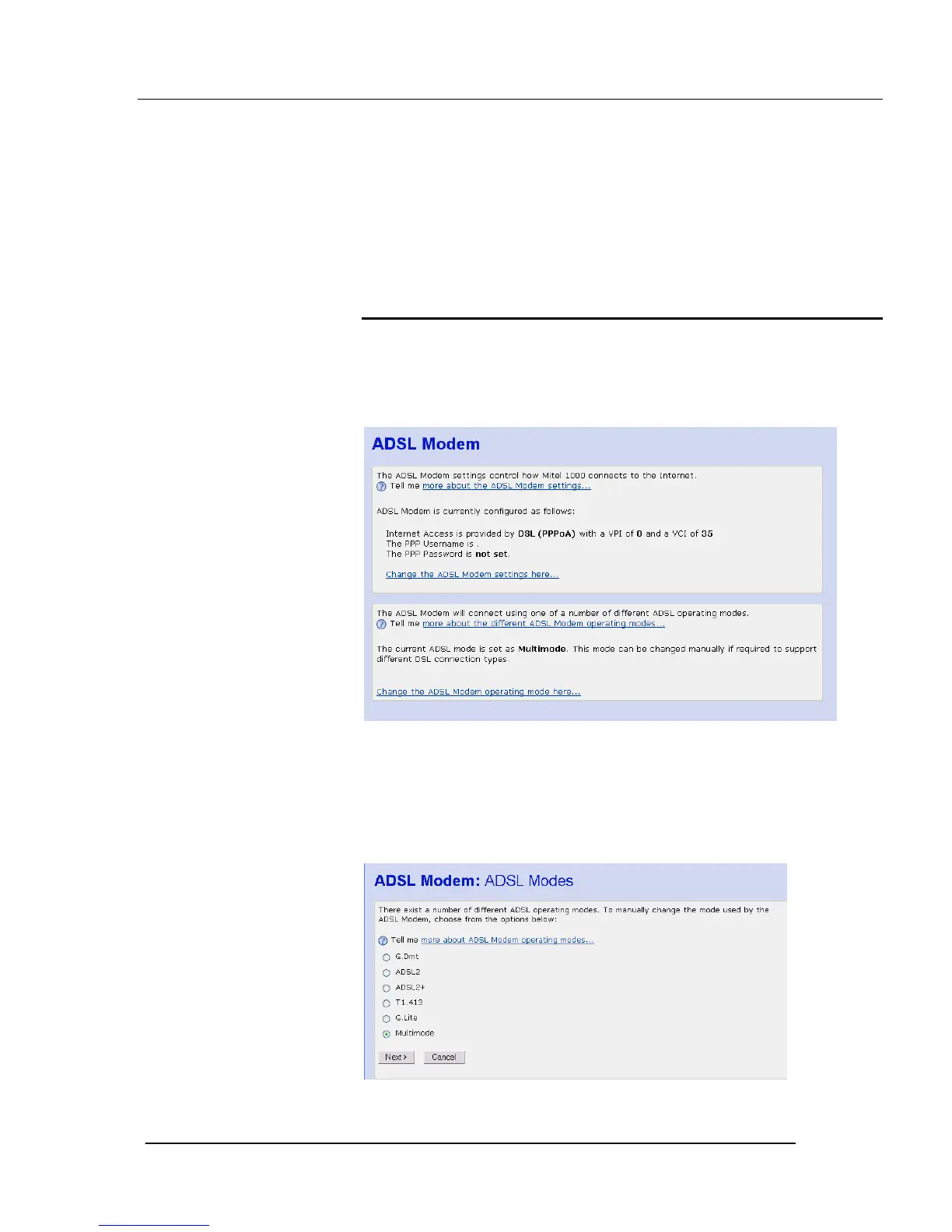
Click on ADSL Modem. The following page is displayed:
If you have difficulty connecting or are experiencing poor performance on
the ADSL line you may need to change the mode of operation to make it
compatible with your ISP. Consult your ISP before making any changes to
the ADSL mode.
To change, click on Change the ADSL Modem operating mode here
The following page is displayed:





 To Next Page