88
Disabling password protection
If you do not want to use password protection, follow the
instructions in ‘Setting your username and password’ on page 86
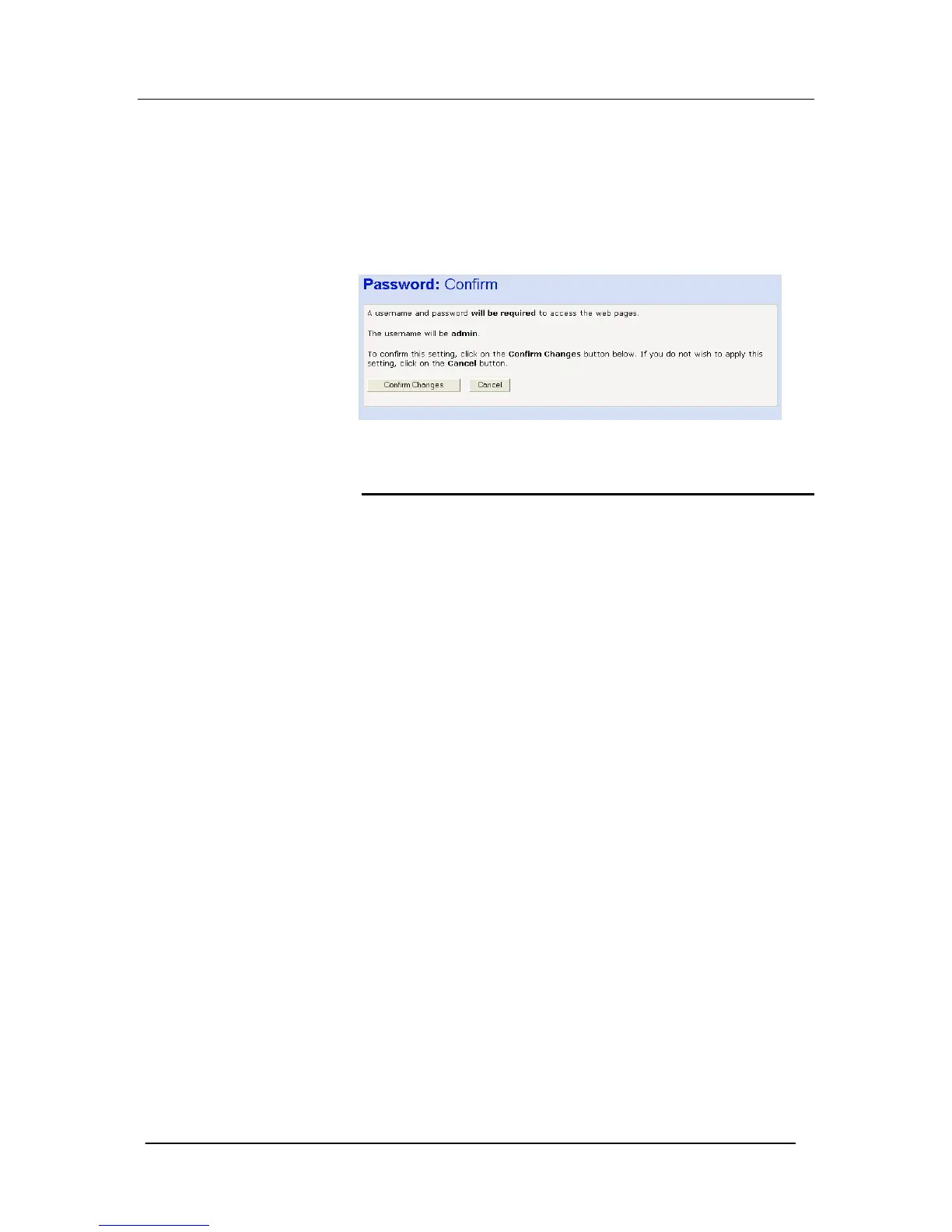
and at Step 3, select Disable and then click Next>. The following
page is displayed.
DHCP Server
A DHCP (Dynamic Host Configuration Protocol) Server is a system
that assigns IP addresses to the multiple stations on the network.
Dynamic Host Configuration Protocol is a scheme where a client
host "leases" an IP address. This can be great on a large-scale
network because it assigns an IP address, and many other options,
such as DNS servers, WINS Servers, and other options.
1. Select Router Configuration from the main menu.
2. Select DHCP Server from the sub-menu. The following page is
presented.





 To Next Page