122
priority.
If supported, the DSCP QoS can give you a better quality
connection by using the DSCP QoS field to increase the priority
for your traffic.
QoS: RTP DSCP
This field sets the DSCP code to be used for voice/payload (RTP)
traffic in your VoIP call.
QoS: Signaling DSCP
This field sets the DSCP code to be used for signaling traffic in your
VoIP call.
Outbound Server
This field sets the name of the Outbound Server.
Outbound Server Port
This field sets the Outbound Server Port.
Outbound Server Transport
This field sets the type of the Outbound Server transport used.
Wireless Setup / Security
This chapter assumes PCs are already equipped with a wireless
card.
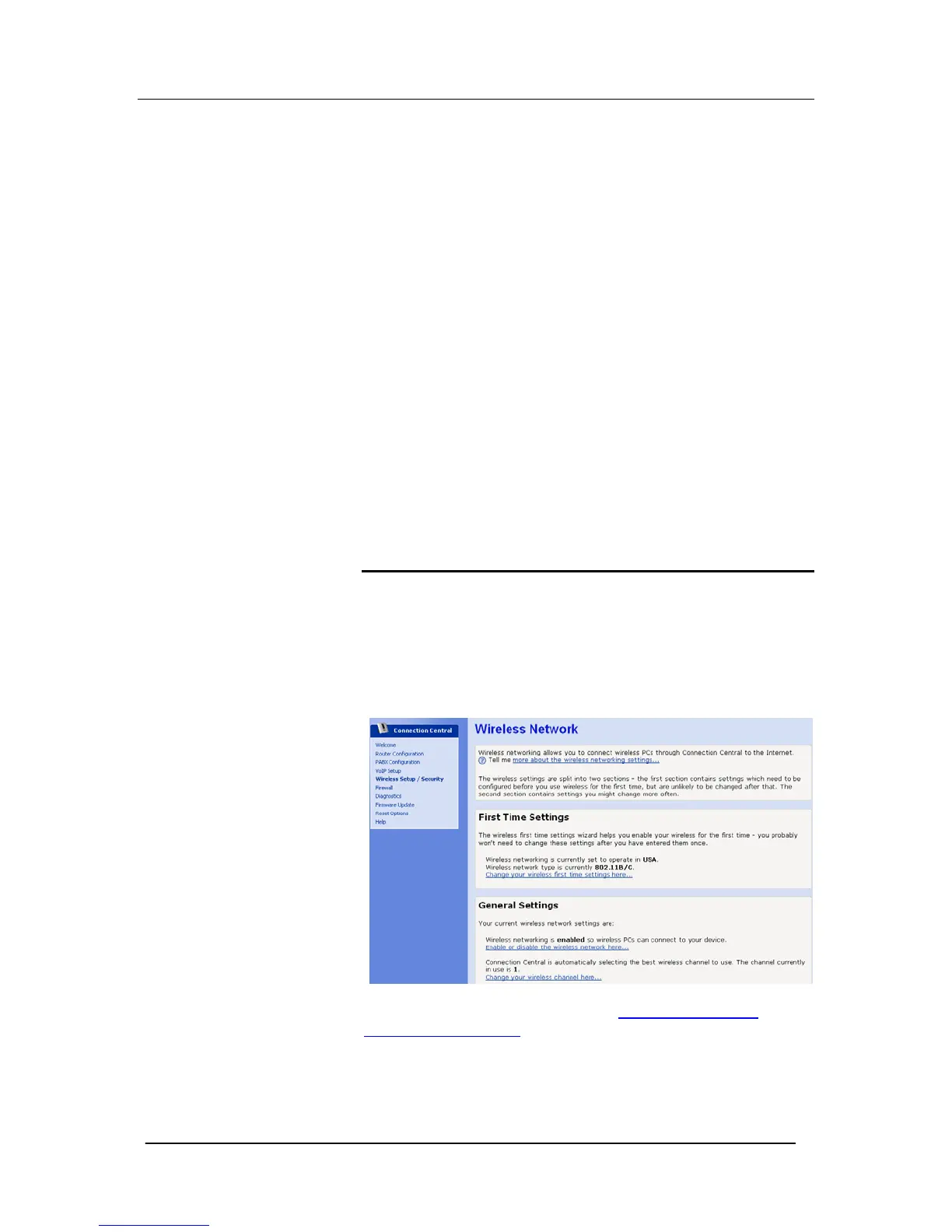
The Wireless Network page allows you to configure the Wireless
features of your Mitel 1000.
From the left-hand Setup menu, click on Wireless Setup / Security.
The following page is displayed:
To enable the wireless network Select Enable or disable the
wireless network here... in the General Settings





 To Next Page