123
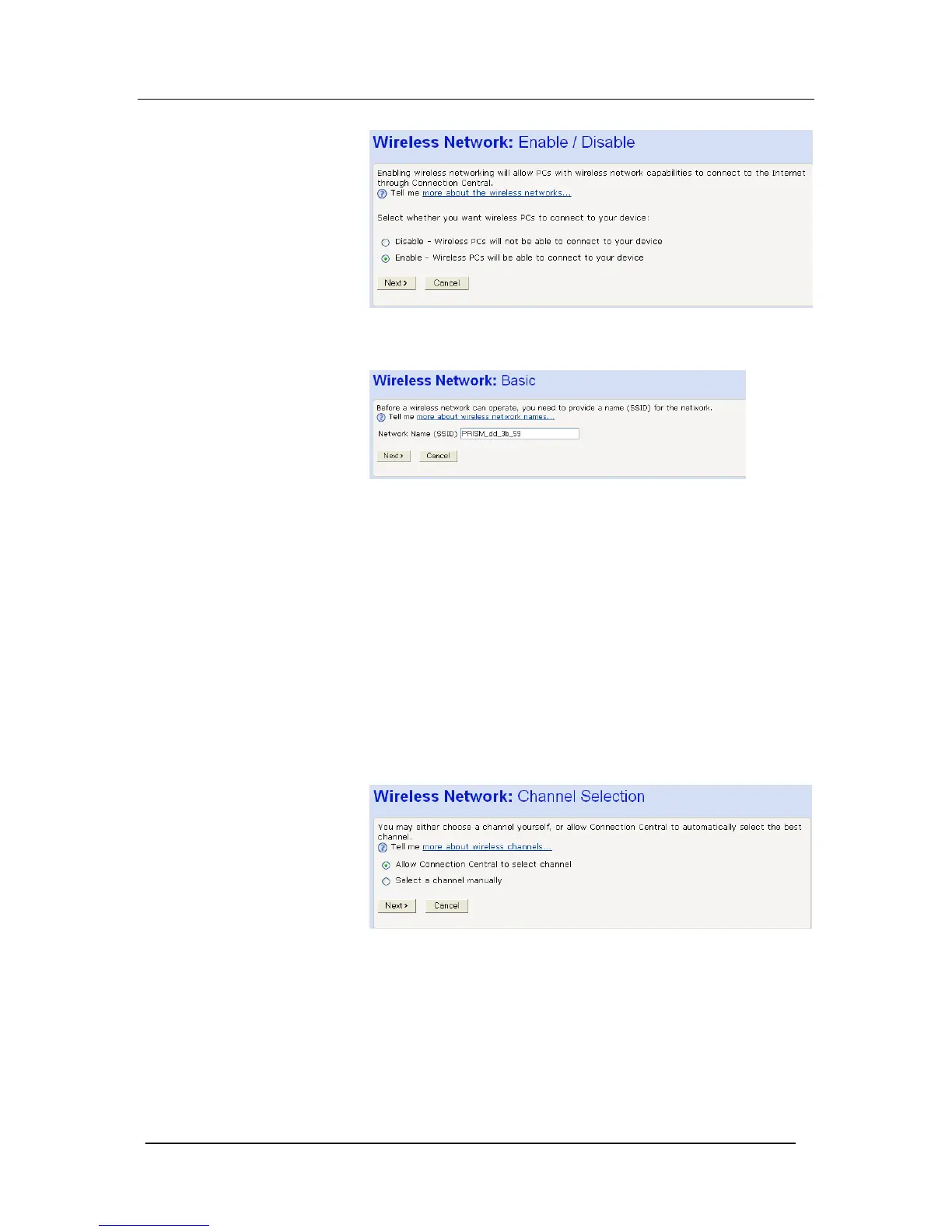
Select Enable and Next.
The following page showing the Wireless Network name is
displayed
Your Mitel 1000 and all of the wireless PCs in your wireless LAN
share the same wireless network name. This name (commonly
known as the Service Set Identifier (SSID)) distinguishes your
Wireless network from any other(s) that may be in use nearby. It
also ensures that only those PCs configured with the same name
as the one set on your Mitel 1000 can obtain access to it.
For security reasons, we recommend that you replace the default
network name with a unique value of your own.
To do this:
1. Click in the Network Name (SSID) box and type a new name.
The name can be any combination of numbers and/or letters
with a maximum length of 32 characters.
Click Next>.
The next page in the wizard sequence is displayed, which allows
you to Select a Channel.
Your Mitel 1000 and all of the wireless PCs in your wireless LAN
must share the same channel number. Each channel represents a
regulatory channel frequency (MHz). Some countries may regulate
the use of certain channel frequencies. Your ISP determines which
channels are available and whether you should allow automatic or
manual channel selection.
To configure channel selection, choose one of the following options:





 To Next Page