124
If you want the Mitel 1000 to automatically select the best channel
for your network, click on the Allow Mitel 1000 to select channel
option and then click Next>.
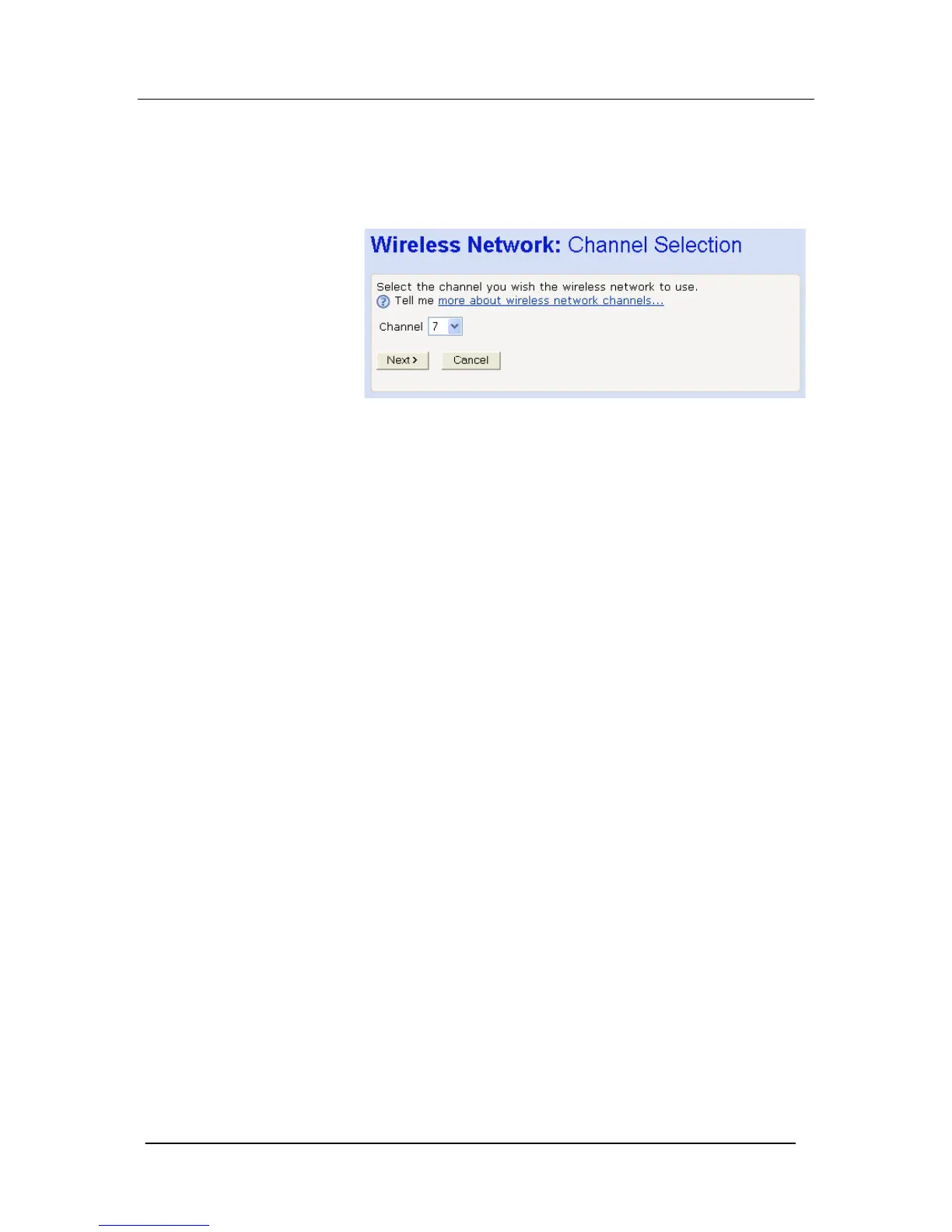
If you want to manually select a channel, click on the Select a
channel manually option and then click Next>. The following page is
displayed:
Select a suitable channel (as advised by your ISP) from the
Channel drop-down list and then click Next>.





 To Next Page