119
8. Advanced Router Settings
VoIP Settings
VoIP (or Voice over Internet Protocol) is a way to make and receive
phone calls using your broadband Internet connection instead of
your standard phone line. Mitel 1000 converts your phone calls into
data that is sent over your high-speed Internet connection.
Basic VoIP Settings
In order to register with your VoIP service providers you will need to
configure your system with your account details.
Your VoIP service providers should provide these to you.
2 VoIP channels (IP Trunk 1 & 2) can be configured simultaneously.
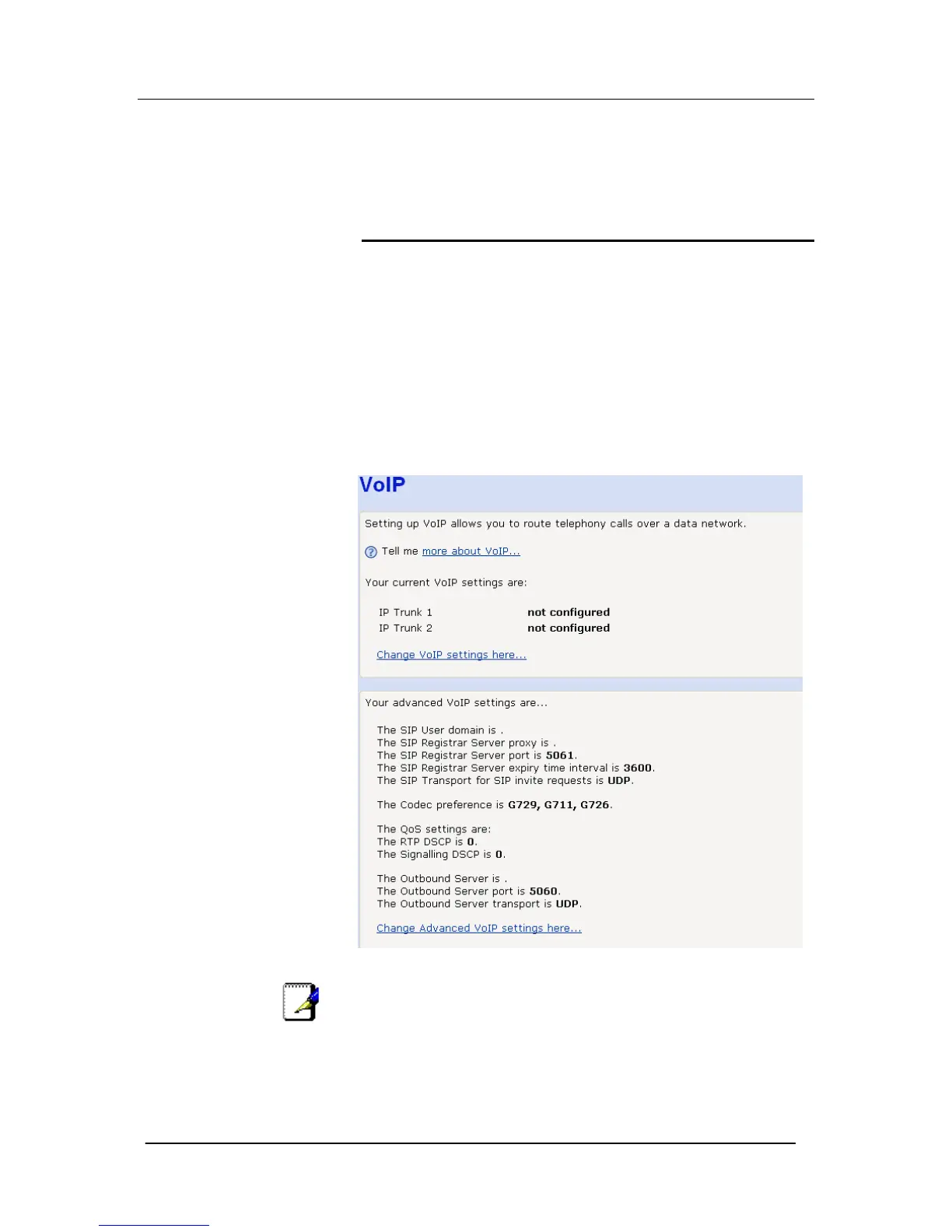
Select VoIP setup.
The current VoIP settings are displayed.
Note
No VoIP trunks are configured. Also the SIP User domain, SIP
Registrar proxy or Outbound server are not set. This information
is supplied by your VoIP service provider
Select Change VoIP settings here




 To Next Page