30
Date & Time Settings
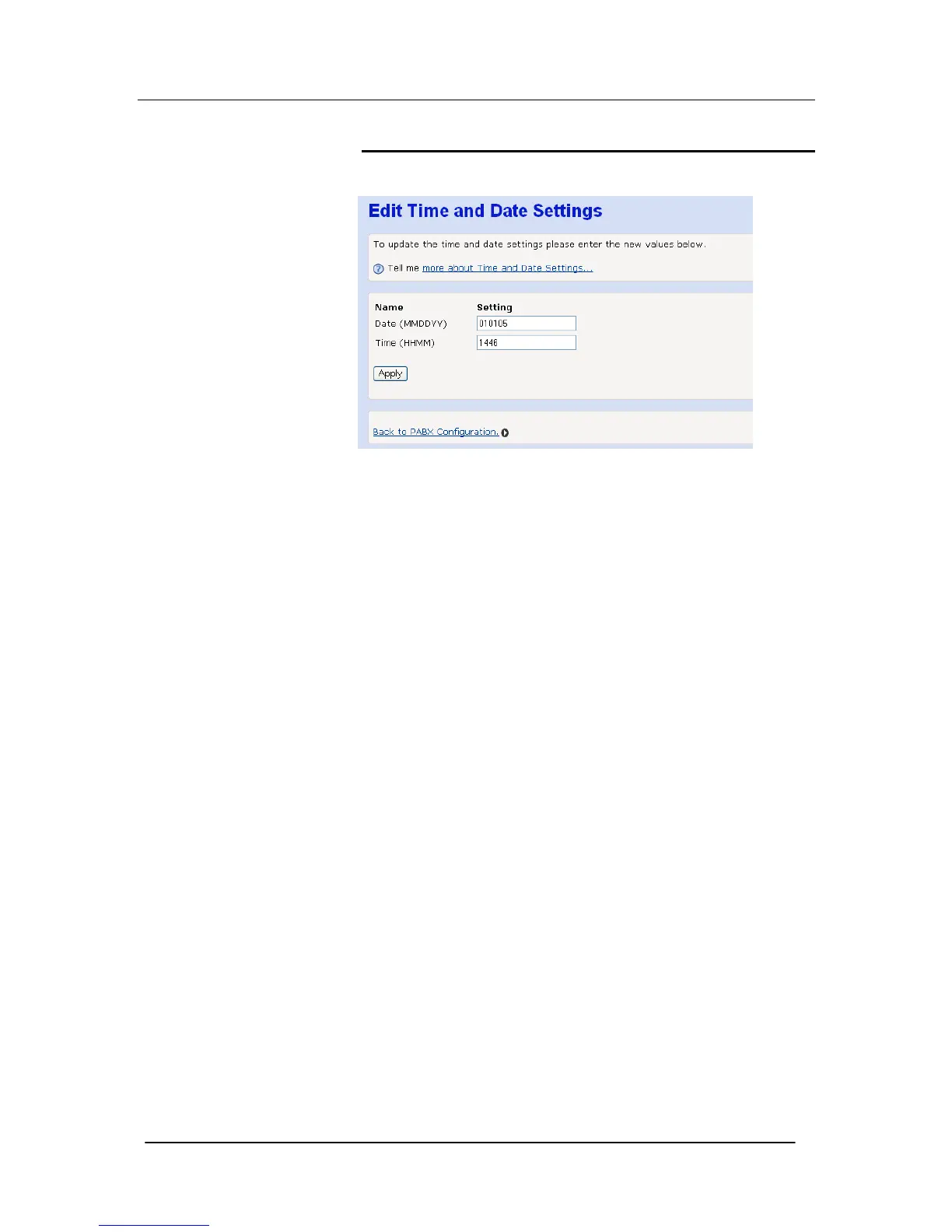
Use this screen to program Time and Date settings for your system.
Date
Use this field to enter the system Date - the time is in the MMDDYY
format, MM is the month, DD is the day, & YY is the year.
For example, 3rd May 2006 =050306
Time
Use this field to enter the system time - the time is in the 24- hour
clock format.





 To Next Page