148
Diagnostics
A range of tests is available which can help in diagnosing problems.
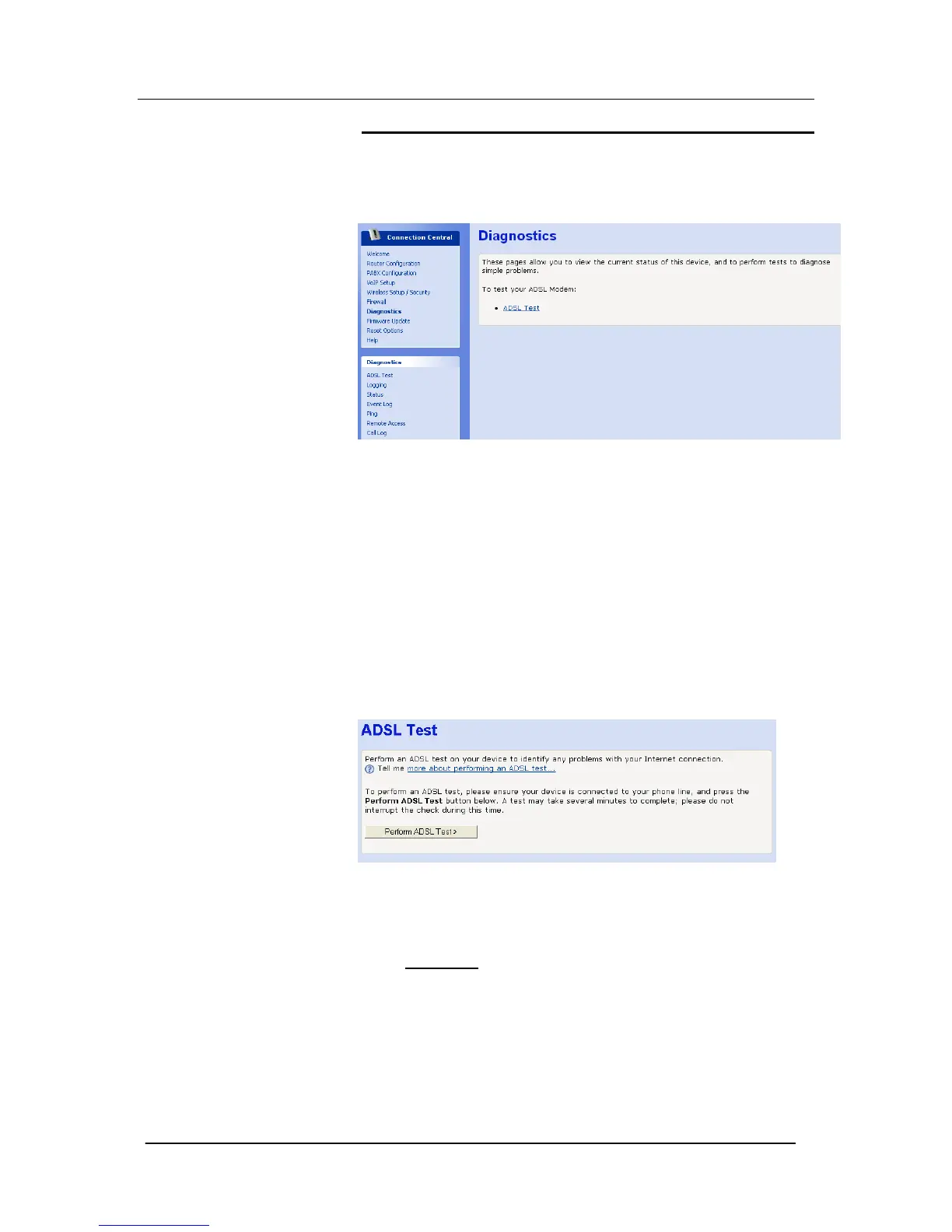
Select Diagnostics on the left-hand menu. The following screen is
displayed: -
ADSL Test / ADSL Status
You can use the ADSL Test to identify any problems with your
Internet connection. The ADSL Test will run a set of tests on your
Internet connection and report back on anything preventing your
connection from working.
The ADSL Test is only applicable when you are using the internal
ADSL Modem to connect Mitel 1000 to the Internet.
When should I run an ADSL Test?
Run an ADSL Test if you cannot access the Internet. If you are
contacting your Internet Service Provider to report a connection
problem, it may help to run an ADSL Test so you can give their
support staff additional information.
Before running the ADSL Test it is advisable to check the status of
the ADSL connection.
Select DSL status in the text ‘Before running an ADSL test, you may
want to monitor how your DSL connection is performing by looking
at the DSL status
page.’
The following page is displayed: -





 To Next Page