147
Select “Clear Blacklist” if you wish to clear all external hosts from
the blacklist.
Select “Apply”
Save Configuration
Restart the Mitel 1000
Security Logging
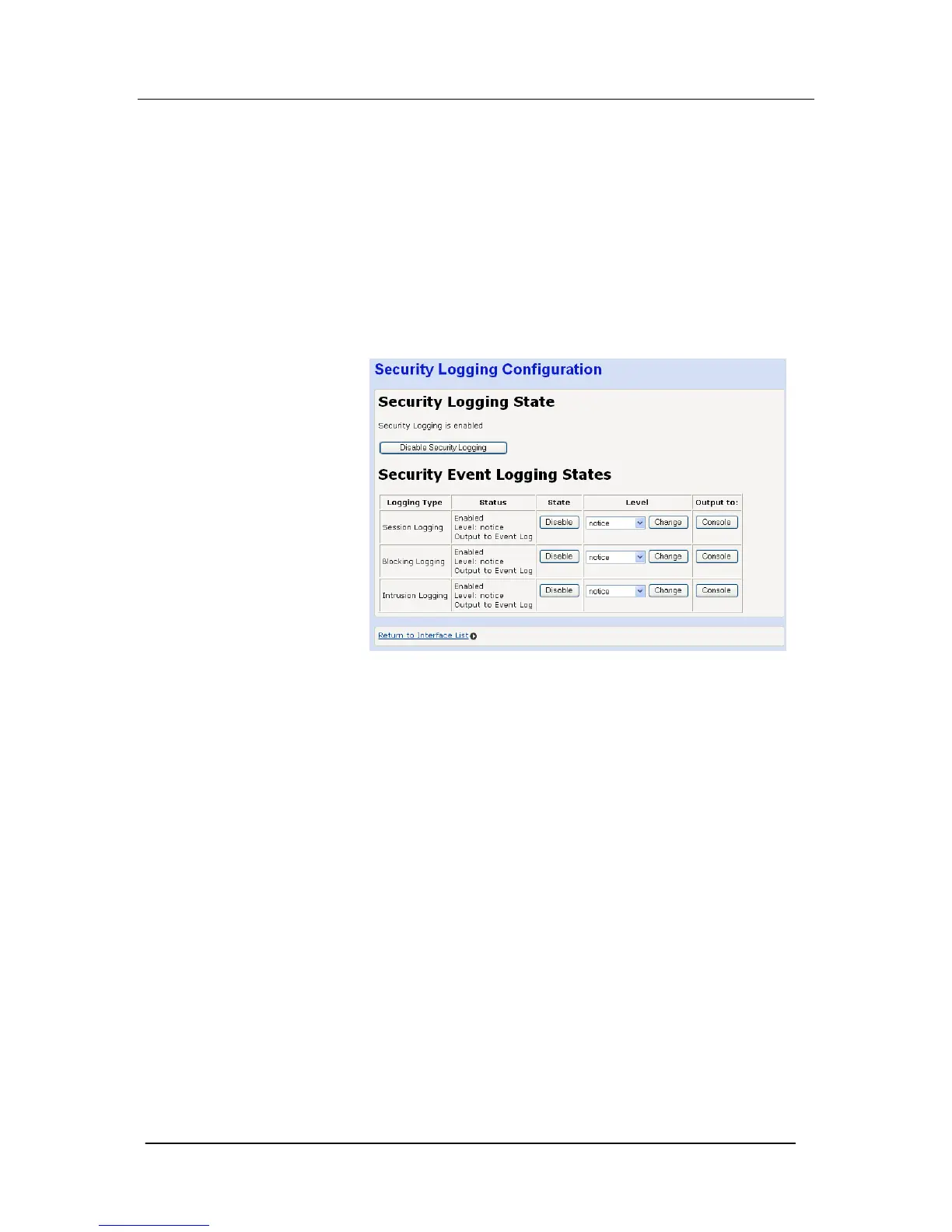
Select “Configure Security Logging …”
The following page is displayed
Logging is enabled by default for Session Logging, Blocking
Logging and Intrusion Logging.
To disable all logging:
Select “Disable Security Logging”
Session Logging, Blocking Logging and Intrusion Logging.
To disable any of the above
Select “Disable”
One of eight logging levels for reporting can be selected from the
drop down menu
Emergency
Alert
Critical
Error
Warning
Notice
Informational
Debug
The output can be directed to the Console or the Event Log.





 To Next Page